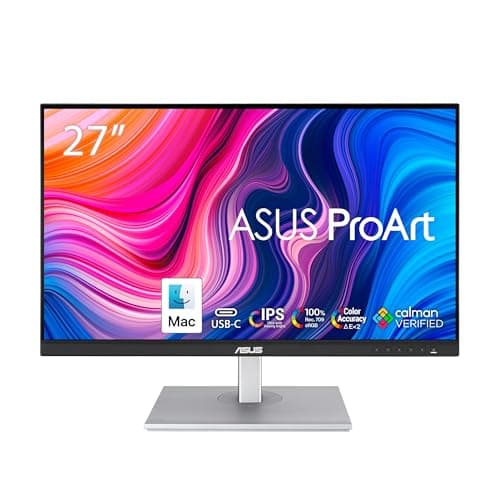
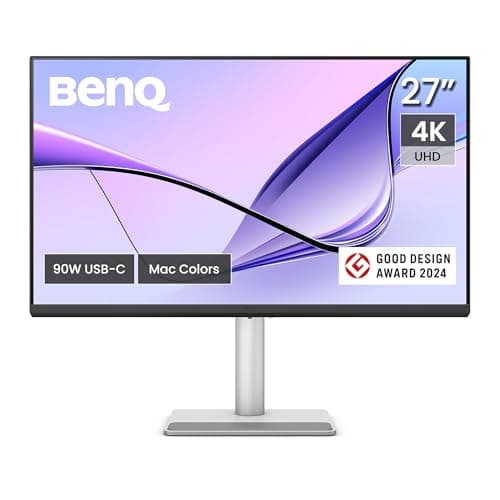
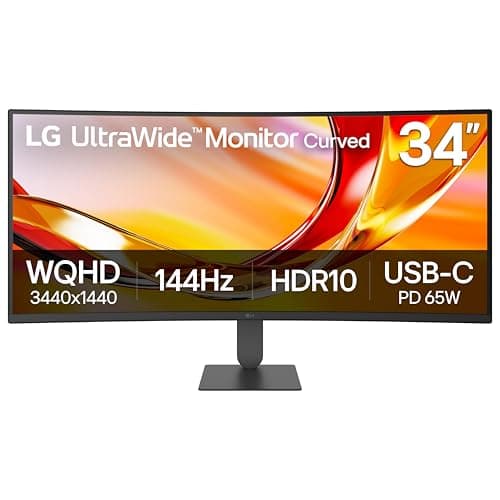
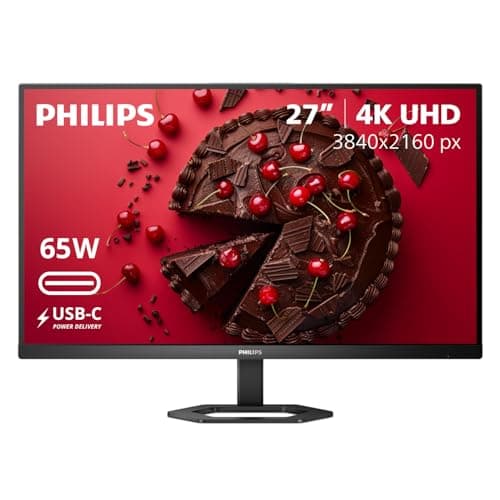
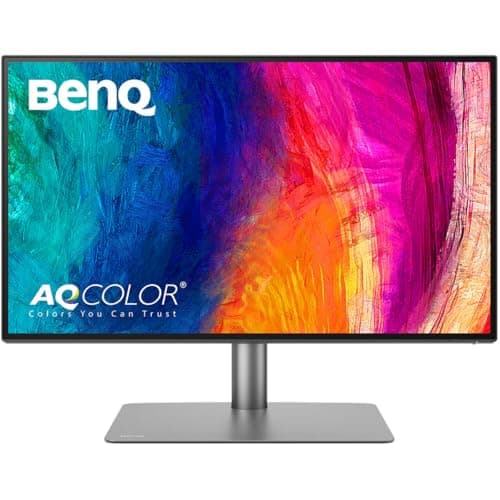
The closest alternative to a Dell UltraSharp is the BenQ PD2725U: 27-inch 4K, a Thunderbolt 3 host connection with 65W of power delivery, a built-in KVM, Thunderbolt daisy chain and a USB hub — which is four of the five things an UltraSharp is actually sold on. The budget pick is the Philips 27E1N5900R, a 4K USB-C panel at around a third of an UltraSharp 4K, with a hub, 65W of charging and a four-year advance-replacement warranty that answers Dell’s service promise more directly than any spec sheet does. If what you want is simply more desktop, the LG 34U640B-B is a 34-inch curved ultrawide for roughly half the price of Dell’s 34-inch UltraSharp.
It is worth being precise about what you are paying for, because “UltraSharp” is not a panel grade so much as a bundle. Strip a U2724DE or a U2723QE down to the specifications Dell publishes and you get five claims: an IPS Black panel, a Thunderbolt 4 host connection with up to 90W, a 2.5 Gigabit Ethernet port, a built-in KVM for two machines, and a daisy chain output for a second display. A monitor, a dock, a network card and a KVM switch, in one box, on one cable.
Which alternative reproduces which claim
| UltraSharp claim | What it buys you | Closest alternative here |
|---|
| Thunderbolt 4, up to 90W | One cable for video, data and laptop charging | BenQ PD2725U (Thunderbolt 3, 65W); BenQ MA270U matches the 90W over USB-C |
| Built-in KVM | One keyboard and mouse across two computers | BenQ PD2725U — the only panel here that publishes one |
| 2.5 Gigabit Ethernet | Wired network from the monitor | None of these six. The only non-Dell panel here with RJ45 is the LG 40U990A-W, at well above UltraSharp money |
| Daisy chain output | A second screen from the first one | BenQ PD2725U (Thunderbolt daisy chain) |
| IPS Black panel | Dell’s own higher-contrast IPS variant | No one else sells it. Nearest on measured color is the ProArt PA278CV |
| Fully adjustable stand | Height, tilt, swivel and 90-degree pivot | PA278CV, PD2725U, MA270U and the Philips all publish the full set |
Two rows there say nothing matches, and they are the two to think hardest about. IPS Black is a Dell-exclusive panel variant, so if contrast ratio is why you were buying, no alternative is the same thing cheaper. And not one of the six panels below publishes an ethernet port — the only non-Dell screen in our registry that does is the LG 40U990A-W, a 40-inch 5K2K ultrawide that costs more than any UltraSharp here, and which we rank on ultrawide monitors for work. If a wired network from the screen is the feature you actually use, the honest answer is to keep the UltraSharp, or to pair a cheaper panel with a Thunderbolt dock, which is where every other alternative puts the ethernet port anyway.
The arithmetic that makes this page worth reading
A cheaper panel plus a dock often costs less than the UltraSharp and does more. A 4K USB-C budget 4K USB-C monitor plus a Thunderbolt dock gets you the ethernet, more ports than the monitor had, and the dock survives your next monitor. What you lose is the tidiness: two boxes and two power bricks instead of one. USB-C monitor versus docking station runs those numbers properly, and the dual-monitor dock roundup is the shortlist if you go that way.
The KVM case is the one where the monitor route genuinely wins, because a monitor KVM switches the keyboard and mouse at the same moment the input changes. If you are replacing an UltraSharp specifically for that, either buy the BenQ PD2725U or put a standalone switch behind a cheaper panel — the KVM roundup ranks those, and two computers, one desk works through all four routes.
Where the UltraSharp is still the right buy
Three cases, said plainly. If you want the ethernet port, nothing here replaces it. If you are deploying more than one or two and care about the service terms Dell publishes for the line, that is a real purchasing reason and not a marketing one. And if contrast is what you look at all day — dark interfaces, photography, video review — IPS Black is Dell’s own panel variant and no one else has it. Everything else on the list is reproducible for less, which is what the six picks below do.
Check the power figure against your laptop, not against the monitor
The number that matters is what your laptop asks for, not what the monitor offers. A 13-inch ultrabook is usually happy on 65W; a 16-inch workstation laptop can ask for 100W or more and will charge slowly, or not at all under load, on 65W. Dell publishes 90W on the UltraSharp hub monitors; the BenQ MA270U matches it over USB-C, while the PD2725U, the ProArt and the Philips publish 65W. Find your laptop’s supplied adapter wattage and treat that as the floor.
Resolution and size, before brand
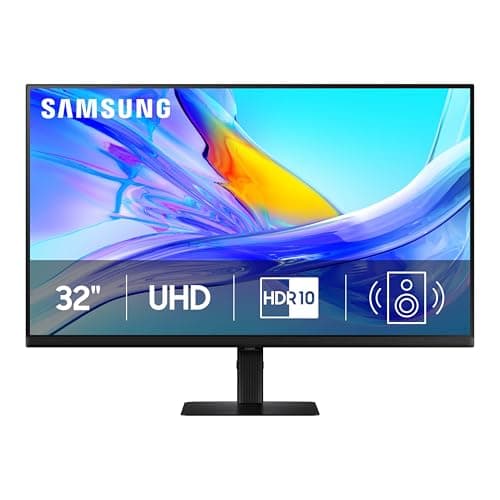
Two of these alternatives are 27-inch 4K (about 163 pixels per inch), one is 32-inch 4K (about 138), one is 27-inch QHD (about 109) and one is a 34-inch ultrawide. Those are genuinely different products and the UltraSharp line sells all of them, so the honest first question is which geometry you want: 1440p versus 4K has the density arithmetic, ultrawide versus dual monitors covers the width decision, and monitor size for a dual setup is the measurement both of those come down to.
If it is the stand you liked
A lot of UltraSharp loyalty is really stand loyalty: height, tilt, swivel and a 90-degree pivot, which cheaper panels often omit. Four of the six picks here publish the full set, and if the one you want does not, an arm costs a fraction of the difference between these monitors — monitor arms under $100 is the page, and it hands back the desk depth the stand base was using as a bonus.
For the full field ranked on hub capability rather than against Dell, the USB-C monitors roundup is the page — it ranks the UltraSharps inside the field instead of replacing them, which is the opposite job to this one.