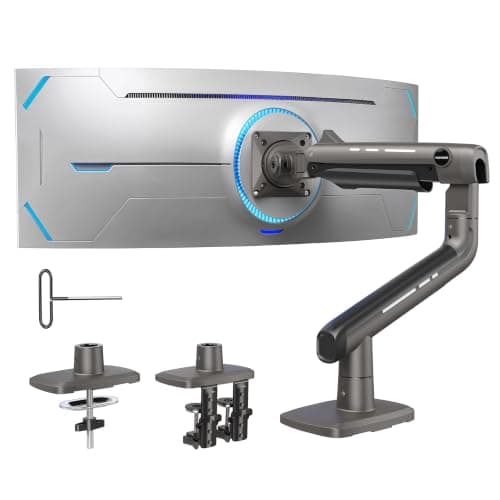
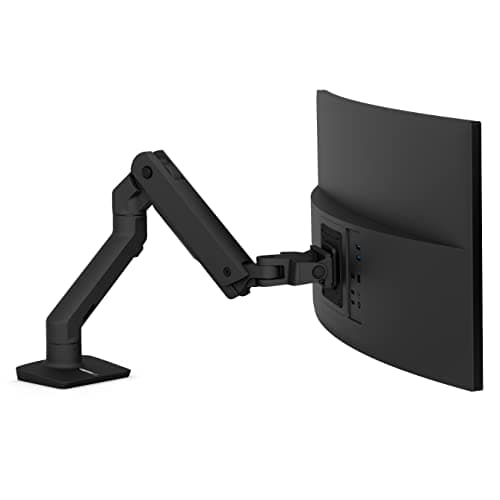
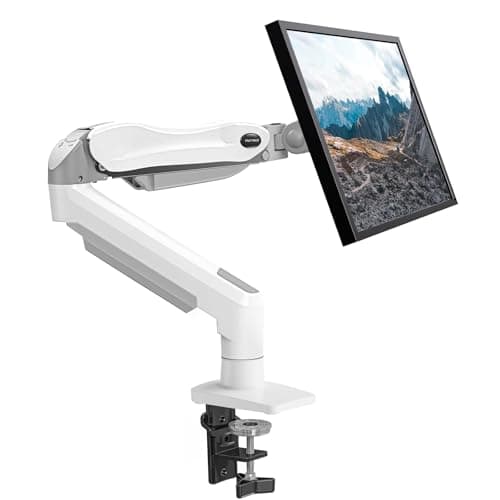
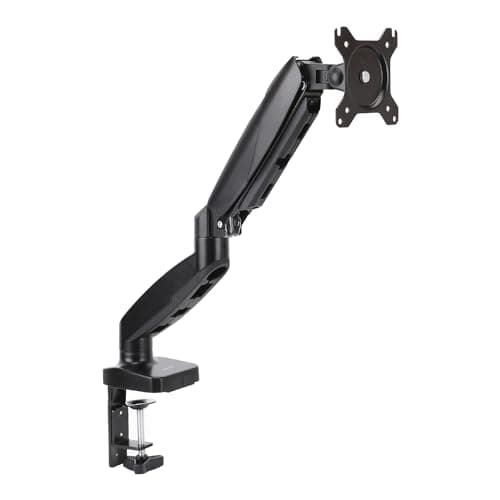
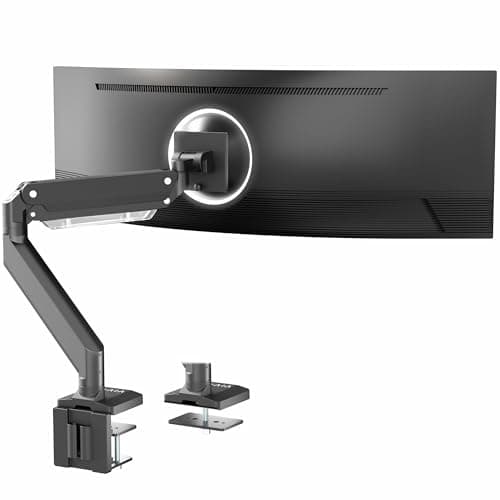
If you want an arm that does what the LX does without the badge, the VIVO Premium Aluminum Ultrawide Monitor Arm is the pick: it publishes the same 13 inches of height travel and takes 33 lb against the LX’s 25 lb ceiling. If your panel is heavier or wider than the LX is rated for, the HUANUO TitanLift holds 44 lb up to 49 inches on a dual C-clamp. And the budget pick is the Amazon Basics Gas Spring Single Monitor Arm, which does the one thing that matters most - putting the top of the screen at eye level and giving back the desk depth - for a small fraction of the LX.
What the Ergotron LX is known for
Four published numbers and one mechanism, taken from Ergotron’s own specification for the LX desk mount. Knowing which of them you actually need is the whole job:
- Constant Force lift. Not a gas spring - a spring-and-cam mechanism that moves with one finger and stays exactly where you leave it, without the tension knob fiddling a gas-spring arm needs. This is the part nothing cheaper reproduces, and if you reposition your screen several times a day it is what you are paying for.
- About 13 inches of lift. Enough to cover the difference between a seated and a standing viewing angle, which is why it is the arm people put on sit-stand desks.
- A 7 to 25 lb weight window. Note that this is a window with two ends, not a maximum - more on that below, because it is the specification most buyers misread.
- Screens up to 34 inches, VESA 75 x 75 and 100 x 100mm, on a desk clamp or a grommet mount.
And the three honest reasons people look elsewhere, none of which make it a bad arm: it costs several times a value gas-spring arm, its 25 lb and 34-inch ceilings rule out the heaviest large-format panels, and like every clamp arm it needs a clear back edge or a grommet hole.
The weight window has two ends, and the bottom one matters
This is the single most useful thing on this page, so it goes before the picks. A counterbalanced arm - Constant Force or gas spring - is tuned to hold a screen inside a range. Hang something heavier than the top of the range and the arm sags or will not hold position. Hang something lighter than the bottom of the range and the opposite happens: the arm pushes the screen upward and will not stay down, no matter how far you back the tension off.
So the right way to shop an arm is to weigh the monitor - the panel alone, without its stand - and find an arm whose published range contains that number with room on both sides. Here is where each pick on this page starts and stops:
| Arm | Published weight window | Screen ceiling | VESA | Lift |
|---|
| Ergotron LX (the original) | 7 to 25 lb | 34″ | 75 x 75, 100 x 100 | About 13″, Constant Force |
| VIVO Premium Aluminum | Up to 33 lb | 49″ | 75 x 75, 100 x 100 | 13″ pneumatic |
| HUANUO TitanLift | Holds 44 lb | 49″ | Max 100 x 100 | Not published as a figure |
| Ergotron HX | 20 to 42 lb | 49″ | 75 x 75 up to 200 x 200 | Center height 6.3 to 17.8″ |
| HUANUO Single Monitor Mount | 4.4 to 17.6 lb | 32″ | 75 x 75, 100 x 100 | Not published as a figure |
| Amazon Basics Gas Spring | Up to about 17.6 lb | 32″ | 75 x 75, 100 x 100 | Not published as a figure |
Read the bottom numbers as carefully as the top ones. A modern 24-inch panel can weigh under 7 lb without its stand, which puts it below the LX’s published floor - and the HUANUO single, starting at 4.4 lb, is the arm on this page that covers it. At the other end, the Ergotron HX starts at 20 lb, so putting a light 27-inch screen on it is just as wrong a pairing, which is why it is ranked here as the heavy-panel answer rather than the better Ergotron.
Which alternative matches which reason
| If you want… | The pick | What it matches or beats |
|---|
| The same arm for less | VIVO Premium Aluminum | The same published 13″ of travel, and 33 lb against 25 |
| To hang something heavier | HUANUO TitanLift | 44 lb and 49″, on a dual C-clamp |
| More Ergotron, not less | Ergotron HX | 20 to 42 lb, 200 x 200 VESA, 10,000 rated motion cycles |
| To hang something lighter than 7 lb | HUANUO Single Monitor Mount | A 4.4 lb floor, below the LX’s |
| Just a lower price | Amazon Basics Gas Spring | Eye-level height and the desk depth back, for a fraction |
What none of them match is Constant Force itself. Every cheaper arm here is a gas spring, which means a tension screw you set once and occasionally reset as the spring relaxes. That is a small irritation if you move the screen twice a year and a real one if you move it between sitting and standing every day. It is the honest reason the LX costs what it does, and we are not going to pretend otherwise.
Three checks before you buy any of them
- Does the monitor have VESA holes? Four screws in a square on the back, 75mm or 100mm apart. A lot of consumer panels with decorative stands do not have them, and no arm on earth fixes that. VESA mount sizes explained covers the patterns and the adapter cases.
- What does the panel weigh without its stand? The number on the box is usually with the stand attached, which can be a third of the total. Find the panel-only figure in the manufacturer specification, then check it sits inside the arm’s window with margin at both ends.
- Is the back edge of the desk clear? A clamp needs a few inches of unobstructed edge and a top it can grip without crushing. On a thin laminate top, spread the load or use a grommet instead - how to install a monitor arm has the full fit check, including desk thickness ranges.
Constant Force versus a gas spring, in practice
Both mechanisms counterbalance the screen so it stays where you put it. They differ in how they are set and how they age. A gas spring is adjusted with an Allen key on a tension screw: you set it once for your panel’s weight, and you reset it occasionally as the spring relaxes or when you change monitors. Constant Force uses a spring-and-cam arrangement designed to deliver the same lift through the whole travel, which is what makes the LX move with one finger and stay put with no fiddling.
How much that is worth depends entirely on how often you move the screen. On a fixed-height desk where the monitor is set once and left, a gas spring is genuinely fine and the saving is real. On a sit-stand desk where the screen angle changes with every height change, the LX earns its price back in irritation avoided - and that is the case our monitor arm versus stand page makes in full.
If you are mounting two screens, start somewhere else
Two LX arms is a common plan and usually the wrong one: a purpose-built dual arm shares one post and one clamp, which uses less desk edge and keeps the two panels aligned to each other rather than to the desk. The dual monitor arms roundup ranks those, and how to align dual monitors is the geometry it solves. For a single very wide panel, arms for ultrawide screens is the right page - two of the picks above appear there, ranked against each other on capacity rather than against the LX.
Where the LX is still the right buy
Three cases, stated plainly because an alternatives page that never says so is not much use. If your screen is between 7 and 25 lb, if you move it between sitting and standing most days, and if you want the arm to still be working in a decade, the LX is the arm - and the alternatives above are all trading one of those three away. The full field, with the LX ranked against the value arms on their own terms, is in the best monitor arms roundup.