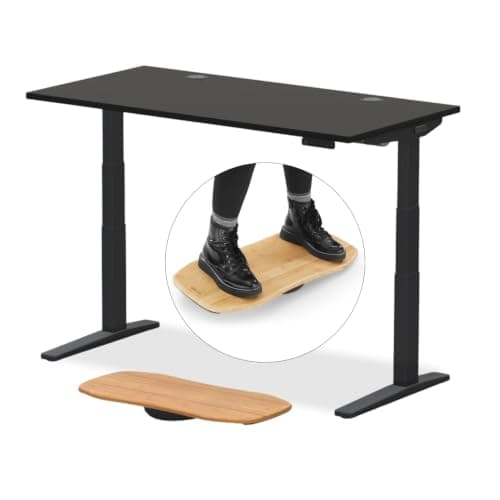
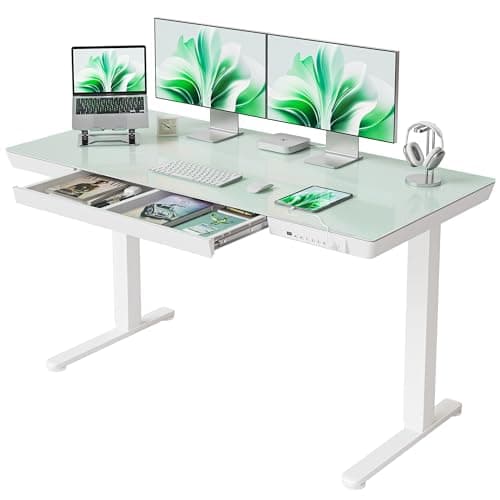
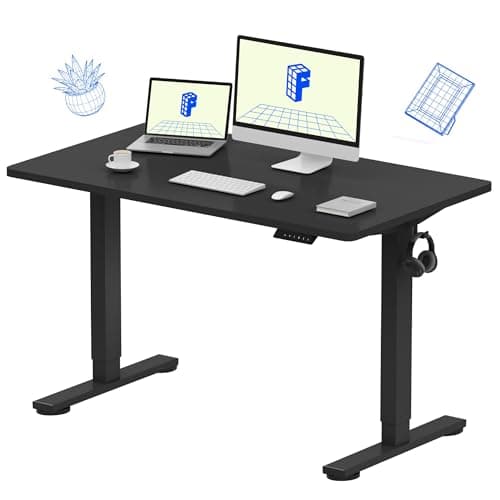
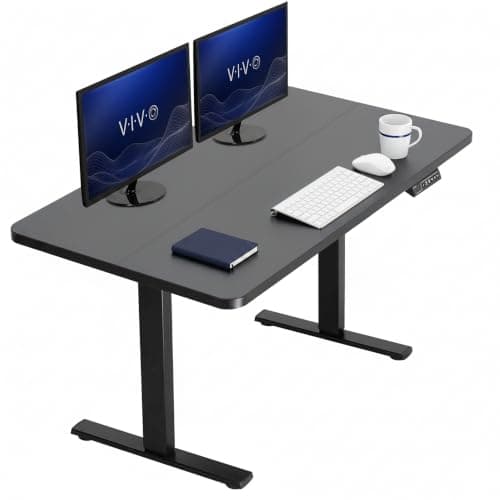
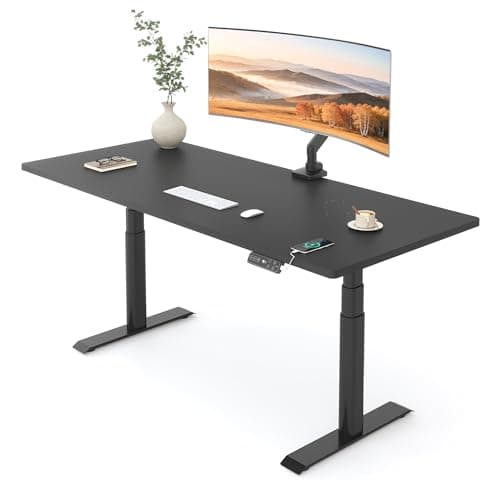
A standing desk is really two purchases wearing one top: the frame that lifts and the surface bolted to it. Spend your attention on the frame. The motor count, the height range, and how the legs are built decide whether the desk glides to a dead-stop platform or shimmies every time you reach for the mouse at full extension. The top is just the part you can see.
Match the height range to your body, not the marketing
The single most useful spec is the travel range — the lowest and highest the surface goes. Measure two numbers on yourself first: your seated elbow height with your feet flat and forearms level, and your standing elbow height in shoes. A good electric desk should drop low enough to hit the first and rise past the second with room to spare; most quality frames span roughly 25 to 50 inches to cover the range of adult heights. If you are tall, check the top of the range carefully, and if you are short, check the bottom — a desk that does not go low enough seated is as useless as one that does not go high enough standing.
Single motor versus dual, and why capacity matters
A single-motor desk drives both legs from one gearbox: it is cheaper, but slower, noisier, and it carries less. A dual-motor frame puts a motor in each leg, so it lifts faster, holds more, and shares the load for a steadier feel. Weight capacity is the spec people ignore until it bites — two monitors on an arm, a laptop, a dock, and a lamp add up quickly, so buy a rating with headroom rather than one you will sit right at the edge of. Dual motors and a high capacity are why the frames near the top of this list cost more than the ones near the bottom.
Wobble is the real enemy
Every lifting desk sways a little at full height; the good ones sway so little you never notice. The difference comes from three-stage legs, a stiff frame, and a top that is not too long for its supports. If your desk already wobbles, a crossbar or an anti-collision recalibration helps, but the frame sets the ceiling. If you are not sure you will actually use height changes, the best home office desks roundup covers cheaper fixed slabs, and the standing desk vs sitting desk comparison lays out the trade-off honestly. Whichever you pick, leave cable slack for the movement and route it with our under-desk cable management guide, and see how we pick for how these are ranked.
How to choose a standing desk
Buy the frame first and treat the top as a detail. Start with range: measure your seated and standing elbow heights, then confirm the desk’s low and high numbers bracket both with a little margin. A frame that only just reaches your standing height will feel cramped the day you wear thicker shoes.
Next, decide between one motor and two. If your budget is tight and your load is light, a single-motor desk is a legitimate way in — just expect slower, noisier lifts. If you run two monitors, a dock, and everything that clips to a battlestation, a dual-motor frame with a generous weight rating is worth the step up, because it lifts faster and holds steadier. Always read the capacity as a ceiling to stay well under, not a target to hit.
Then judge steadiness. Three-stage legs telescope in three sections and generally feel firmer at full height than two-stage legs; a stiff frame and a top sized to its supports matter more than any marketing about materials. Memory presets are a genuine convenience — without them you will nudge the buttons every switch and eventually stop switching. Finally, plan for the movement itself: a desk that travels a foot needs slack in every cable, so pair it with a cable management plan and read the full desk setup guide before you build it.
If you are deciding whether to order now or wait for November, FlexiSpot has cut its frames for the last two Black Fridays; the Black Friday home office deals hub has the dated evidence and the buy-now-or-wait call for standing desks.