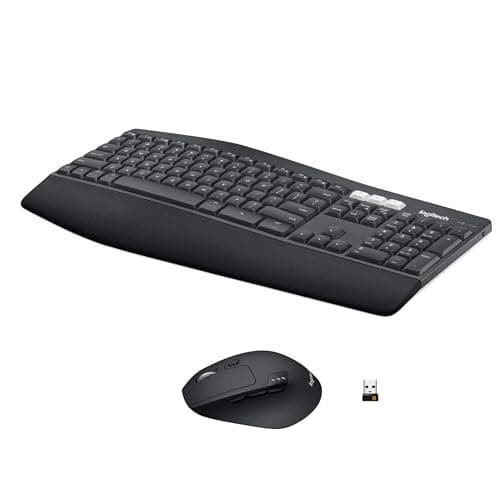
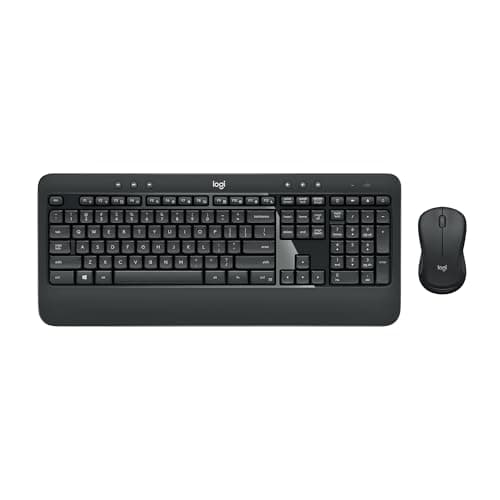
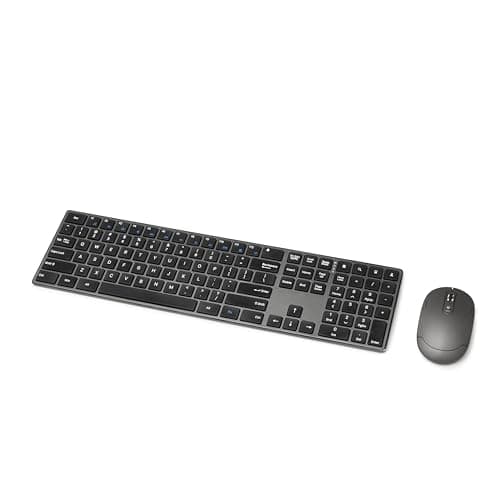
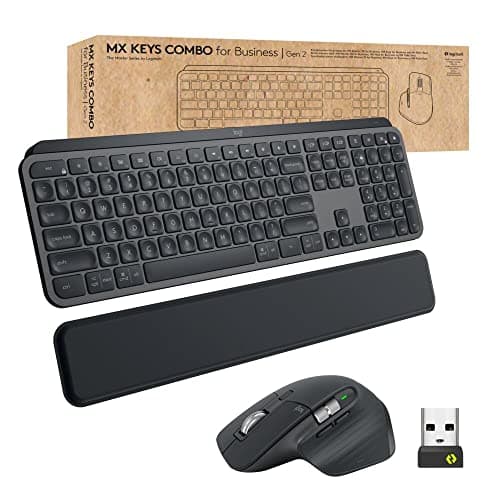
Most keyboard and mouse combos are two cheap products in one box. A few are genuinely engineered as a pair, and the difference shows up in one place: how many USB ports the set occupies and how many separate apps it needs.
One receiver, two devicesis the whole point. A keyboard with its own dongle and a mouse with another takes two ports on a desk where ports are already scarce — and on a laptop with two USB-C sockets, it is genuinely a problem. Logitech’s Unifying and Logi Bolt receivers pair both halves to one dongle; so do most first-party combos. Cheap bundles often do too, and it is worth confirming rather than assuming.
Multi-device switchingis the second thing to look for, and it matters more on this site than most, because a desk with a work laptop and a personal machine is the normal case here. A combo with Easy-Switch keys moves both keyboard and mouse between up to three paired machines at the press of a key. The alternative — a KVM switch or a monitor with a built-in KVM — is better if the screens have to follow too, but a switching combo costs far less if they do not.
Battery model is the third, and it is a genuine fork rather than a spec. Replaceable AA and AAA cells last two to three years and are swapped in thirty seconds. Rechargeable lithium runs for weeks or months and then needs a USB-C cable for an hour. Neither is better; they suit different habits, and the marketing will not tell you which one you are.
Two things a combo is notgood for. It is not the way to buy an ergonomic keyboard — the split and tented boards worth having are sold on their own, and are in the ergonomic keyboard roundup. And it is not the way to buy a mechanical keyboard, because almost no combo includes one; the mechanical field is in best mechanical keyboards for the office.
What to check before buying any combo
One receiver, or two?
Confirm it explicitly. A set that ships two dongles occupies two USB ports for the rest of its life, and on a laptop desk that is the difference between needing a hub and not. Logitech Unifying and Logi Bolt both pair multiple devices to one receiver; most other manufacturers use a proprietary pairing that also covers both halves, but the listing has to say so.
Receiver or Bluetooth?
A dongle works before the operating system loads, which matters if you ever need to get into a BIOS or a boot menu, and it is immune to the Bluetooth reconnection lag that some machines suffer after sleep. Bluetooth costs no port and switches between devices more freely. The best sets do both, and being able to choose is worth more than either on its own.
Batteries: cells or charging?
A keyboard rated for 36 months on two AAA cells is genuinely maintenance-free; you will replace it before you replace the batteries twice. A rechargeable keyboard needs a cable for an hour every week or two if the backlight is on. If you have a habit of leaving things flat, cells win. If you hate disposable batteries, charging wins.
The mouse is usually the weak half
In most combos the mouse is the compromise: a small, low-DPI, symmetric shape that exists to complete the box. If you use a mouse all day, it is worth checking whether you would rather buy the keyboard alone and pair it with a proper mouse — a vertical mouse or a trackball if the reason you are shopping is wrist or forearm discomfort, or a sculpted productivity mouse if it is not. The two are compared in vertical mouse vs trackball.
Full-size versus compact
Every combo here is full size, because that is what the category is. If you do not use the number pad, a compact keyboard bought separately will bring your mouse three to five inches closer to your body, which is a bigger ergonomic improvement than anything a combo offers. That trade is in the compact keyboard roundup.
Then set the height correctly
Whichever set you buy, the tilt legs are usually the wrong choice. Tilting a keyboard up extends the wrists, and flat or slightly negative is what most people should be using. The reasoning and the setup are in keyboard and mouse ergonomics.