SECTION 03
The upgrade you feel from the first hour
Adjustability, sizing, and the difference the premium brands actually buy for eight-hour days.
We earn a commission when you buy through our Amazon links, at no extra cost to you. It never affects our rankings, and we say so when the cheaper product is the better buy. How this works.
Start here
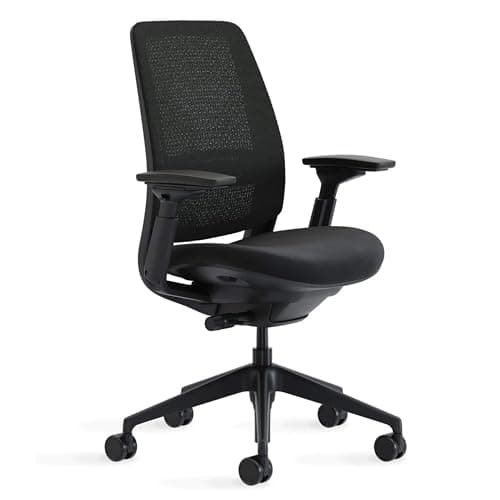
The ergonomic chairs worth the upgrade
Five ergonomic office chairs ranked on real adjustability, sizing, and build - from a flagship icon to a genuine budget pick.
Best Overall · Steelcase Series 2 Ergonomic Office Chair
$633.08View on AmazonA chair is the component you feel, not the one you look at, and the one where the gap between entry gear and the real thing is most obvious the moment you sit down. If you are upgrading from a mesh-back special that sagged after a year, you already know the problem. The question now is which adjustments actually matter for your body and your hours, and which are marketing bolted onto a cheap frame.
The number that decides the buy: hours in the seat
Before any spec, count your daily hours. Someone parked for eight-plus hours needs a different chair than someone who sits for two — more adjustability, better weight distribution, and a backrest that supports a real recline. That hours figure sets your budget and your feature list. The best office chairs for long hours roundup is built around all-day support specifically; the broader best ergonomic office chairs guide covers the full field, from workhorse mesh chairs to the flagship task chairs.
How the category divides into types
The first fork is the back and seat material: full mesh breathes and shows you the frame it is built on, molded foam is plush and warmer, and hybrids split the difference with a mesh back over a foam seat. The second fork is the adjustment tier. Entry chairs give you height and maybe a tilt. Serious ergonomic chairs add a seat-depth slide, adjustable lumbar depth, 4D armrests that move in four directions, and recline tension you can actually tune. The third fork is sizing, and it is the one enthusiasts underrate — the same model can come in distinct frame sizes (the Herman Miller Aeron famously ships in sizes A, B, and C), so a chair that is objectively excellent can still be wrong for your height and hips.
The adjustments worth paying for
- A seat-depth slide, so the front edge clears the back of your knees on a long or short femur.
- Independent lumbar height and depth, so the support lands on your lower back rather than your mid-spine.
- 4D armrests that set height, width, depth, and angle to meet your elbows at desk height.
- A recline mechanism weighted to your body, with a tilt limiter that stops you tipping too far.
What actually decides the price
You are paying for two things: the number and quality of independent adjustments, and the longevity of the frame under them. A premium chair earns its price with a seat that slides, a lumbar you can position by height and depth, arms that move on four axes, and a recline mechanism weighted to your body — plus a warranty that backs it, often around 12 years on the top-tier brands. Cheaper chairs imitate the look but use a fixed lumbar, plastic arm posts, and a gas lift that fades within a year or two. That gap in longevity is also why a used flagship chair often beats a new budget one at the same money, and why the resale value on the top brands stays high. The Herman Miller vs Steelcase comparison is the clearest window into what that premium actually buys.
The mistake buyers make, and where to start
The common error is buying a chair for its silhouette — the aggressive “gaming” look or a famous name — without checking that the size and adjustments fit your body. A chair that does not fit is uncomfortable at any price. Settle the fit questions first: does the seat depth leave a couple of fingers behind your knees, does the lumbar land on your lower back, do the arms support your elbows at desk height? Start with the ergonomic chairs roundup, then finish the picture below the desk with the right screen-raising and support accessories so your posture stays neutral head to foot. The full logic lives in the complete desk setup guide.
Everything in this hub
All ergonomic chairs guides
Roundup
The ergonomic chairs worth the upgrade
Five ergonomic office chairs ranked on real adjustability, sizing, and build - from a flagship icon to a genuine budget pick.
Top pick · Steelcase Series 2 Ergonomic Office Chair
Roundup
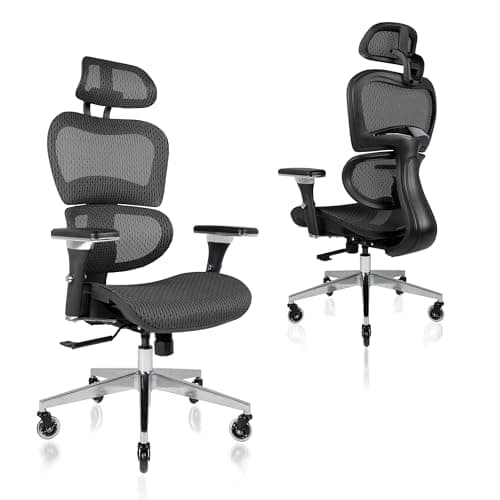
The chairs that survive an eight-hour day
Four office chairs ranked for full workdays on the things that fail late - heat, lumbar, recline, and seat depth.
Top pick · Nouhaus Ergo3D Ergonomic Office Chair
Comparison
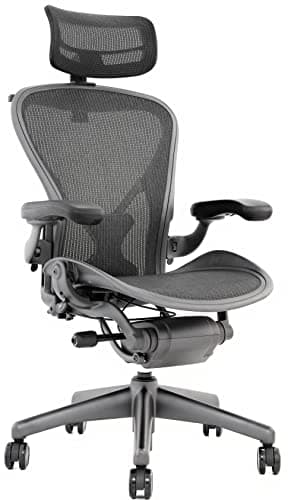
Herman Miller Aeron vs Steelcase Series 2
The icon versus the value flagship - Aeron and Series 2 compared on support, adjustability, materials, warranty, and price.
Top pick · Herman Miller Aeron
Roundup
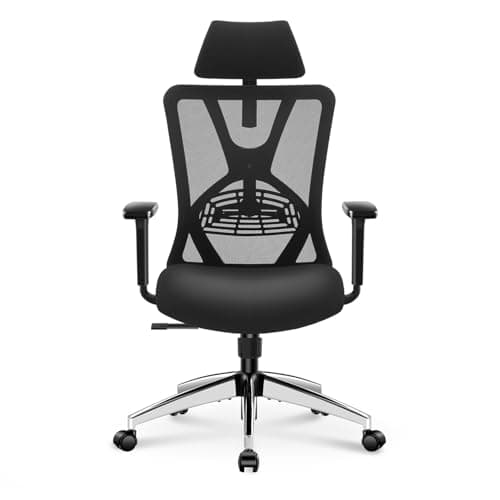
The Best Budget Office Chairs
Budget office chairs ranked on the three adjustments that actually affect your back — seat height, lumbar support, and armrests — with a clear account of what the low price costs you.
Top pick · Ticova Ergonomic Office Chair with Adjustable Lumbar Support
Roundup
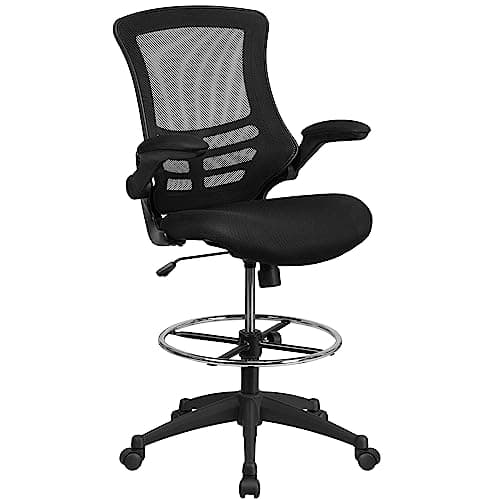
The Best Drafting Chairs & Tall Stools
Tall chairs for standing desks and high benches ranked on height range, foot support, and back support — from a leaning stool to a full drafting chair with a foot ring.
Top pick · Flash Furniture Mesh Adjustable Ergonomic Drafting Chair
Comparison
Aeron or Embody?
The two flagship Herman Miller chairs compared on support philosophy, temperature, posture, sizing, and price — with a straight answer about which body and which working style suits each.
Top pick · Herman Miller Aeron Chair (the suspension case)
Roundup
The Best Office Chairs for Back Pain
Chairs judged on the one adjustment that reliably changes how a back feels at 5pm - lumbar support that moves in height and depth - plus seat depth, recline range, and honest fit limits. Winner: the Steelcase Series 2.
Top pick · Steelcase Series 2 Ergonomic Office Chair
Roundup
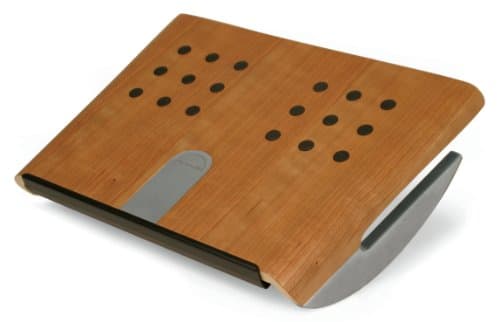
The Best Under-Desk Footrests
Footrests ranked on the height range they actually cover, whether the angle adjusts, and whether the platform lets your feet move - the cheapest fix for a desk that is too tall. Winner: the Humanscale FM300.
Top pick · Humanscale FM300 Foot Machine Footrest
- Guide
Guide
How to Adjust an Office Chair
The five-minute sequence for setting up any office chair - seat height from your elbows, then seat depth, lumbar, armrests, and recline last - plus what to check a week later.
Roundup
The Best Mesh Office Chairs
Mesh chairs ranked on whether the mesh is genuine tensioned suspension or a stretched panel, plus lumbar adjustment, capacity and warranty - budget to flagship.
Top pick · Herman Miller Aeron Chair
Roundup
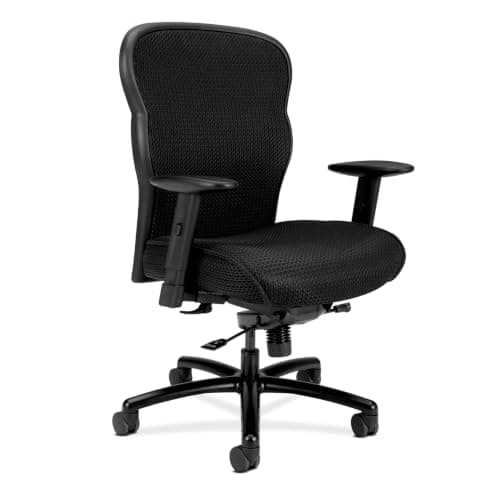
Best Office Chairs for Tall and Heavy Users
Chairs ranked for tall and heavy sitters on published weight rating, seat height range, seat width and depth, and back height - with the measurements to take first.
Top pick · HON Wave Big and Tall Mesh Executive Chair
Comparison
Gaming Chair or Office Chair?
Racing-style gaming chairs against task chairs on posture, recline, heat, adjustability and lifespan - plus the setups where each one is genuinely the right buy.
Top pick · Steelcase Series 2 (the office chair case)
Comparison
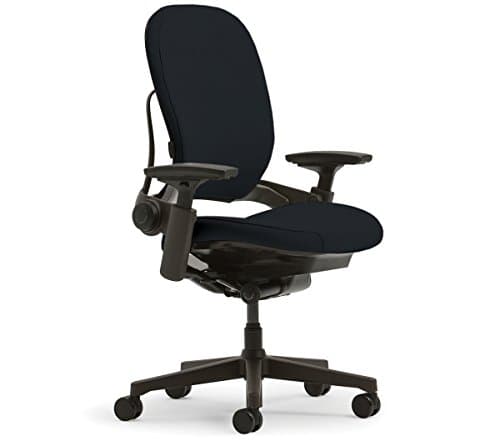
Steelcase Leap or Gesture?
Leap V2 against Gesture on back mechanism, armrest range, seat depth and recline - plus the cheaper Steelcase that beats both on value.
Top pick · Steelcase Leap Chair V2 (the back specialist)
Complete the setup
A setup is a system — finish it
- Monitors & ArmsUltrawide versus dual, IPS versus OLED, and the mount that reclaims your desk - picking the panel you will stare at all day.
- Standing DesksSit-stand or fixed, single motor or dual - why the frame under the desk matters more than the top on it.
- Keyboards & MiceSplit, tented, mechanical, vertical - choosing the shape that keeps your wrists neutral, then the feel you like.