A curved screen is one of the few display features with a physical justification that is easy to state and easy to test. A flat panel puts its far edges further from your eyes than its center; the wider the panel, the bigger that difference, and the more your eyes have to refocus and your head has to turn as you track across it. Curving the panel pulls the edges back toward you so the whole surface sits at a more even distance. That is the entire mechanism. Everything else said about curved monitors — immersion, depth, reduced fatigue — follows from it or is decoration.
Which means the curve’s value scales with panel width. On a 27-inch 16:9 screen the edge-to-center distance difference is small enough that most people cannot feel it, and the curve mainly buys you a look. On a 34-inch 21:9 ultrawide it is substantial, and the curve stops being a style choice and starts being the reason the shape works at all. If you are shopping curved at 27 inches, buy it because you like it; if you are shopping curved at 34, buy it because it works.
The number that describes the curve is the radius, written like 1800R or 1000R, and it is genuinely useful once you know what it means: it is the radius in millimeters of the circle the panel is a section of. A 1000R panel is a section of a one-meter circle and is aggressively curved; 1800R is a much gentler bend. Smaller number, tighter curve. The tighter the curve, the closer the intended viewing distance — a 1000R screen assumes you sit about a meter away, which is close, and it looks distorted if you sit much further back.
One honest caveat runs through this whole category: a curved panel is a poor choice for anything that depends on straight lines being straight. Drafting, layout, photo work where perspective matters — all of it fights the curve. If that is your work, our curved versus flat comparison lays out the trade in more detail, and the flat answer is probably yours. The picks below are scored on published specifications and the viewing geometry, as described on how we pick.
The short answer
Quick picks
| # | Product | Best for | Score | Price |
|---|
| 01 | No image LG 34WP65C-B 34" UltraWide QHD CurvedThe size and radius combination where a curve genuinely earns its place. 34 inches of 21:9 at 3440 x 1440 with a gentle 1800R bend, which evens out the viewing distance without warping straight lines. | Best overall | | Check price → |
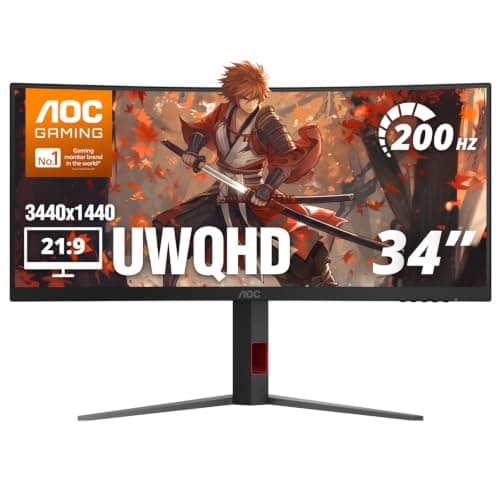
| 02 | AOC CU34G4H 34" Curved UWQHDThe cheapest way into a genuinely useful 34-inch curved ultrawide. Same 3440 x 1440 canvas as panels costing far more, with a fast 200Hz VA panel and the corners cut where you feel them least. | Best value ultrawide | | $229.99·Amazon |
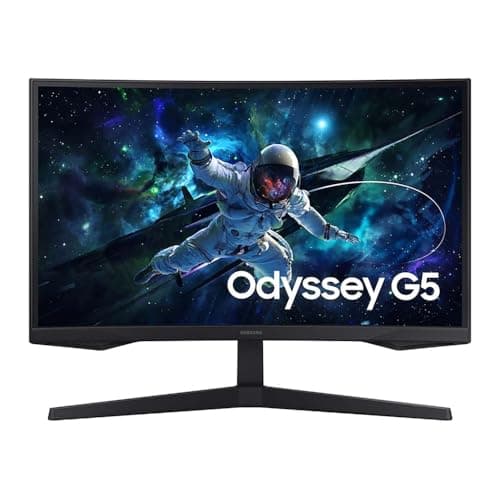
| 03 | Samsung 32" Odyssey G5 QHD Curved (1000R)The aggressive-curve option. A 1000R bend on a 32-inch 1440p panel wraps much further into your peripheral vision than the ultrawides here, which is either exactly what you wanted or too much. | Best immersive curve | | $149.99·Amazon |
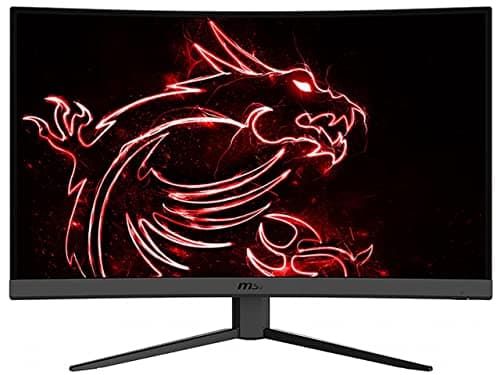
| 04 | MSI G32C4 32" Curved Gaming MonitorA large curved panel at the lowest cost per inch here, with the honest trade stated up front: 1920 x 1080 stretched over 32 inches. Good for a secondary or media screen, wrong as a primary text display. | Best big screen on a budget | | $198.52·Amazon |
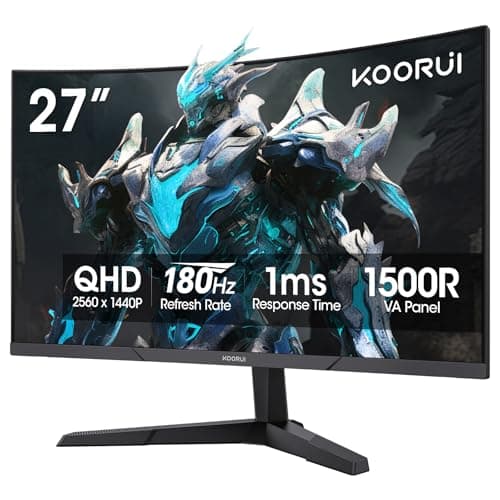
| 05 | KOORUI 27" Curved QHD (1500R)The sensible small-curved pick, and the one where we are most direct about the curve doing little. At 27 inches the bend is mostly cosmetic — but 1440p at this size and price is genuinely good value. | Best 27-inch | | $149.99·Amazon |
#ad · Live prices from the Amazon Product API, as of October 23, 2026. Where we have no verified live price we show none — we would rather leave a gap than print a number that has rotted.
In detail
The picks, in full
Best overall
LG 34WP65C-B 34" UltraWide QHD Curved
- Screen
- 34" curved, 1800R radius
- Resolution
- 3440 x 1440 (21:9 UWQHD)
- Refresh rate
- 160Hz
- Panel
- VA with HDR10 and AMD FreeSync
- VESA mount
- 100 x 100mm
The size and radius combination where a curve genuinely earns its place. 34 inches of 21:9 at 3440 x 1440 with a gentle 1800R bend, which evens out the viewing distance without warping straight lines.
- Curve Benefit
- 9.2
- Image & Panel
- 8.4
- Connectivity
- 7.6
- Value
- 9.4
Pros
- +At 34 inches the curve does real work, pulling the far edges back to an even viewing distance
- +1800R is gentle enough that straight lines still read as straight in most work
- +3440 x 1440 replaces a two-screen layout without the center bezel
- +160Hz keeps it pleasant for games without making it a specialist gaming panel
Cons
- −VA contrast is strong but off-axis uniformity trails a good IPS
- −No USB-C, so a laptop still needs a separate power cable and dock
- −Wide enough that it needs about 32 inches of clear desk
Skip this if…
…you do layout, drafting, or anything else where a straight line has to be provably straight
Best value ultrawide
AOC CU34G4H 34" Curved UWQHD
- Screen
- 34" curved
- Resolution
- 3440 x 1440 (21:9 UWQHD)
- Refresh rate
- 200Hz
- Panel
- VA, 0.3ms response, HDR
- VESA mount
- 100 x 100mm
The cheapest way into a genuinely useful 34-inch curved ultrawide. Same 3440 x 1440 canvas as panels costing far more, with a fast 200Hz VA panel and the corners cut where you feel them least.
- Curve Benefit
- 9
- Image & Panel
- 8.2
- Connectivity
- 7
- Value
- 9.6
Pros
- +Full 3440 x 1440 ultrawide workspace at close to the price of a good 27-inch panel
- +200Hz is far beyond what work needs and makes it a credible gaming screen too
- +VA panel gives deep blacks, which suits a dim room and a light bar rather than overhead lighting
- +Standard VESA pattern for mounting
Cons
- −Build and stand quality are visibly where the savings came from
- −No USB-C or hub, so cabling stays conventional
- −Color out of the box is gaming-tuned rather than accurate
Skip this if…
…you want a premium-feeling object on the desk; this is a good panel in a plain chassis
Best immersive curve
Samsung 32" Odyssey G5 QHD Curved (1000R)
- Screen
- 32" curved, 1000R radius
- Resolution
- 2560 x 1440 (QHD)
- Refresh rate
- 165Hz
- Aspect
- 16:9
- Pixel density
- Roughly 92 pixels per inch
The aggressive-curve option. A 1000R bend on a 32-inch 1440p panel wraps much further into your peripheral vision than the ultrawides here, which is either exactly what you wanted or too much.
- Curve Benefit
- 8.6
- Image & Panel
- 7.8
- Connectivity
- 7.2
- Value
- 9.2
Pros
- +1000R is the tightest curve here and the most enveloping at a normal desk distance
- +165Hz on a 32-inch panel makes it comfortable for both work and games
- +16:9 shape means no window-management relearning, unlike a 21:9 ultrawide
- +Among the least expensive large curved panels that is not a compromise
Cons
- −1440p across 32 inches is only about 92 pixels per inch, so text is noticeably softer than a 27-inch 1440p screen
- −A 1000R curve assumes you sit close; from further back it looks distorted
- −Straight-line work is harder here than on any other pick
Skip this if…
…text sharpness is what you care about — at this size and resolution the density is back at the old baseline
Best big screen on a budget
MSI G32C4 32" Curved Gaming Monitor
- Screen
- 32" curved
- Resolution
- 1920 x 1080 (FHD)
- Refresh rate
- 165Hz
- Panel
- VA with FreeSync
- Pixel density
- Roughly 69 pixels per inch
A large curved panel at the lowest cost per inch here, with the honest trade stated up front: 1920 x 1080 stretched over 32 inches. Good for a secondary or media screen, wrong as a primary text display.
- Curve Benefit
- 8
- Image & Panel
- 6.8
- Connectivity
- 7
- Value
- 9
Pros
- +The largest curved panel here for the money by a wide margin
- +165Hz VA panel with FreeSync is genuinely capable for games
- +Excellent as a secondary screen for reference material, chat, or media
- +Low resolution means even modest hardware drives it at full refresh
Cons
- −1080p across 32 inches is around 69 pixels per inch — text is visibly soft up close
- −Not the screen to read or write on for eight hours
- −Basic stand and no USB-C
Skip this if…
…this is your main work screen; the pixel density is the lowest of anything we would recommend
Best 27-inch
KOORUI 27" Curved QHD (1500R)
- Screen
- 27" curved, 1500R radius
- Resolution
- 2560 x 1440 (QHD)
- Refresh rate
- 180Hz
- Panel
- VA, 1ms response
- Pixel density
- Roughly 109 pixels per inch
The sensible small-curved pick, and the one where we are most direct about the curve doing little. At 27 inches the bend is mostly cosmetic — but 1440p at this size and price is genuinely good value.
- Curve Benefit
- 6.4
- Image & Panel
- 8.2
- Connectivity
- 7
- Value
- 9.5
Pros
- +1440p at 27 inches is around 109 pixels per inch — crisp with no display scaling required
- +180Hz is well beyond what office work needs and useful if the desk doubles as a gaming rig
- +Fits a narrow desk where the 34-inch picks would overhang
- +Least expensive pick here by some distance
Cons
- −At 27 inches the curve is close to cosmetic; you are buying the panel, not the bend
- −VA contrast is good but color accuracy out of the box is approximate
- −No USB-C and a basic stand
Skip this if…
…you specifically want the curve to do something — at this width, a flat 27-inch panel performs identically and often costs less
How to choose a curved monitor
Start with width, because it determines whether the curve is a feature or a finish. The benefit comes from evening out the distance between your eyes and the edges of the panel, and that distance difference only becomes significant on wide screens. At 34 inches and beyond, and on 21:9 shapes generally, the curve materially improves how the screen feels to use. At 27 inches on a 16:9 panel it is close to cosmetic, and we would rather you knew that than discovered it.
Then read the radius as a viewing-distance instruction. 1800R is a gentle bend that tolerates a range of seating positions; 1500R is moderate; 1000R is aggressive and assumes you sit roughly a meter away. Sit further back than a tight curve intends and the geometry stops working — the panel looks bowed rather than enveloping. Match the radius to your actual desk depth, not to the biggest number on the box.
Next, do not let the curve distract you from pixel density, which is where the real day-to-day difference lives. A 32-inch panel at 1080p works out near 69 pixels per inch and a 32-inch panel at 1440p near 92, while a 27-inch 1440p screen reaches about 109. Those gaps are far more visible across a working day than any curve. Decide your density first, then find a curved panel that meets it.
Finally, be honest about your work. Curved panels are genuinely poor for tasks that depend on straight lines and accurate perspective — drafting, layout, some photo editing. If that describes your work, a flat panel is the right tool and no amount of immersion compensates. If it does not, and your screen is mostly text, code, spreadsheets, and video, the curve costs you nothing and gives you a more comfortable wide screen. Whichever you choose, plan how it will be mounted — curved panels need arms with plates that clear the curved back, which our VESA guide covers.
How we picked
We do not run a testing lab
We compiled the published manufacturer specifications, did the ergonomics, VESA and desk-depth math ourselves, and read aggregated owner reviews, then scored each product against a published rubric. The scores are judgments from documented research — they are not measurements we took, because we do not have a lab and we are not going to pretend we do. Every spec traces back to a listing or manual named in Sources.
Questions
Frequently asked
Are curved monitors better than flat ones?+
Only on wide panels. The curve evens out the distance from your eyes to the edges of the screen, and that difference is only meaningful once the panel is wide — roughly 34 inches or any 21:9 shape. On a 27-inch 16:9 screen, curved and flat perform almost identically.
What does 1000R or 1800R mean?+
It is the radius, in millimeters, of the circle the panel is a section of. 1000R is a section of a one-meter circle and is a tight curve intended for close viewing; 1800R is much gentler. Smaller number, tighter curve, closer intended viewing distance.
Is a curved monitor bad for design work?+
It is a poor fit for anything that depends on straight lines reading as straight — drafting, layout, and perspective-sensitive photo work. For text, code, spreadsheets, and video, the curve causes no problems and makes a wide panel more comfortable.
Does a curved monitor need a special arm?+
Sometimes. A curved back can contact a large flat mounting plate before the screws seat, which is why arms sold as curved-compatible use a smaller or shaped plate. Weight is the more common problem — wide curved panels are heavy and often exceed a budget arm's rating.
What size curved monitor should I buy?+
A 34-inch 21:9 panel is the sweet spot: wide enough for the curve to do real work, and it replaces a dual-screen layout without a center bezel. It needs roughly 32 inches of clear desk width. Below 30 inches, buy curved because you like it rather than because it helps.
Receipts
Sources
We do not run a testing lab, and we do not pretend to. Specifications come from the manufacturer or retailer listing; the footprint and clearance math is ours and reproducible. Where we could not verify a number, we say so on the page rather than quietly leaving it out. Read our full method.