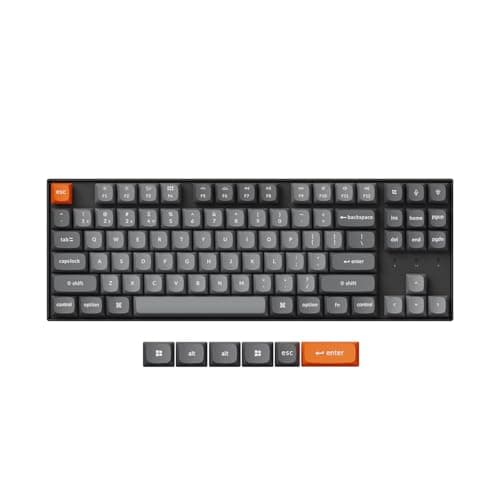
Mechanical keyboards earned their reputation on feel — a crisp, consistent keystroke that a mushy membrane board cannot match — but they also earned a reputation for noise, and in a shared office or on a video call that noise is a real problem. The good news is that a modern mechanical board can be genuinely quiet without giving up the feel. The trick is knowing which switch, which height, and which features to look for.
Switches come in three broad families. Linear switches move straight down with no bump and, once fitted with the right stabilizers, tend to be the quietest of the standard types. Tactile switches add a small bump partway down so you feel the keypress register; they are more satisfying to type on and only a little louder. Clicky switches add a deliberate click on top of the bump — avoid these entirely in a shared room, because the click is the exact sound your neighbors will resent. Beyond the three families sit dedicated silent switches, which build a dampener into the stem to hush both the downstroke and the return; if a truly hushed desk is the goal, a hot-swap board that lets you drop in silent switches is the surest path.
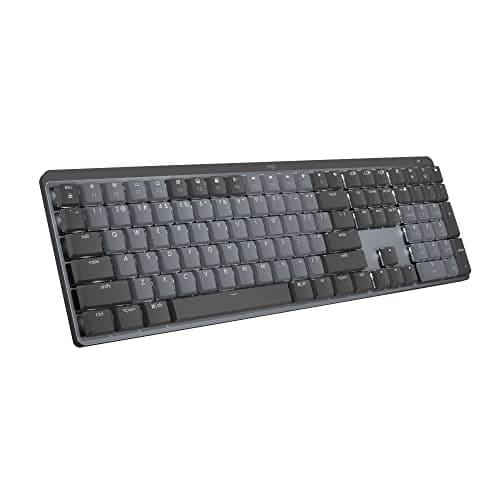
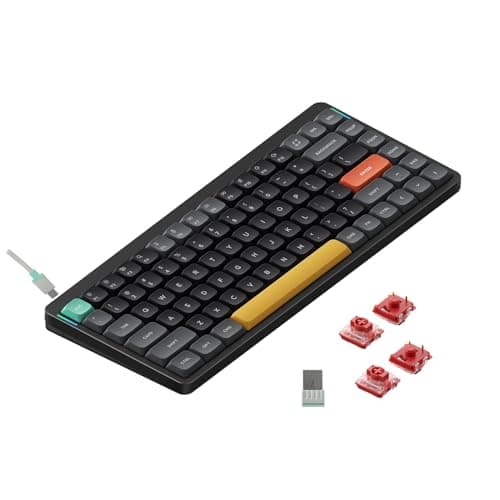
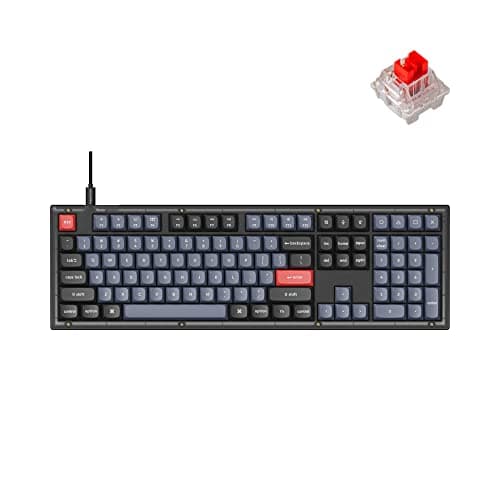
Height and mounting shape the sound and the comfort as much as the switch. A low-profile board, like the Logitech MX Mechanical or the NuPhy Air75, sits close to the desk so your wrists stay flatter and it reads as less imposing next to a laptop; a full-height board on a gasket mount, like the Keychron boards here, sounds fuller and types deeper but usually wants a wrist rest. Hot-swap sockets are the feature worth paying attention to, because they let you change switches later — start too loud, and you can quiet the board down without soldering. Wireless is now common enough that you should not have to choose between a cable-free desk and a mechanical feel.
Finally, decide how much board you need on the desk. A tenkeyless or 75% layout drops the number pad to bring your mouse closer to your shoulder, which is a small ergonomic win; a full-size board keeps the number pad for data entry at the cost of desk width. Match the footprint to your work, not to the biggest keyboard you can fit. If wrist strain is your real complaint rather than typing feel, the best ergonomic keyboards attack the angle directly, and a good mouse from the best ergonomic mice completes the pair. Our how we pick page lays out how the comfort, quietness, features, and value scores below come together.
How to choose a quiet office mechanical keyboard
The office version of this decision has one extra constraint over a home board: it has to be considerate of the people and calls around you. Weight these in roughly this order:
- Switch sound. For a shared room, choose linear or silent-tactile switches and skip clicky ones entirely. If a board is hot-swappable, you can quiet it further later by dropping in dedicated silent switches.
- Height. A low-profile board keeps your wrists flatter and looks less imposing on a desk; a full-height board feels deeper to type on but usually wants a wrist rest.
- Wireless. Bluetooth clears the cable and often pairs to several devices; a 2.4 GHz option adds low-latency response; wired is one less battery to manage.
- Hot-swap. Sockets that accept new switches without soldering are the single most future-proof feature, letting you tune the feel and the noise after you buy.
- Layout. A tenkeyless or 75% board frees desk width and brings the mouse closer; a full-size board keeps the number pad for data entry.
One practical note: stabilizers and case foam affect the sound as much as the switch. A gasket-mounted board with stock foam usually arrives sounding fuller and less hollow than a bare budget board, which is part of why the pricier boards read as quieter even with similar switches.