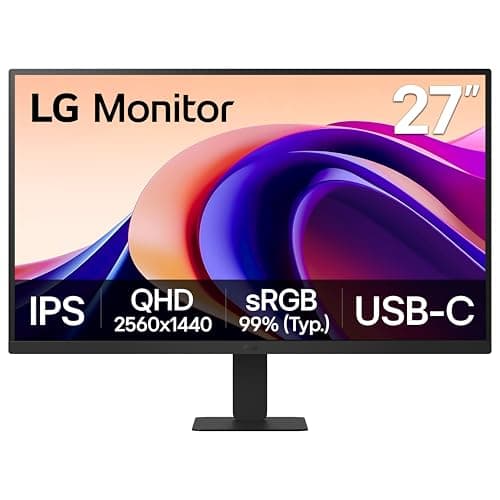
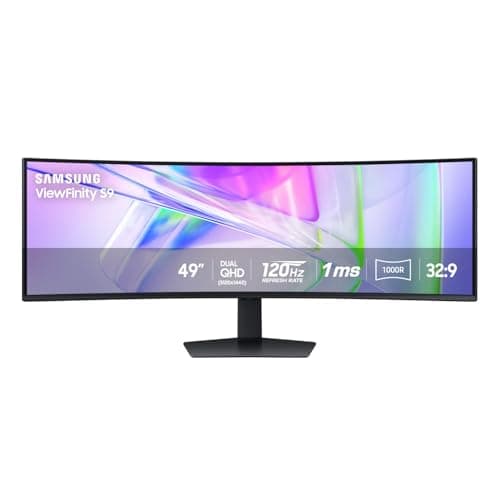
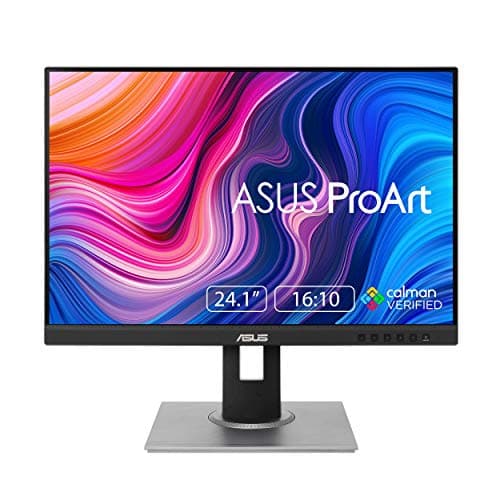
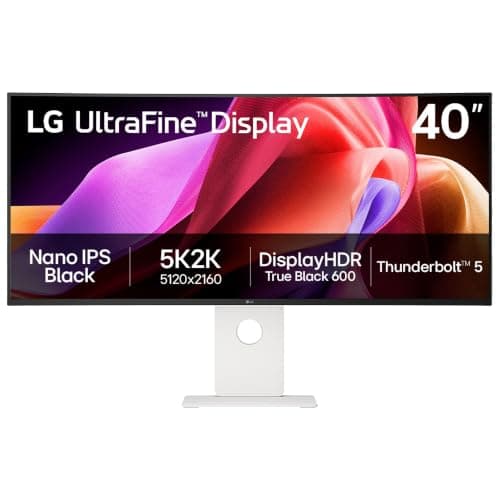
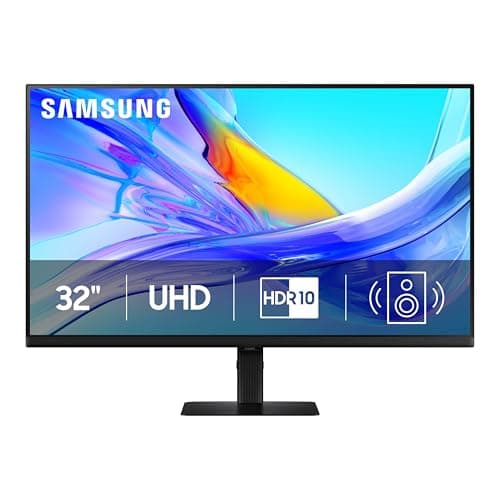
For most people building a trading desk the right first screen is a 32-inch 4K panel — the Samsung ViewFinity S8here — because 3840 x 2160 across 32 inches lands near 138 pixels per inch, which is the density where you can run close to 100% scaling and keep every pixel as desktop space rather than spending it on sharpness. If the layout is wider than it is tall, the Samsung 49-inch Dual QHD gives you 5120 x 1440 with no bezel down the middle. If you want three or four matched screens on arms, the LG 27U631A-B is the cheapest panel here that does not compromise the things an array needs.
Trading is an unusual display workload, and it is worth being precise about why. You are not watching one thing; you are watching a chart, a second chart on another timeframe, a depth-of-market ladder, time and sales, a watchlist, an order ticket, a news feed and a messaging window — simultaneously, for hours, all of it small text and thin lines. Nothing about that is served by a high refresh rate, a wide color gamut or an HDR peak. Four other things are, and this page ranks on them.
Criterion 1: logical pixels, not screen inches
The number that decides how many windows fit is not the diagonal. It is how many pixels the operating system reports after scaling, because that is the grid your windows get laid out on. Raw pixel counts first:
| Panel | Resolution | Total pixels | Approx. density |
|---|
| 24″ 16:10 | 1920 x 1200 | 2.3 million | ~94 ppi |
| 27″ QHD | 2560 x 1440 | 3.7 million | ~109 ppi |
| 32″ 4K | 3840 x 2160 | 8.3 million | ~138 ppi |
| 49″ Dual QHD | 5120 x 1440 | 7.4 million | ~109 ppi |
| 40″ 5K2K | 5120 x 2160 | 11.1 million | ~140 ppi |
Those densities are arithmetic, not measurements: a 16:9 panel’s width is its diagonal multiplied by about 0.872, and dividing the horizontal resolution by that width gives pixels per inch. We state the formula because the conclusion depends on it.
Here is where most trading-desk buyers lose pixels they paid for. Put 4K on a 27-inch panel and you land near 163 ppi, which is too dense to read small type at 100% scaling, so you set scaling to 150% — and the desktop then reports itself as 2560 x 1440. You have bought a sharper 1440p screen, not a bigger one. Move the same 4K to 32 inches and the density drops to about 138 ppi, which most people run at 100% or 125%, and the pixels stay yours. That is the whole case for 32 inches on a trading desk, and the same trade-off in general terms is laid out in 1440p vs 4K.
The second-order point: more pixels only help if the windows are still readable. A ladder or a watchlist at 92 ppi on a 32-inch 1440p panel is legible; the same layout on a 24-inch 1080p screen is not, because the text is the same size and there is less of everything else around it. Density is the floor, pixel count is the ceiling, and the panels below are ranked between those two.
Criterion 2: whether your machine can actually drive the array
This is the step that spoils more trading-desk builds than any monitor choice. Screens are limited by the outputs on the machine, not by how many you own. A desktop GPU typically drives three or four displays; a laptop often drives one or two natively, and base-tier Apple silicon has historically been limited to a single external display without extra hardware. There are three honest routes past that, and they are not equivalent:
- More physical outputs. Cheapest and most reliable. A desktop with DisplayPort and HDMI outputs needs nothing else; which port to use for which panel is covered in DisplayPort vs HDMI.
- Daisy chain or a dock. A Thunderbolt or USB-C dock adds displays over one cable, and some monitors pass a second screen straight through. The limits and the per-dock display counts are in USB-C docks for dual monitors.
- DisplayLink.Software-driven displays that work where the GPU has run out of outputs entirely. They cost some CPU and are the right answer less often than people think — the whole decision, including the macOS MST caveat, is in two monitors from one HDMI port.
Settle this before you buy the third panel. A four-screen plan that depends on a dock your laptop cannot feed is four screens you will run at the wrong resolution.
Criterion 3: the array has to mount, and the desk has to hold it
Three 27-inch 16:9 panels are about 70 inches of glass end to end (23.5 inches each at the 0.872 multiplier), which needs roughly 72 inches of straight desk on stock stands and about 55 inches once the array is on a mount that reaches back over the desk. That is the arithmetic behind triple monitor mounts, and the desk-side version of it is in how wide a desk needs to be.
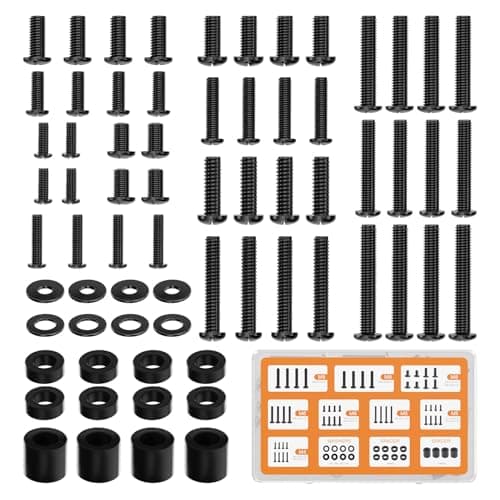
Two specifications decide whether a panel can join an array at all. The first is a standard 100 x 100mm VESA pattern— every pick here has one, but plenty of consumer panels do not, and a non-VESA screen is a screen that can only ever sit on its own stand. The second is panel weight against the mount’s rated range, at both ends: an arm has a minimum as well as a maximum, and a gas spring loaded under its minimum drifts upward on its own. The practical checks are in monitor arm installation, and if you are choosing between an arm and the stock stand, monitor arm vs stand settles it.
Criterion 4: one portrait screen beats a fourth landscape one
Almost everything on a trading desk that is not a chart is a list: time and sales, a depth ladder, a watchlist, a news feed, an order log. Lists are tall and narrow, and a landscape panel wastes most of its width on them. A 24-inch 16:10 panel pivoted 90 degrees gives you 1200 x 1920 — nearly 2000 pixels of height in a column that fits beside a primary screen rather than fighting it for desk width.
That is why a pivot spec is worth more here than another few inches of diagonal, and why the cheapest panel on this page is one of the most useful. The vertical monitor roundup covers the rotated-resolution question in full, and the triple monitor setup guide covers arranging a mixed landscape-and-portrait array in the operating system.
Criterion 5: the panel you look at for six hours
Two things matter for all-day small text and neither is a marketing headline. Panel uniformity— IPS-class panels hold color and brightness corner to corner better than VA, which shows most on a very wide screen with a white spreadsheet across it. And a matte coating, because a glossy panel in a room with a window puts a reflection exactly where a thin candlestick wick is. If eye comfort is the deciding factor rather than a preference, the monitors ranked on published eye-comfort hardware is the page for it.
One deliberate exclusion: we do not rank an OLED panel for this job, even though the site ranks them elsewhere. A trading layout is the definition of a static image — the same toolbars, the same window borders, the same ladder in the same place every day. OLED makers publish static-image care guidance for exactly that pattern, and a 240Hz contrast advantage buys a trading desk nothing to set against the risk. If the same machine games hard after the close, read the OLED picks in the super ultrawide roundup and make that trade knowingly.
What we ignored, and why
- Refresh rate. A chart redraws on tick, not on frame. 120Hz makes dragging a window feel smoother and changes nothing about the data.
- Response time and HDR. Both are specifications for moving images. A ladder is not a moving image.
- Color gamut. Useful if you also edit photographs; irrelevant to a green candle and a red one.
- Latency claims.No monitor reduces the time between your click and your fill. That is your connection and your broker’s routing. Any page that tells you a screen is “faster” for trading in that sense is selling you something.
One desk-side consequence of all this: an array like these does not belong on a sit-stand converter platform, which publishes 33 pounds of capacity for everything standing on it. If the trading desk also has to rise, converter vs standing desk is the decision to settle first.
How many screens, and in what shape
There is no standard number of monitors for trading, and anyone who quotes one is describing their own desk. What the arithmetic above says is this: aim for a target number of readable logical pixels, then buy the cheapest shape that gets you there and fits your desk. One 32-inch 4K panel is 8.3 million pixels on a 48-inch desk. Three 27-inch QHD panels are 11.1 million on a 72-inch desk, or on a 55-inch desk with a mount. A 40-inch 5K2K is 11.1 million on one stand.
The shape decides the rest. Width suits a layout of side-by-side charts; height suits ladders, tapes and watchlists. Most trading layouts want both, which is the argument for one wide or large primary panel plus one portrait screen rather than three identical landscape ones. If you are weighing a single wide screen against a pair, ultrawide vs dual monitor runs that comparison on its own terms.
The order to buy in
- One good primary panel. Not three cheap ones. The screen you read charts on all day is the one worth the money.
- The mount, before the second panel. A dual or triple mount sets the eye line and reclaims the desk depth the stock stands were eating. Ours are ranked in dual monitor arms and triple monitor mounts, and the alignment step people skip is in how to align dual monitors.
- The portrait screen. Cheapest real upgrade on the list, because it replaces scrolling rather than adding pixels you have to look for.
- Power, before a fourth screen. Four panels, a tower and a network switch on one circuit is a desk where a two-second outage closes your platform mid-position. Sizing one is in the UPS and battery backup roundup, and the difference between that and a power strip is in surge protector vs UPS.
What a monitor cannot do for you
It cannot make an order fill faster. Nothing on a specification sheet changes routing or network time, and a monitor advertised as a trading screen is a monitor with a label on it. The specifications that genuinely matter here — pixels, density, VESA, pivot, uniformity, a wired network jack — are all published, all checkable, and all on the cards above.