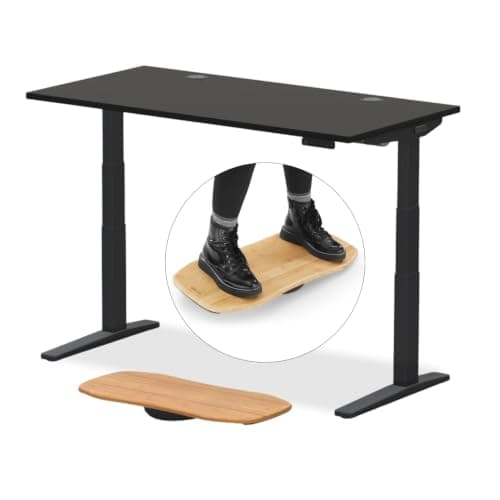
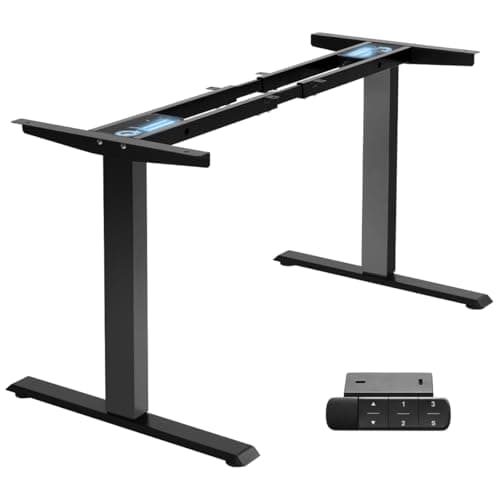
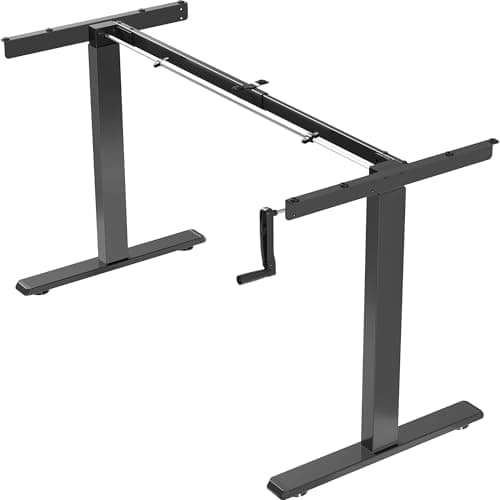
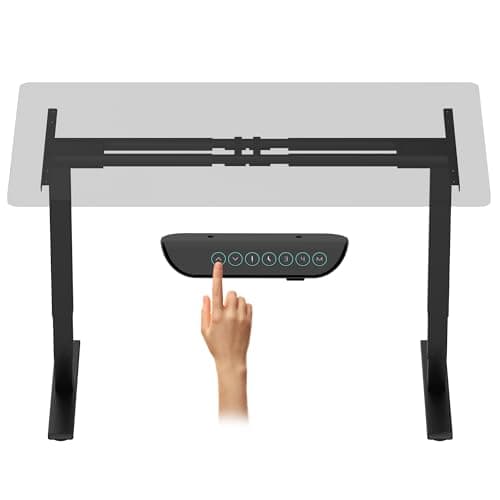
The short answer: a dual-motor electric standing desk frame is typically rated between 220 and 355 pounds, and a fully loaded desk — two large monitors, an arm, a tower, a laptop, a dock and the usual clutter — does not come close. A manual hand-crank frame is the exception: the VIVO crank frame below is rated at 132 pounds, which is a number a serious multi-monitor setup genuinely can exceed.
So for most people the honest answer to “will it hold my setup?” is yes, and the real question is a different one: will it be steady at standing height? Capacity and stability are separate specifications, and they fail in opposite ways. You will notice the wobble for a year before you ever notice the weight.
What the published numbers actually are
Four real frames, with the figures their makers publish:
| Frame | Published capacity | Lift |
|---|
| UPLIFT Desk V3, 2-leg | About 355 lb | Dual motor, 3-stage legs |
| FLEXISPOT E6 Max | 330 lb | Dual motor, 3-stage columns |
| TOPSKY DF02.01 | 225 lb | Dual motor, 1 inch per second |
| VIVO DESK-V103E | 220 lb | Dual motor, 3-stage, 38mm/s |
| VIVO DESK-V101M | 132 lb | Manual hand crank |
Two things to read carefully. First, the figure is a liftcapacity — what the columns will raise, not what the desk would collapse under. Second, the listings rarely state whether the tabletop counts toward it. A thick solid top can weigh a substantial fraction of a budget frame’s rating on its own, so when a listing does not say, assume the worst and treat the top as part of the load. On a frame-only purchase that matters; frame versus complete desk covers what else changes when you buy the two separately.
Add up your own load, and stop guessing
You do not need to estimate. Every component you own publishes a shipping weight on its listing, and bathroom scales work on monitors. But there is a faster proxy: look at what the mounting hardware for each item is rated to hold.
A single monitor arm exists because a desk-class panel fits inside its rating — the VIVO triple mount we rank states 17.6 lb per arm for screens up to 32 inches, which tells you the class of object you are dealing with. Three screens and a pole is therefore well under 100 pounds including hardware, not the 300 people imagine.
The heavy items on a desk are rarely the screens:
- A desktop tower. The heaviest single thing most people put on or under a desk. If it is on the desktop, it is on the load; if it is on an under-desk mount, it still is — the mount bolts to the top.
- A UPS. Battery backups are dense. A 1500VA unit is one of the heaviest objects in a home office, and it belongs on the floor, not on a desk that rises. Our UPS roundup covers the sizing.
- A printer or a monitor on a riser. Both put weight high and forward, which is worse than weight low and centered.
- You. Leaning on the desk edge, or resting a knee on it while plugging something in, loads it far past anything your equipment does.
Leverage is the spec nobody publishes
Here is what actually goes wrong. Capacity ratings assume a static, evenly distributedload. A real desk is neither. A monitor pole with three screens on it concentrates its mass 20 inches above the top and well behind the center line — and at standing height, the columns are extended to their least rigid position. That combination produces the side-to-side sway people describe as a “wobbly standing desk”, at loads nowhere near the limit.
The things that reduce it are structural, not about weight at all: three-stage columns instead of two, a crossbar between the legs, a narrower top, and keeping the heaviest items over the leg columns rather than mid-span. If you already own the desk, a clamp-on stabilizer bar is the retrofit. The diagnosis order is in the standing desk wobble guide, which is the page to read before you blame the motor.
What exceeding the rating looks like
It is not a dramatic failure. In order of what you will notice:
It refuses to lift. The controller tries, the motors strain, and the anti-collision system reads the resistance as an obstruction and stops or reverses. Many people interpret this as a fault; it is the desk protecting itself.
It lifts unevenly. One column leads, the top goes visibly out of level, and the frame binds. Usually this means the load is concentrated over one leg rather than that the total is too high.
It drifts down. A loaded desk that slowly settles is a gearbox problem, and it is the symptom worth acting on quickly, because it does not improve.
On a hand crank, it simply gets hard. Which is the honest advantage of a crank: it tells you.
Practical rules
Buy roughly double your actual load. Not because you need the strength, but because the frames with high ratings are the ones with the better columns and gearboxes, and that is what buys you steadiness.
Keep the heavy things off the desktop.Tower, UPS, and anything with a battery belong on the floor or on a mount, which also keeps the cable run shorter — see standing desk cable management.
If you are putting three screens up, read the width question first. A wide top on a two-leg frame flexes more at standing height, which is why our triple-monitor desk roundup leans on multi-leg and L-shaped frames.
Check the rating before a frame-only build. The DIY build guide has the tabletop thickness and weight considerations, and the frame roundup ranks every frame we cover, capacity included.