A desk mat is the least glamorous upgrade on a desk and one of the most satisfying. It does three quiet jobs at once: it gives your keyboard and mouse a single continuous surface instead of two islands on bare wood, it protects the finish underneath from the slow scuff of a mouse and the dents of a dropped connector, and it draws a clean rectangle that makes every other object on the desk look deliberate. None of that changes what your computer can do. All of it changes how the desk feels under your hands.
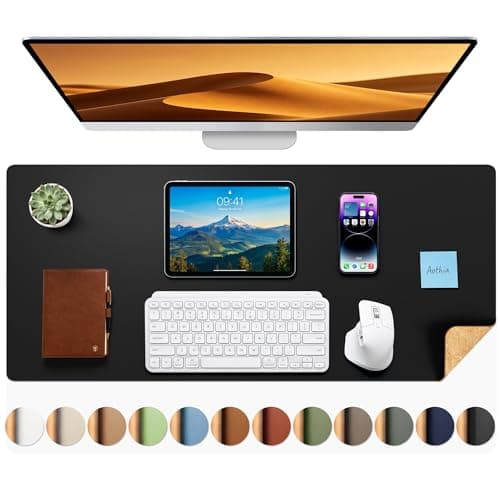
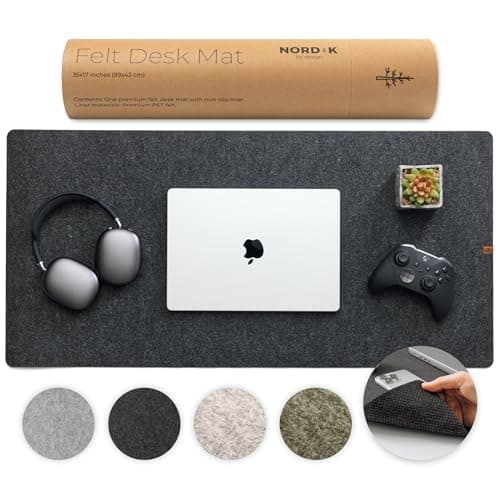
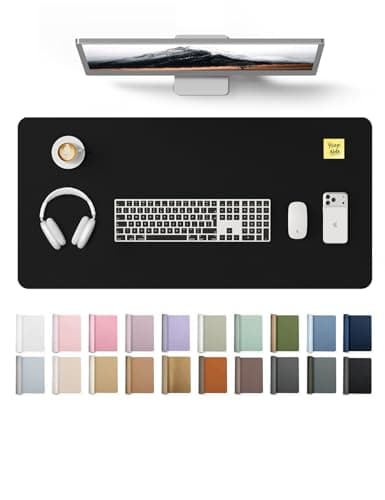
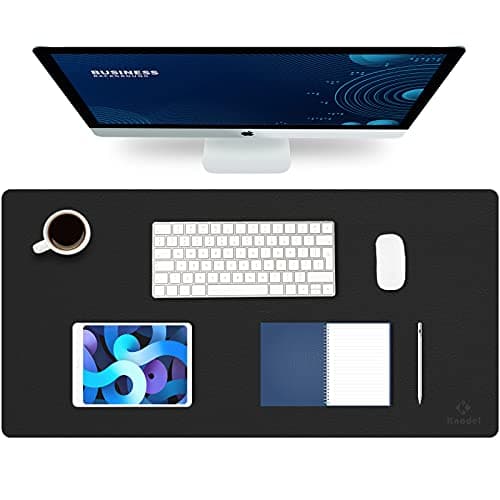
The choice that matters most is material. PU leather — the surface on the Knodel and the YSAGi — is the default for good reason: it is smooth, water-resistant, wipes clean with a damp cloth, and gives an optical mouse a fast, consistent read. Cork, like the natural side of the Aothia, is warmer under the wrist and grippier, with a texture some people prefer and a look that leans organic rather than office. Felt, the material of the Nordik, is the softest and quietest of the three — it hushes the clack of a keyboard and cushions the wrist — but it also shows crumbs and grabs lint, so it asks for a little upkeep. There is no wrong answer here, only a surface that matches how you want the desk to feel.
Size is the other decision, and the common mistake is going too small. The point of a mat is to hold the keyboard and the mouse with room for the mouse to actually travel, so measure your keyboard’s width and add space for a full mouse sweep before you pick. A large mat around 31 by 15 inches comfortably fits a full-width board with a number pad and still leaves a wide mousing lane; a smaller desk or a compact keyboard can drop to something narrower. If you are still choosing the board itself, our ergonomic keyboard roundup notes footprints, and the mat should be sized to whatever you land on.
A nice bonus on several of these is that they are reversible: the Knodel, the YSAGi, and the Aothia are all dual-sided, so you get two colors — or two textures, in the Aothia’s case — and a fresh face to flip to when one side wears or stains. That small thing roughly doubles the life of the mat. For how we weigh material feel, size, and durability against one another, see how we pick, and for where a mat fits in the larger build, the desk setup guide puts it in order with everything else.
What to look for in a desk mat
Get the size right first, because it is the one people regret. A mat has to hold the keyboard and leave a wide lane for the mouse to travel without running off the edge, so measure your keyboard’s width and add a generous mousing area. A large mat around 31 by 15 inches fits a full-size board with a number pad and still leaves room to mouse; a compact keyboard or a shallow desk can go smaller.
Then choose the material for the feel you want. PU leather is smooth, water-resistant, and the easiest to wipe clean, and it gives an optical mouse a fast, consistent read. Cork is warmer and grippier with a natural look. Felt is the softest and quietest, kind to the wrist and to keyboard noise, but it shows crumbs and grabs lint. None is wrong; they simply feel different under your hands.
Look at the edges and the finish next. A stitched or cleanly sealed edge holds up far longer than a raw one that peels, and a water-resistant surface shrugs off the inevitable coffee. Several mats are reversible, giving you two colors or two textures and a fresh side to flip to when one wears.
One practical note on setup: most mats ship rolled and arrive with a curl. Lay the mat flat under a few books overnight, or roll it gently the opposite way, and it will settle. A mat that lies flat and does not slide is the whole point, so a little grippy backing goes a long way.