SECTION 06
The small money with the biggest payoff
Laptop stands, desk mats, and light bars - the finishing pieces that fix height, surface, and glare.
We earn a commission when you buy through our Amazon links, at no extra cost to you. It never affects our rankings, and we say so when the cheaper product is the better buy. How this works.
Start here
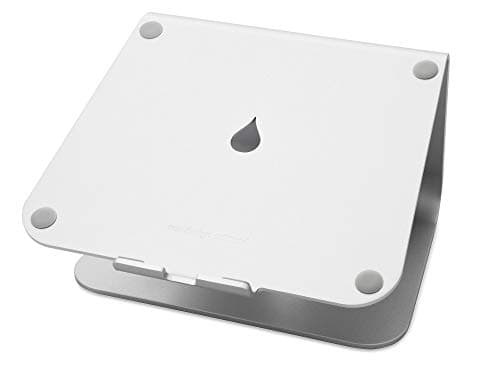
The Best Laptop Stands
Raising a laptop toward eye level is the single most useful thing you can do for your neck. We compare fixed risers, adjustable stands, and a tall vertical dock, and match each to how permanent your setup is.
Best Overall Laptop Stand · Rain Design mStand Laptop Stand
$38.99View on AmazonAccessories are where a setup goes from functional to dialed-in — the small purchases that fix the last ergonomic gap or the last bit of visual noise. Individually they look optional; together they are usually the difference between a screen at the wrong height with glare on it and one you can look at comfortably for hours. This hub covers the add-ons that actually earn their desk space, not the trinkets.
The number that decides the buy: eye level
Most desk accessories exist to solve one measurement — where your eyes land relative to your screen. If you work on a laptop, its screen sits far below eye level and pulls your neck down all day; a laptop standraises it so the top of the display meets your eyeline, ideally paired with an external keyboard. The target is simple: the top of the screen at or just below eye level, about an arm’s length away. Get that number right and half of the accessory category becomes obvious; everything else is about the surface under your hands and the light on your desk.
Match the accessory to the problem
- Neck bent down toward a laptop: a laptop stand plus a separate keyboard.
- Legs dangling under a tall desk: a footrest to restore the elbow-and-knee angles.
- Keyboard and mouse skating on bare desk: a large desk mat for grip and quiet.
- Glare or eye strain after dark: a monitor light bar that lights the desk, not the screen.
- Sounding distant on every call: a headset with a boom, which fixes the microphone and what you hear in one purchase.
How the category divides by the job it does
Three jobs, really. Posture accessories put your body in a neutral line — laptop stands and monitor risers lift the screen, footrests support your legs when a tall desk leaves them dangling. Surface accessories fix the desktop itself, and the main one is the desk mat: a large mat gives your keyboard and mouse a consistent, quieter surface and protects the top. Lighting accessories fix how you see the screen, and the standout is the monitor light bar, a slim lamp that clips to the top of the display and throws asymmetric light down onto the desk without bouncing glare back into your eyes, which a normal desk lamp behind a monitor cannot do.
What actually decides the price
Materials and precision set accessory pricing more than features do. An aluminum laptop stand that will not flex costs more than a folding wire one; a large stitched-edge desk mat costs more than a thin printed pad. On light bars the premium buys adjustable color temperature, automatic dimming that reads the room, and a wireless remote or dial instead of buttons hidden behind the screen. None of it is expensive next to a monitor or a chair, which is exactly why accessories are the highest-leverage small money in a setup. Spend on the piece that fixes your actual complaint first, then add the rest as budget allows; there is no prize for buying the whole category at once, and a stand you do not need is just clutter.
The mistake buyers make, and where to start
The mistake is buying accessories as decoration — a pretty stand that does not reach eye level, a desk lamp that throws glare across the panel — instead of buying them to fix a specific ergonomic or visual problem. Name the problem first: neck angle, wrist surface, or screen glare. Start with a laptop stand if you work off a laptop, because screen height is the most common unfixed problem. Accessories finish the job your ergonomic chair starts, since posture is a head-to-foot system, and a light bar is the natural partner to a good work-from-home monitor. The exact eye-level and lighting targets live in monitor height and ergonomics, and the whole picture is in the desk setup guide. If you are buying for someone else’s desk rather than your own, the gift guides reframe these same accessories for the gifter, by recipient and by budget, starting with the under-$50 picks.
Everything in this hub
All desk accessories guides
Roundup
The Best Laptop Stands
Raising a laptop toward eye level is the single most useful thing you can do for your neck. We compare fixed risers, adjustable stands, and a tall vertical dock, and match each to how permanent your setup is.
Top pick · Rain Design mStand Laptop Stand
Roundup
The Best Desk Mats & Pads
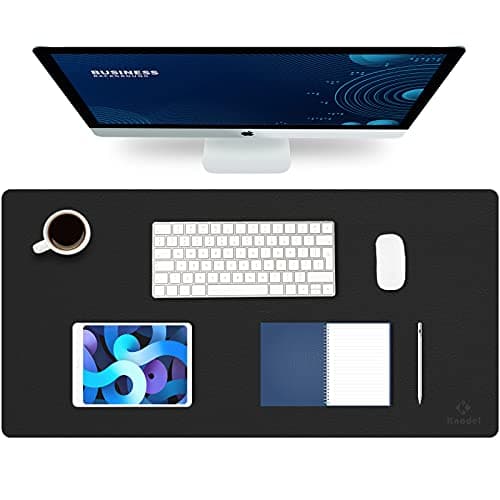
A big desk mat unifies the keyboard and mouse, gives the mouse one consistent surface, and protects the top underneath. We compare PU leather, cork, and felt, and size them to fit a full-width board.
Top pick · Knodel Large Leather Desk Pad
Roundup
The Best Monitor Light Bars
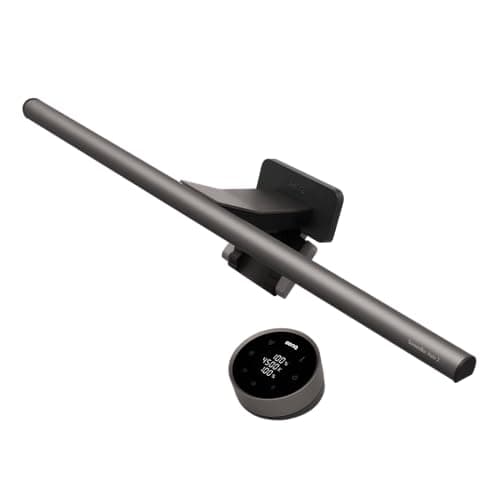
A monitor light bar lights the desk without spilling glare onto the screen, and takes up zero desk space doing it. We compare optic quality, color-temperature range, CRI, and auto-dimming across four picks.
Top pick · BenQ ScreenBar Halo 2 Monitor Light Bar
Roundup
The Best Monitor Risers
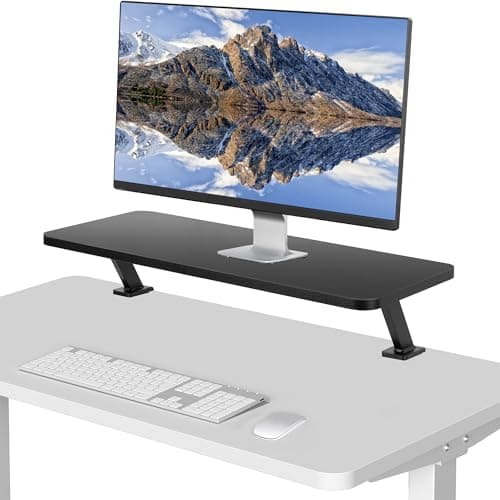
Monitor risers and desk shelves ranked on lift height, weight capacity, and the storage they create underneath — plus a straight answer on when to buy an arm instead.
Top pick · VIVO Clamp-On Desk Shelf, 26" Single Monitor Riser
Roundup
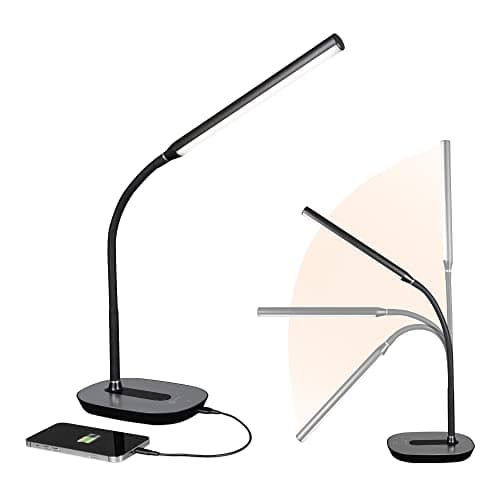
The Best Desk Lamps
Desk lamps ranked for a computer desk — clamp lamps, adjustable color temperature picks, and a budget gooseneck — with placement advice that avoids screen glare.
Top pick · OttLite Strive LED Desk Lamp with USB Port
Roundup
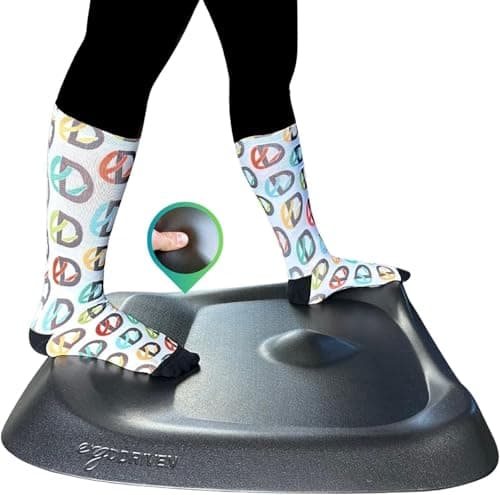
The Best Anti-Fatigue Mats
Anti-fatigue mats ranked for standing desks — flat cushioned mats, a contoured active mat, and a balance board — with thickness and edge advice, and who each type suits.
Top pick · Topo by Ergodriven Standing Desk Mat
Roundup
Desk Setup Gifts People Actually Keep
Desk gifts laid out as a price ladder from about ten dollars to a genuine splurge — each one chosen because it gets used daily and is unlikely to duplicate something they own.
Top pick · BenQ ScreenBar Halo 2 Monitor Light Bar
Roundup
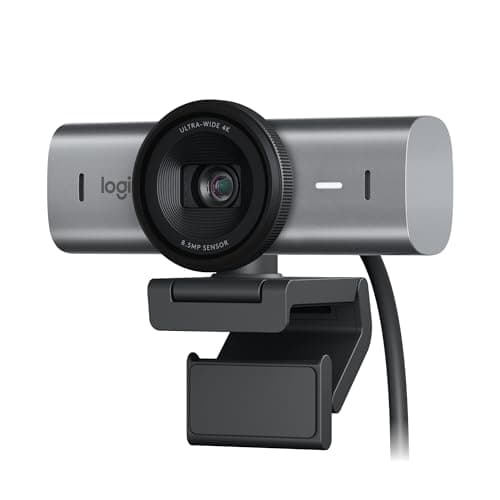
The Best Webcams for Work
Work webcams ranked on the things that actually change how you look on a compressed video call - sensor size, low-light handling, and field of view. Winner: the Logitech MX Brio.
Top pick · Logitech MX Brio Ultra HD 4K Webcam
Roundup
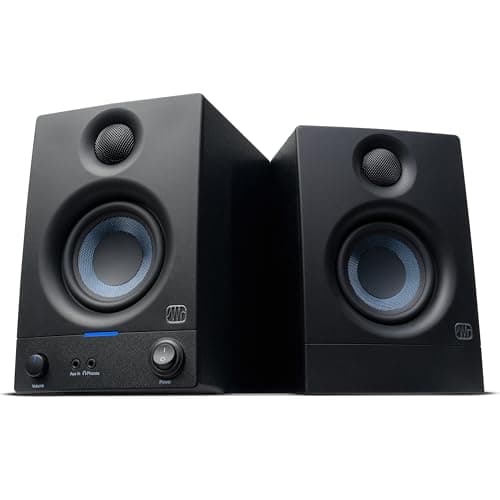
The Best Desk Speakers
Powered desktop speakers ranked on driver size, real RMS power, input options and how much desk they occupy - from a USB-C pair to near-field studio monitors.
Top pick · PreSonus Eris 3.5 Powered Studio Monitors (Pair)
Roundup
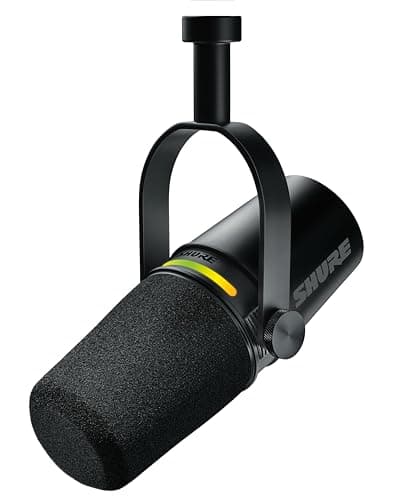
The Best USB Microphones
USB mics ranked on capsule type, polar pattern, sample rate and headphone monitoring - with the dynamic-versus-condenser rule that decides most of it.
Top pick · Shure MV7+ USB-C and XLR Podcast Dynamic Microphone
Comparison
Monitor Light Bar or Desk Lamp?
Monitor light bars against desk lamps on glare, desk footprint, coverage and color control - with the picks for each and the case for owning both.
Top pick · BenQ ScreenBar Halo 2 (the light bar case)
Roundup
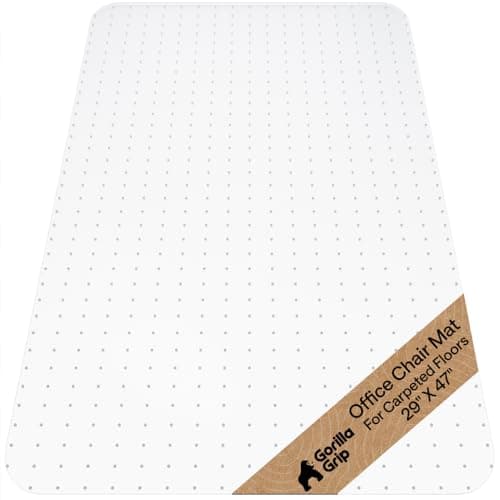
The Best Chair Mats
Chair mats ranked by floor type, thickness and material - studded mats for carpet, smooth-backed for hard floors, and the tempered glass one that works on both.
Top pick · Gorilla Grip Office Chair Mat for Carpet (29 x 47)
Roundup
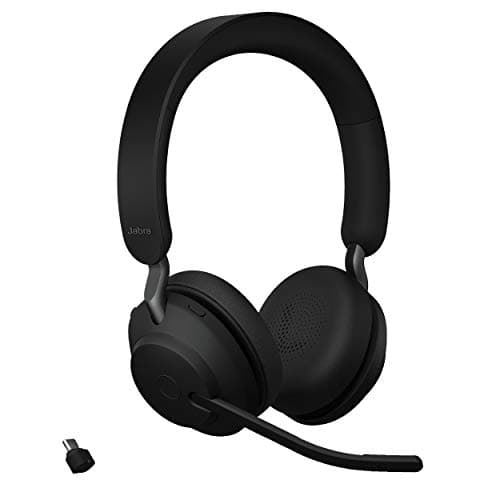
The Best Headsets for Work Calls
Work headsets ranked on connection type, boom design, microphone count and all-day weight - starting with why a bundled USB adapter matters more than the driver size.
Top pick · Jabra Evolve2 65 UC Wireless Stereo Headset
Complete the setup
A setup is a system — finish it
- Monitors & ArmsUltrawide versus dual, IPS versus OLED, and the mount that reclaims your desk - picking the panel you will stare at all day.
- Standing DesksSit-stand or fixed, single motor or dual - why the frame under the desk matters more than the top on it.
- Ergonomic ChairsAdjustability, sizing, and the difference the premium brands actually buy for eight-hour days.