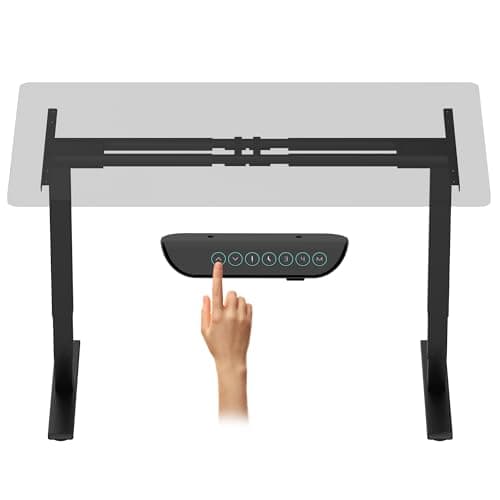
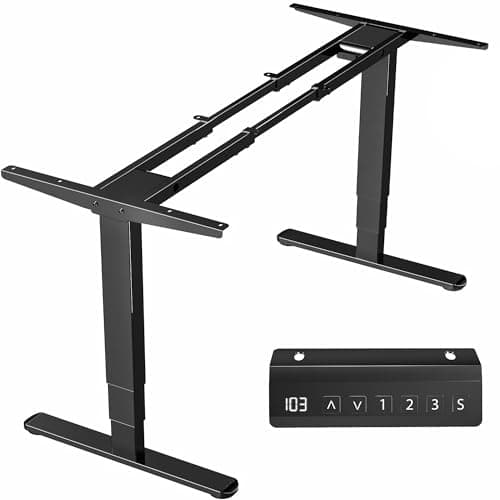
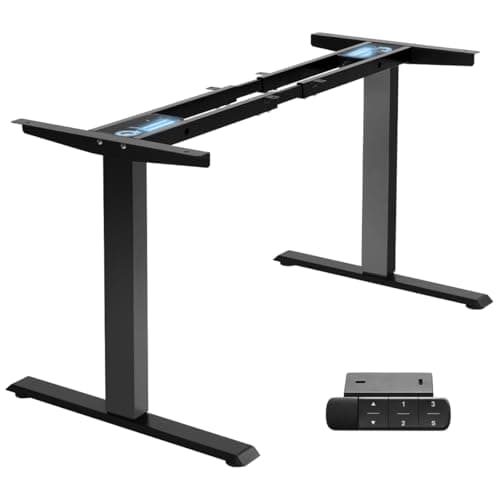
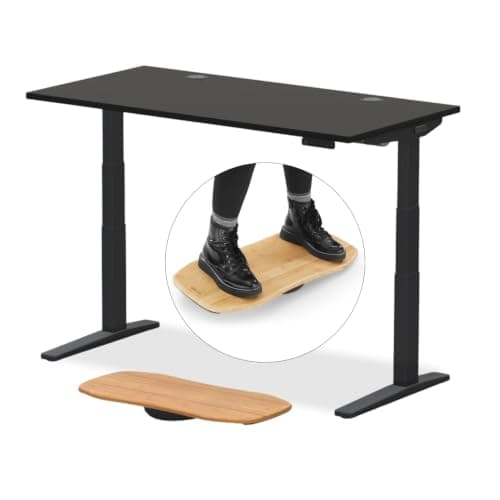
If you are tall, buy the UPLIFT Desk V3: its published range runs to about 51 inches, the highest number in this field, on 3-stage legs rated to about 355 lb. Measure your standing elbow height first — the desk height guidehas the two-minute method — then buy a desk whose published maximum clears it with an inch to spare, because every number below is a manufacturer figure and your desktop thickness eats into it.
Height is the only axis this page ranks on, and it is the one the general desk roundups cannot lead with. A 47-inch ceiling is fine for most people and useless for a 6 ft 5 in user who needs the surface at their elbows; a 50-inch ceiling costs very little more. So the comparison here is deliberately narrow: published maximum height, published minimum height, and the load rating that comes with the taller columns.
Why the published maximum is not the height you get
Two things move the number on the box. The first is the desktop. On a frame-only product, the range is the frame; a 1-inch top sets the working surface an inch higher than the spec, which is in your favor going up and against you going down. VIVO is unusually clear about this and publishes a 3/4 in minimum top thicknessfor its frames, so the arithmetic is not guesswork — it is addition.
The second is the keyboard. If you add an under-desk keyboard tray, the tray drops the typing surface two to six inches below the desktop, which means a tall user needs the desk higher than their elbows, not level with them. Decide about the tray before you pick the desk, because it changes which maximum you need.
Three-stage legs are the mechanism
Column count, not motor count, sets the travel. A 2-stage leg has one telescoping section and typically stops in the high 40s; a 3-stage leg has two and reaches the low 50s while also going lower at the bottom of the range. Every desk on this page that clears 49 inches does it with 3-stage legs, and the one that stops at 47.3 in does not have them. If a listing will not say how many stages the columns have, treat the published maximum as the only fact you have.
The same legs are why the load ratings climb with the height here. A taller column at full extension is a longer lever, so the manufacturers that publish the biggest travel also publish the biggest capacities — up to about 355 lb on the UPLIFT and 330 lb on the FLEXISPOT E6 Max. Our standing desk frame roundup ranks the frame-only route on its own terms.
Depth matters more when you are tall
A taller user sits further back from the screen and has longer forearms, so a 24-inch-deep top that works for someone at 5 ft 6 in leaves a 6 ft 4 in user with the monitor in their face. The 28-inch tops below are the ones to prefer, and a monitor arm recovers another four to six inches of effective viewing distance by pushing the screen past the back edge. The desk depth guide does the arithmetic properly.
One more thing that catches tall buyers: the chair has to agree with the desk. A seat that will not rise far enough leaves you reaching up to a desk set for your standing height, and chairs for tall and heavy users ranks seating on published seat-height range for exactly that reason.
Published height ranges, side by side
| Desk or frame | Published range | Capacity | Top included? |
|---|
| UPLIFT Desk V3 2-Leg | About 25 to 51 in | About 355 lb | Yes, configurable |
| FLEXISPOT E6 Max frame | 24.4 to 50 in | 330 lb | No |
| FlexiSpot E6 Pro (55 x 28 in) | About 25 to 50 in | Not published | Yes |
| VIVO DESK-V103E frame | 23.5 to 49.3 in | 220 lb | No |
| TOPSKY DF02.01 frame | 27.6 to 47.3 in | 225 lb | No |
FlexiSpot does not publish a weight capacity for the E6 Pro and FLEXISPOT does not publish a supported tabletop range for the E6 Max. Both gaps are stated rather than filled — a number we cannot source is a number we leave blank.
Which number do you actually need?
Measure your standing elbow height in the shoes you wear at your desk, then adjust it for how you will type:
Typing on the desktop. You need a maximum at or just above your elbow height. Add nothing, and leave an inch of margin for the floor mat you will probably add later.
Typing on an under-desk tray. A tray drops the keys roughly 1.5 to 6.5 in depending on the model, so you need a desk maximum above your elbow height by whatever drop you choose. This is where a 47 in ceiling fails a tall user who would otherwise have been fine.
Buying a frame only. Add your top thickness to the frame maximum. A 1 in top turns a 50 in frame into a 51 in desk; a 1.5 in butcher block turns it into 51.5 in and also adds load the columns have to carry.
The mat, the chair and the monitor all move with the desk
A tall standing desk changes three other things. An anti-fatigue mat raises you half an inch to three-quarters of an inch, which comes straight off your margin. Your seat has to reach the sitting height you set, and a standard task chair often cannot if the desk's minimum is high. And the monitor has to rise with the surface, which is where a correctly installed armearns its place — a riser on a 50 in desk puts the screen somewhere near the ceiling.
Finally, check the wobble. Every desk is least stable at full extension, and a tall user lives at full extension. Our standing desk wobble guide covers the crossbar, the stabiliser bar and the load placement that fix it; the short version is that 3-stage legs at 50 in need the bracing more than 2-stage legs at 46 in do.