SECTION 01
Bigger, sharper, and finally at the right height
Ultrawide versus dual, IPS versus OLED, and the mount that reclaims your desk - picking the panel you will stare at all day.
We earn a commission when you buy through our Amazon links, at no extra cost to you. It never affects our rankings, and we say so when the cheaper product is the better buy. How this works.
Start here
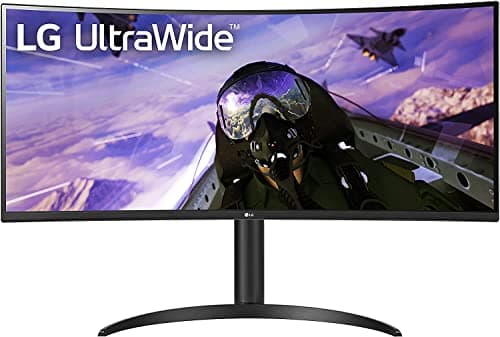
The one wide screen that replaces two
Ranked ultrawide monitors from a value 34-inch UWQHD pick to a 49-inch OLED - matched to desk width, panel type, and how you actually work.
Best Overall Ultrawide · LG 34WP65C-B 34" UltraWide QHD Curved
$314.99View on AmazonThe monitor is the one part of a desk setup you look at every working minute, and the single upgrade that changes how a setup feels more than any other dollar spent. If you already run a competent 1080p panel, the jump you feel next is not raw pixel count for its own sake — it is usable desktop space, honest color, and a screen that finally sits where your neck wants it. This hub is written for that second purchase, the one where you already know the vocabulary and you are weighing real contenders against each other.
Start with the number that decides the buy: usable desktop
Refresh rate and contrast get the marketing, but the spec that should build your shortlist is how much workable space the panel gives you at a comfortable viewing distance. A 34-inch ultrawide at 3440×1440 hands you roughly the horizontal room of two 24-inch monitors without a bezel running down the middle. A 27-inch 4K panel gives you crisp text but nearly the same footprint you already own. So answer one question first: is your bottleneck width — windows constantly fighting for room — or clarity, squinting at small text? That answer splits the whole category. The best ultrawide monitors guide is the width answer; the best work-from-home monitors roundup is the everyday-clarity answer. If the width answer is the one you want, the diagonal is its own decision — what size ultrawide monitor you need works it out from desk width, viewing distance and how many windows you actually tile.
How the category divides into types
Three forks matter. The first is one wide screen versus two separate ones — a genuine trade-off covered in ultrawide vs dual monitor, because a single 21:9 panel removes the center bezel but a dual rig lets you rotate one screen vertical for code or documents. The second fork is panel technology: IPS for color-accurate work and wide viewing angles, VA for deeper contrast, and OLED for perfect blacks and per-pixel light at a price and with burn-in caveats you should weigh honestly. The third fork is how the monitor attaches to your desk. Almost every panel worth buying carries a VESA mount — usually 100×100mm, sometimes 75×75mm on smaller displays — which frees you from the wobbly included stand and lets a monitor arm reclaim the desk depth underneath. Cutting across all three is the labeling, which is where this category hides its worst decisions: WUHD, UWQHD, WQHD+ and DQHD are four different pixel grids and two of them start with the same 5120, so WUHD vs UWQHD explained is worth reading before you compare two listings side by side.
What actually decides the price
Size and panel tech set the floor, but the premium lives in the details: a factory color-calibration report, a true 10-bit panel, USB-C with enough power delivery to charge a laptop over the same cable that carries the picture, and a KVM built into the monitor. Refresh rate is where enthusiasts overspend — a 144Hz-plus panel is a real upgrade for gaming, but for spreadsheets and writing the money is better spent on resolution and stand quality. Read the port list as carefully as the panel spec; a monitor that acts as a single-cable USB-C dock quietly solves a cable problem you would otherwise pay to fix downstream. If the machine on the desk is a Mac, move pixel density to the top of that list: macOS is drawn for about 110 or about 220 pixels per inch, which is why the best monitors for a Mac are 5K and 6K panels rather than the 27-inch 4K screen that suits a Windows desk.
The mistake buyers make, and where to start
The common error is buying the biggest, sharpest panel and bolting it to the flimsy bundled stand at whatever height the box allows. Ergonomically that is backwards: the top of the screen should land at or just below eye level, and the included stand rarely gets there. Budget for the mount at the same time as the monitor — see monitor height and ergonomicsfor the exact target — and if you are running two panels, plan the layout with our dual-monitor setup guide before you buy. A large screen also needs desk behind it; confirm you have the depth, since a good home-office desk gives you the room, and route the now-single cable cleanly with a USB-C dock. If you only read one more page, make it the complete desk setup guide, which puts the monitor decision in the context of the whole rig.
Everything in this hub
All monitors & arms guides
Roundup
The one wide screen that replaces two
Ranked ultrawide monitors from a value 34-inch UWQHD pick to a 49-inch OLED - matched to desk width, panel type, and how you actually work.
Top pick · LG 34WP65C-B 34" UltraWide QHD Curved
Roundup
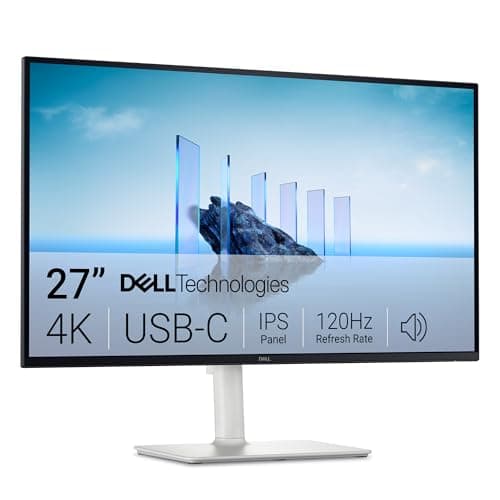
The 27-inch screen that earns its desk space
Ranked work-from-home monitors - 4K USB-C, QHD value, color-accurate, and budget 27-inch picks, matched to how you work.
Top pick · Dell 27 Plus 4K USB-C Monitor (S2725QC)
Roundup
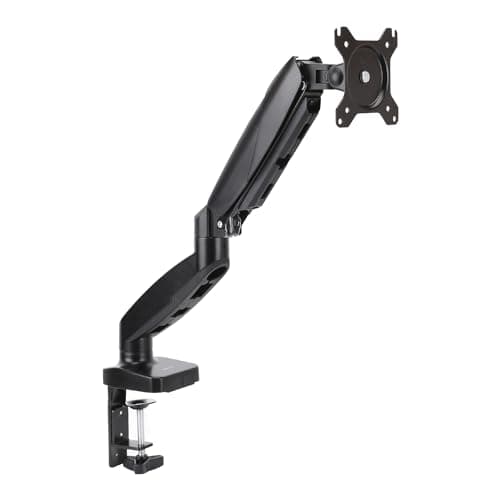
Reclaim the desk under your monitor
Ranked single monitor arms from a value gas-spring pick to a premium Constant Force arm - with VESA, clamp, and weight guidance.
Top pick · Amazon Basics Gas Spring Single Monitor Arm
Comparison
One wide screen or two - the honest call
Ultrawide vs dual monitor weighed field by field - field of view, desk width, bezels, and price - to pick the layout that fits your desk.
Top pick · LG 34WP65C-B 34" UltraWide (the one-screen pick)
Roundup
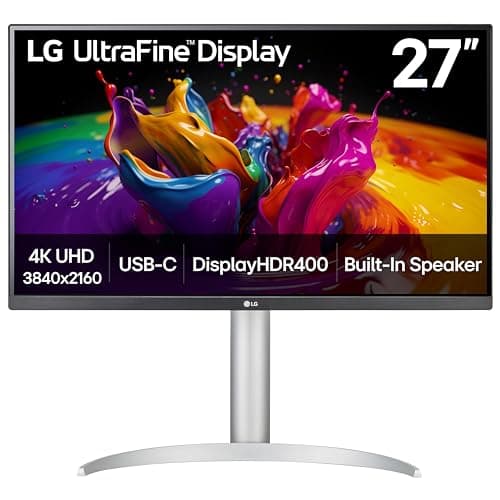
The Best 4K Monitors for Real Work
Ranked 4K monitors for desk work — a 27-inch USB-C all-rounder, a docking UltraSharp, a color-accurate ProArt, a 32-inch panel, and a value pick — with honest notes on scaling and connectivity.
Top pick · LG 27UP850K-W 27" UltraFine 4K UHD IPS
Roundup
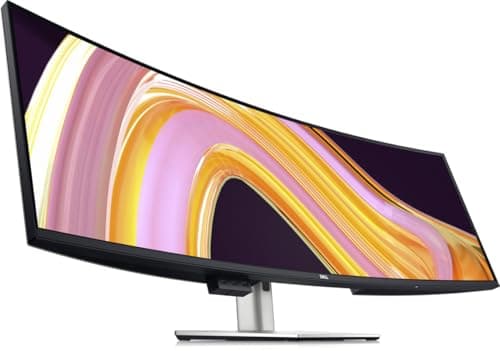
The Best Curved Monitors
Curved monitors ranked by size and radius — a 34-inch ultrawide, two 32-inch panels, and value 27-inch options — with a straight answer on when the curve earns its keep and when it does not.
Top pick · LG 34WP65C-B 34" UltraWide QHD Curved
Roundup
The Widest Screens You Can Buy
49-inch 32:9 and 45-inch 5K2K panels ranked for real work — the widest screens on the market, with straight talk on the desk width, weight, and window-management costs.
Top pick · Dell UltraSharp U4924DW 49" DQHD Curved
Roundup
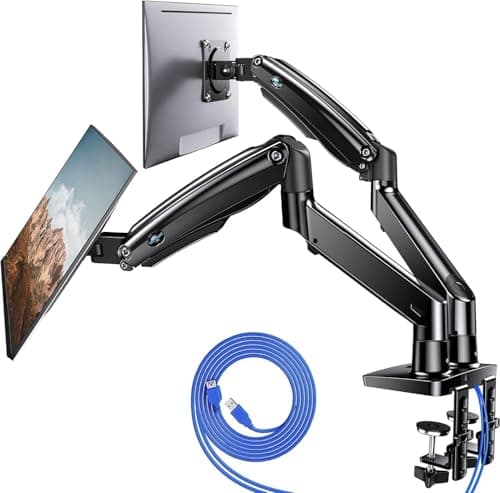
The Best Dual Monitor Arms
Dual monitor arms ranked for a two-screen desk — gas-spring mounts for 27 and 32-inch panels, a vertical stacking option, and budget picks — with the per-arm weight ratings spelled out.
Top pick · HUANUO Dual Monitor Mount, Gas Spring
Comparison
Curved or Flat? It Depends on One Number
Curved versus flat, weighed on viewing geometry, text sharpness, straight-line accuracy, mounting, and price — with the panel width at which the curve starts genuinely earning its keep.
Top pick · LG 34WP65C-B 34" Curved UltraWide (the curved case)
Comparison
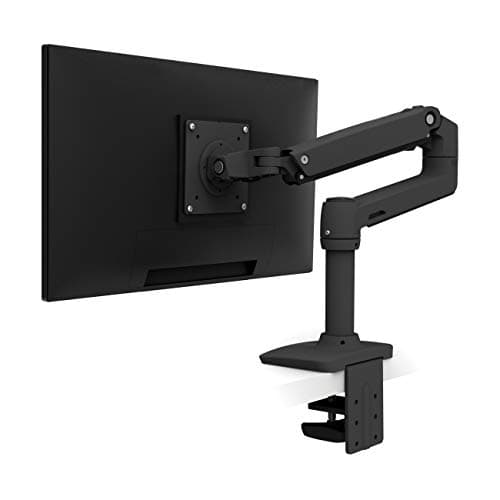
Monitor Arm or the Stand in the Box?
The honest case for and against a monitor arm, judged on lift range, reclaimed desk depth, VESA compatibility, and desk-edge requirements - with the three setups where the stock stand is the right answer.
Top pick · Ergotron LX Single Monitor Arm
Comparison
34-inch or 49-inch Ultrawide?
34-inch 21:9 against 49-inch 32:9 on the numbers that actually differ: desk width required, usable side-by-side windows, viewing distance, and how much head movement each one asks for.
Top pick · LG 34WP65C-B 34" UltraWide QHD Curved
Roundup
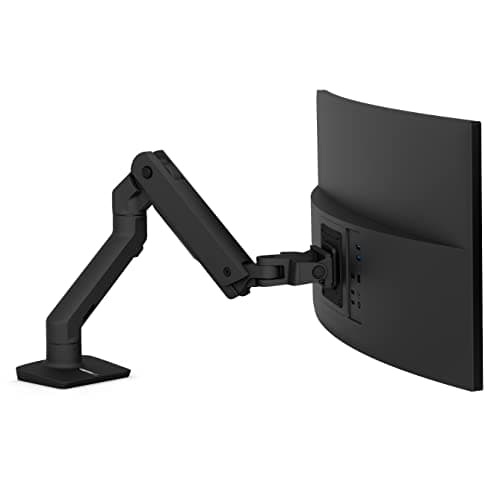
The Best Monitor Arms for Ultrawides
Arms actually rated for 34 to 49-inch ultrawides, judged on weight capacity, clamp design, and how well they resist the sag and droop a wide panel causes. Winner: the Ergotron HX.
Top pick · Ergotron HX Premium Heavy Duty Monitor Arm
Roundup
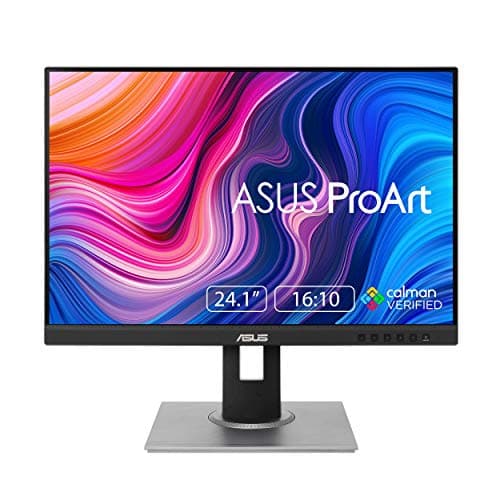
The Best Monitors for a Vertical Screen
Panels that actually pivot, ranked on rotated resolution, stand height and pivot range - plus the arm that rotates the screens whose own stands will not.
Top pick · ASUS ProArt PA248QV 24.1" WUXGA 16:10
Roundup
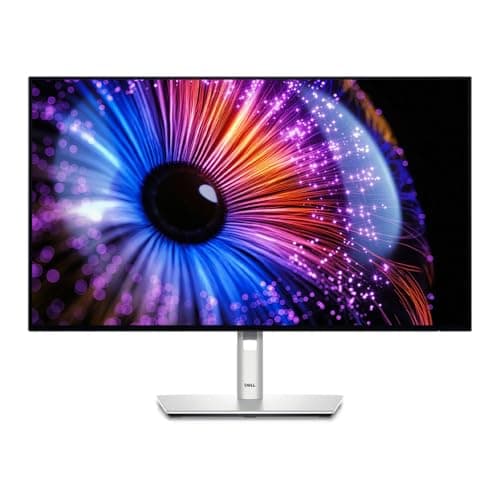
The Best USB-C Monitors for a One-Cable Desk
Monitors that dock the laptop as well as display it, ranked on power delivery wattage, built-in KVM, ethernet and daisy-chain output.
Top pick · Dell UltraSharp U2724DE 27" QHD Thunderbolt 4 Hub
Roundup
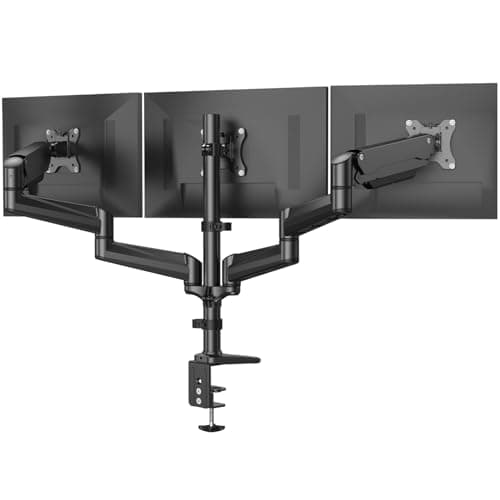
The Best Triple Monitor Mounts
Triple mounts ranked on weight rating per arm, supported screen sizes, pole height and arm span - plus the one designed for an ultrawide with two flanking panels.
Top pick · HUANUO Triple Monitor Mount (17-32", Gas Spring)
Comparison
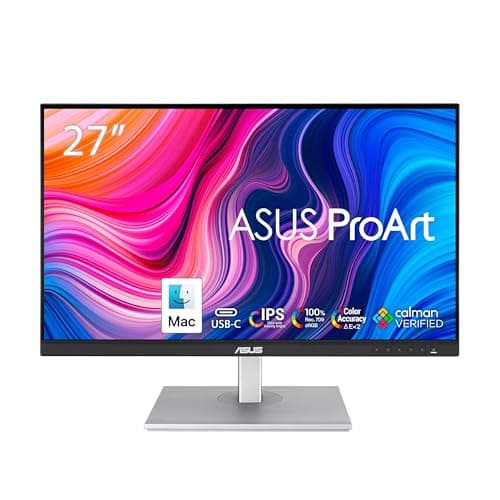
1440p or 4K?
1440p against 4K on pixel density, scaling behavior, desk depth and cost - plus the panel-size rule that makes the decision for you.
Top pick · ASUS ProArt PA278CV 27" QHD (the 1440p case)
Comparison
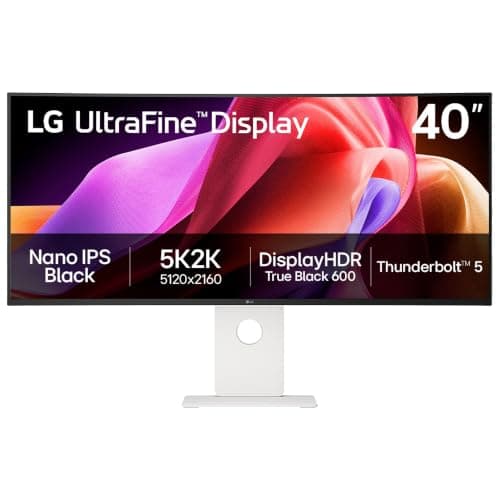
WUHD vs UWQHD: Ultrawide Resolutions, Explained
WUHD is 5120 x 2160. DQHD is 5120 x 1440. They are not the same screen, and one of them has 720 more rows than the other. A plain-English decoder for every ultrawide resolution label, with a panel for each class.
Top pick · LG 40U990A-W 40" UltraFine evo 5K2K WUHD
Guide
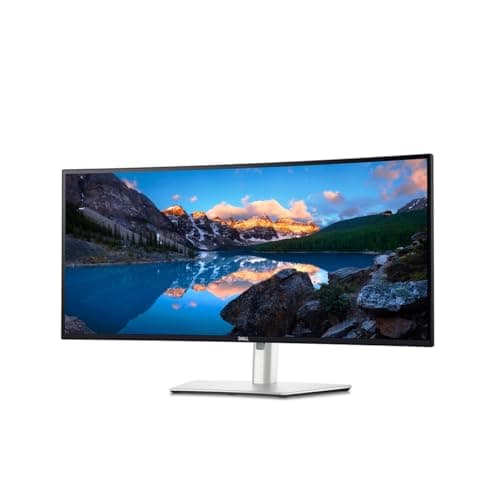
What Size Ultrawide Monitor Do You Need?
The ultrawide size ladder worked out in numbers: how wide each panel really is, how far back you have to sit, how many usable windows each one tiles, and which monitor to buy at each rung.
Top pick · Dell UltraSharp U3425WE 34" Curved Thunderbolt Hub Monitor
Roundup
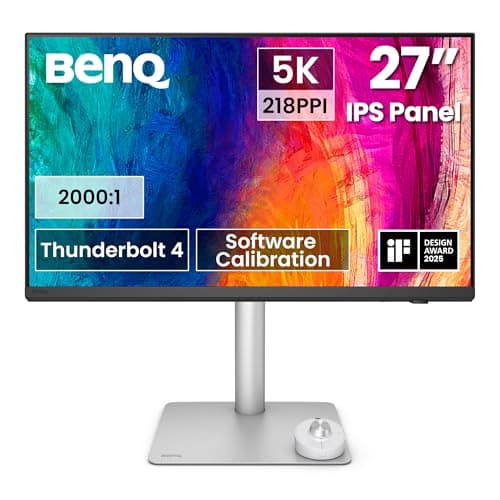
The Best Monitors for a Mac Desk Setup
Monitors for a Mac ranked on pixel density first - the 218 PPI 5K and 224 PPI 6K panels macOS draws at a clean 2x - then charging wattage, Thunderbolt and the stand.
Top pick · BenQ PD2730S 27" 5K Thunderbolt 4 Mac Monitor
Complete the setup
A setup is a system — finish it
- Standing DesksSit-stand or fixed, single motor or dual - why the frame under the desk matters more than the top on it.
- Ergonomic ChairsAdjustability, sizing, and the difference the premium brands actually buy for eight-hour days.
- Keyboards & MiceSplit, tented, mechanical, vertical - choosing the shape that keeps your wrists neutral, then the feel you like.