SECTION 04
The two things your hands touch all day
Split, tented, mechanical, vertical - choosing the shape that keeps your wrists neutral, then the feel you like.
We earn a commission when you buy through our Amazon links, at no extra cost to you. It never affects our rankings, and we say so when the cheaper product is the better buy. How this works.
Start here
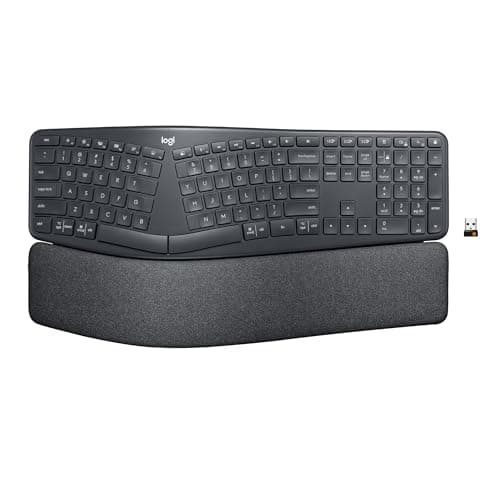
The Best Ergonomic Keyboards
Five ergonomic keyboards ranked from the gentle curved boards to fully split mechanicals — with the real trade-offs in tenting, wrist rests, and the adjustment period.
Best Overall Ergo Keyboard · Logitech Ergo K860 Wireless Split Keyboard
$149.99View on AmazonKeyboard and mouse are the two things your hands touch all day, which makes them a setup’s most personal upgrade and the one where comfort beats spec sheets. If your wrists ache by afternoon or your pinky is doing too much work, the fix is rarely a fancier switch — it is a shape that keeps your forearms and wrists in a neutral line. This hub is for choosing that shape deliberately rather than by what looks fast.
The number that decides the buy: how your wrists sit
The spec that should lead is geometry, not switch feel. A flat, full-size board forces your wrists to pronate, rolling the palms down, and to deviate outward toward the number pad. An ergonomic board fixes those angles with tenting, which raises the middle so the palms face slightly inward, and splitting, which lets each hand sit shoulder-width apart. Decide whether your discomfort is wrist angle or reach first, because that points you at either the best ergonomic keyboards or, on the pointing side, the best ergonomic mice. If the problem turns out to be height rather than shape — a desk sitting above where your forearms want to be — the fix goes under the desktop instead of on top of it, which is what the under-desk keyboard trays roundup is for.
How the category divides into types
On the keyboard side there are three forks. Mechanical versus membrane is the feel-and-longevity question, and within mechanical the switches split into linear (smooth and quieter), tactile (a bump you feel), and clicky (a bump you also hear). Layout is the size fork — full-size with a number pad, tenkeyless that drops the pad to bring the mouse closer, or compact 60% boards. And the ergonomic fork covers split, tented, and columnar layouts that re-angle the hands. The best mechanical keyboards for the office roundup weighs feel against noise for shared rooms. On the mouse side the forks are traditional-but-contoured, vertical (a handshake grip that reduces forearm twist), and trackball, where the hand stops moving entirely.
Match the mouse shape to your grip
- A contoured full-size mouse suits a palm grip and a hand that wants to rest, not perch.
- A vertical mouse rotates the wrist into a handshake angle, which eases the forearm rotation that a flat mouse forces all day.
- A trackball keeps the mouse body still and moves only your thumb or fingers, which is a gift on a shallow desk with no room to sweep.
- Whatever the shape, a mouse that fits your hand length beats one chosen on button count.
What actually decides the price
For keyboards the premiums are hot-swappable switch sockets that let you change feel without soldering, a heavier case and gasket-mounted plate for a softer typing sound, low-latency wireless, and programmable layers via firmware like QMK or VIA for remapping and macros. For mice the money goes into a high-grade sensor, low click latency, and a shape genuinely molded to a grip rather than a generic blob. Neither category needs its most expensive tier to solve an ergonomic problem — shape and layout do the heavy lifting, and the flashy internals are a preference tax on top. Wireless is the exception worth paying up for, especially on an ergonomic split board, where a cable strung between the two halves is one more thing to snag mid-session. The clearest example of the preference tax is MX Master 4 vs MX Master 3S, where the newer mouse’s premium buys a haptic thumb panel on an otherwise identical sensor and wheel.
The mistake buyers make, and where to start
The classic error is chasing enthusiast switches and keycaps while keeping a flat, wrist-pronating board — spending on feel and ignoring geometry. The second is buying loud clicky switches for a shared or home office where the noise drives everyone, including you on a call, up the wall. Fix the shape first, then indulge the feel. Start with the ergonomic keyboards guide if your wrists are the problem, or the office mechanical roundup if you just want a better everyday board. A large desk mat gives both devices a consistent, quieter surface, and the whole hand-position question fits inside the desk setup guide.
Everything in this hub
All keyboards & mice guides
Roundup
The Best Ergonomic Keyboards
Five ergonomic keyboards ranked from the gentle curved boards to fully split mechanicals — with the real trade-offs in tenting, wrist rests, and the adjustment period.
Top pick · Logitech Ergo K860 Wireless Split Keyboard
Roundup
The Best Ergonomic Mice
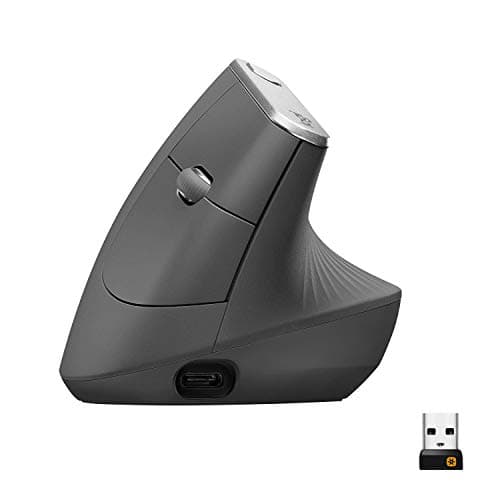
Five ergonomic mice ranked by grip, hand size, and features — from a flagship 57-degree vertical to a budget way to test the shape and a sculpted productivity pick.
Top pick · Logitech MX Vertical Ergonomic Mouse
Roundup
The Best Mechanical Keyboards for the Office
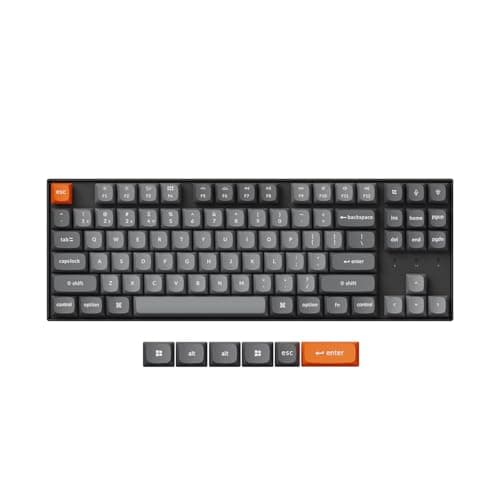
Five office-friendly mechanical keyboards ranked on quiet switches, low-profile comfort, wireless, and hot-swap — from a tenkeyless all-rounder to a budget tri-mode board.
Top pick · Keychron K8 Max Wireless Mechanical Keyboard
Roundup
The Best Split Keyboards
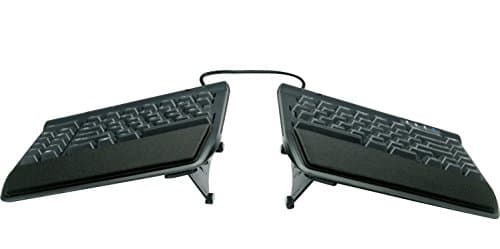
Split keyboards ranked from a fully separable value pick to a contoured premium board — what the split actually fixes, how long the relearning takes, and where each one falls short.
Top pick · Kinesis Freestyle2 Ergonomic Split Keyboard
Roundup
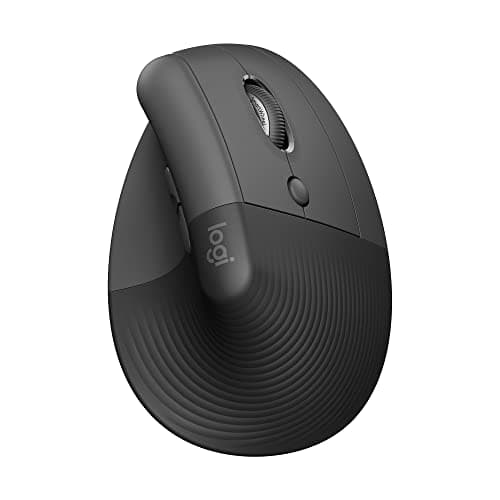
The Best Vertical Mice
Vertical mice ranked by angle, hand size, and build — from a wired budget pick to the MX Vertical — with a straight account of the adjustment period and who should skip the format entirely.
Top pick · Logitech Lift Vertical Ergonomic Mouse
Roundup
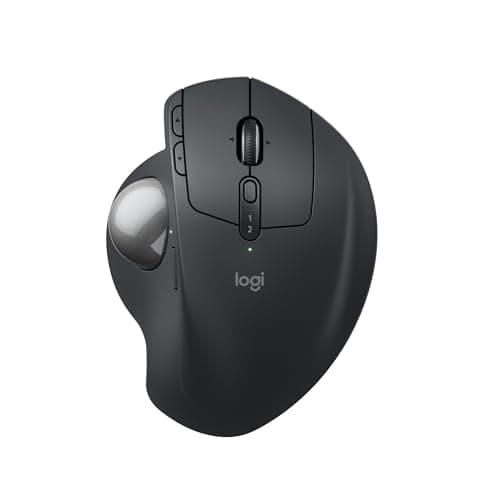
The Best Trackball Mice
Thumb-operated and finger-operated trackballs ranked for desk space, shoulder strain, and precision — from a budget Kensington to the MX Ergo S — with an honest account of what you give up.
Top pick · Logitech MX Ergo S Wireless Trackball
Comparison
Vertical Mouse or Trackball?
Vertical mouse versus trackball, weighed on forearm rotation, shoulder load, desk space, precision, and learning curve — with a straight answer keyed to where your discomfort actually is.
Top pick · Logitech Lift (the vertical case)
- Roundup
Roundup
The Best Keyboards for Programming
Keyboards judged on what actually matters for code: remappable firmware, layer support, where the modifiers sit, and layout size - not switch marketing. Winner: the Keychron Q11 Ultra.
Top pick · Keychron Q11 Ultra 8K Split Mechanical Keyboard
Roundup
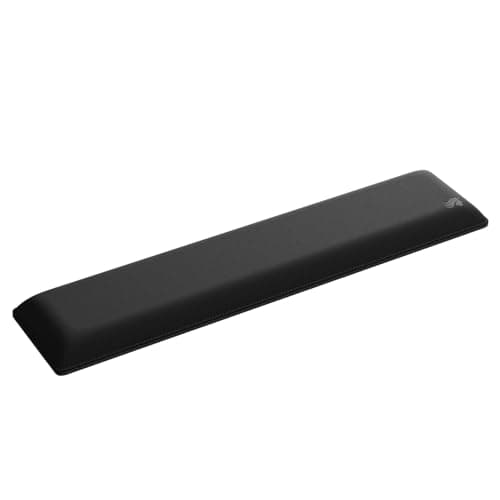
The Best Wrist Rests
Keyboard and mouse wrist rests ranked on height match, firmness, and material durability - with the positioning rule that separates the ones that help from the ones that hurt. Winner: the Glorious padded rest.
Top pick · Glorious Padded Keyboard Wrist Rest (Full Size, 1" Thick)
- Guide
Guide
Keyboard and Mouse Ergonomics
The positioning rules for keyboard and mouse - height, tilt, distance, and where the mouse should sit - plus the free adjustments that fix most wrist and shoulder discomfort without buying anything.
Roundup
The Best Compact Keyboards
Tenkeyless, 75% and 65% boards ranked on desk space reclaimed, which keys you lose, and how the missing ones come back through layers.
Top pick · Keychron K8 Max Wireless Mechanical Keyboard
Roundup
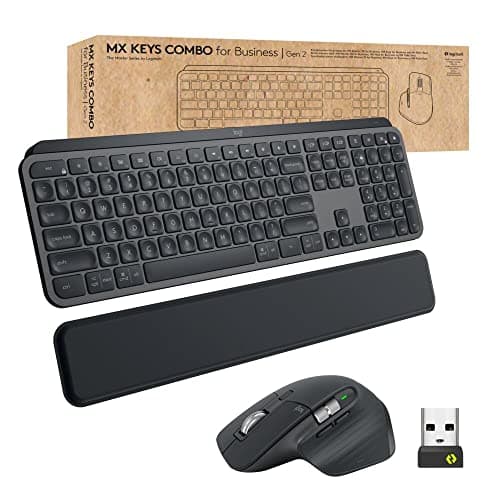
The Best Keyboard and Mouse Combos
Wireless keyboard and mouse sets ranked on single-receiver pairing, multi-device switching, battery life and whether the two halves genuinely belong together.
Top pick · Logitech MX Keys Combo for Business (Gen 2)
Comparison
Mechanical or Membrane?
Mechanical against membrane on feel, noise, repairability, lifespan and cost - with the quiet mechanical middle ground that settles most arguments.
Top pick · Keychron K8 Max (the mechanical case)
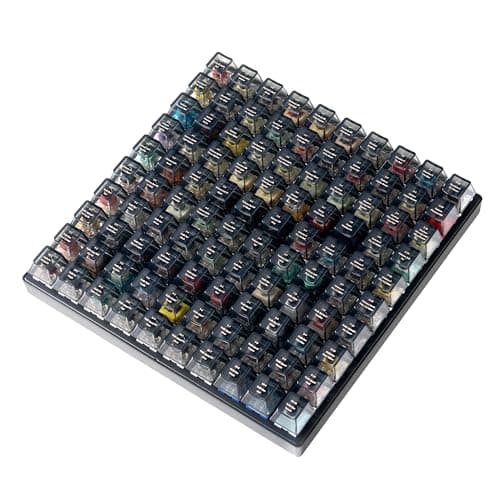
Guide
Keyboard Switches Explained
Linear, tactile and clicky switches explained - actuation force, travel, sound, and how to choose one you will still like in a year without buying five keyboards.
Top pick · Keychron Switch Tester 100 Max Edition
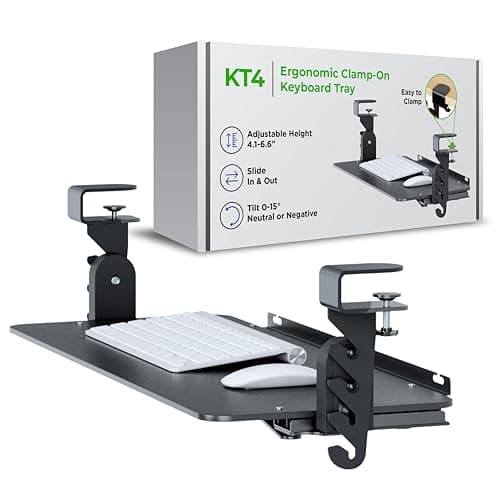
Roundup
The Best Under-Desk Keyboard Trays
Six under-desk keyboard trays ranked on drop below the desktop, negative tilt and how they mount - clamp-on, screwed to the underside, or a full articulating arm.
Top pick · Uncaged Ergonomics KT4 Clamp-On Under-Desk Keyboard Tray
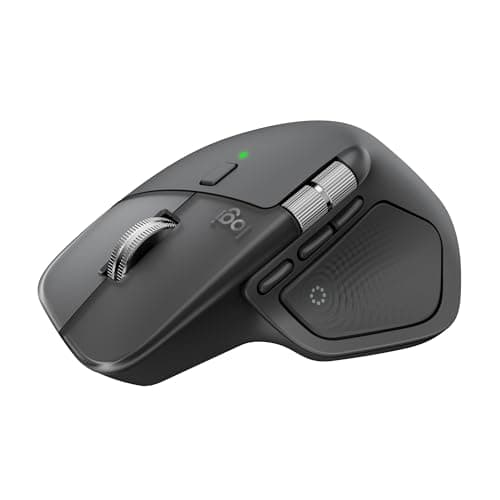
Comparison
MX Master 4 or MX Master 3S?
MX Master 4 against MX Master 3S on haptics, the Actions Ring, shape, sensor, battery and connectivity - plus the vertical mouse to buy if your wrist is the real problem.
Top pick · Logitech MX Master 4 (the haptic one)
Complete the setup
A setup is a system — finish it
- Monitors & ArmsUltrawide versus dual, IPS versus OLED, and the mount that reclaims your desk - picking the panel you will stare at all day.
- Standing DesksSit-stand or fixed, single motor or dual - why the frame under the desk matters more than the top on it.
- Ergonomic ChairsAdjustability, sizing, and the difference the premium brands actually buy for eight-hour days.