Skip to content
Chair & Cable

SECTION 03 · Ergonomic Chairs

The Best Office Chairs for Back Pain

The feature that helps is not a thicker cushion or a bigger backrest. It is a lumbar support you can move to where your curve actually is.

By Stephen V.Updated How we pick
#ad

We earn a commission when you buy through our Amazon links, at no extra cost to you. It never affects our rankings, and we say so when the cheaper product is the better buy. How this works.

Before anything else: a chair is not a treatment. Persistent or worsening back pain, pain that radiates down a leg, or numbness are things to take to a clinician, not to a shopping list. What a chair can genuinely do is stop making an ordinary, mechanical, sitting-all-day ache worse — and the feature that does that is not a thicker cushion or a taller backrest. It is a lumbar support you can move to where your lower back curve actually is.

Why lumbar adjustment is the whole ranking

Sitting flattens the natural inward curve of the lower spine. A backrest with a fixed bump in it assumes your curve sits at the same height as the designer’s, and for a lot of people it does not — the support lands on the mid-back, which does nothing, or below the belt line, which is worse than nothing. Two adjustments fix that. Height moves the support up and down to meet your curve. Depth sets how far it protrudes, which is how firm it feels. A chair with both is adjustable to your body; a chair with neither is adjustable to nobody.

This is why the value picks on this page score so well on lumbar fit and so ordinarily on build. Two-axis lumbar adjustment is genuinely more useful for a sore back than a better frame around a fixed one. It is also why the ranking here differs from the general ergonomic chairs roundup, where overall build and longevity carry more weight.

Seat depth is the second adjustment, and it is invisible

A seat that is too long presses into the back of your knees, which people relieve by sliding forward — and once you slide forward, your lower back leaves the lumbar support entirely. That is the most common way a good chair gets used badly. The check is simple: sit all the way back, and you should be able to fit roughly two to three fingers between the front edge of the seat and the back of your knee. If you cannot, you need a seat-depth slide, and most chairs under a few hundred dollars do not have one.

If a slide is not available, the workaround is a firm cushion behind your lower back to effectively shorten the seat, which is a compromise rather than a fix. Anyone notably tall or short should treat seat depth as a hard requirement rather than a nice-to-have.

Recline is the underrated one

Leaning back transfers some of your upper body weight to the backrest instead of your lumbar spine, which is why a chair with a real recline and a lock is more useful than a chair fixed upright. The useful pattern is not one perfect posture held rigidly for eight hours; it is changing position several times a day. A recline that locks at a few angles lets you do that deliberately. A recline with only tension and no lock tends to get set tight and never used.

The three things that matter as much as the chair

  • Desk height.A desk set too high raises your shoulders and the compensating posture lands in your back. If your elbows are not near 90 degrees with your shoulders relaxed, the chair cannot fix it — see how high should your desk be.
  • Feet on the floor. Dangling legs pull you forward off the backrest. If raising the chair to reach the desk leaves your feet unsupported, you need a footrest, not a different chair.
  • Monitor height. A screen below eye level bends your neck forward, and the rest of your spine follows it into a slouch that no lumbar support can hold you out of. The measurement is in the monitor height guide.

How this list is ranked

Lumbar fit carries the most weight, then overall support, then adjustability, then build. The scores are judgments from published manufacturer specifications, ergonomics guidance from OSHA and NIOSH, and aggregated owner reports — not clinical evidence and not measurements from a lab we do not have. See how we pick. Once the chair is chosen, setting it up correctly matters more than most people expect; the sequence is in how to adjust an office chair.

The short answer

Quick picks

#ProductBest forScorePrice
01
Steelcase Steelcase Series 2 Ergonomic Office Chair
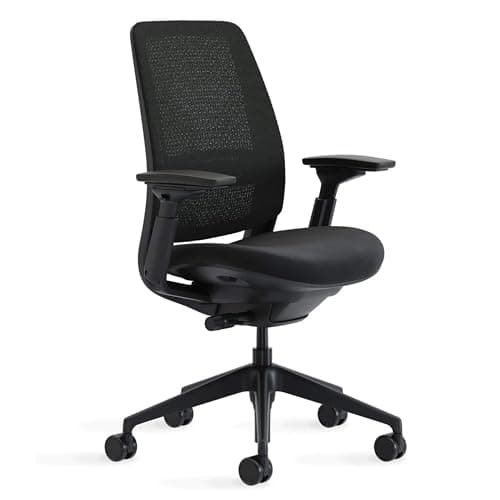
Steelcase Series 2 Ergonomic Office Chair

The back that moves with you rather than bracing against you. LiveBack flexes in two dimensions as you shift, the lumbar sets by height, and the weight-activated recline means the support does not depend on you dialing a tension knob correctly.

Best overall
9.0
$633.08Amazon
02
SIHOO SIHOO M57 Ergonomic Mesh Chair
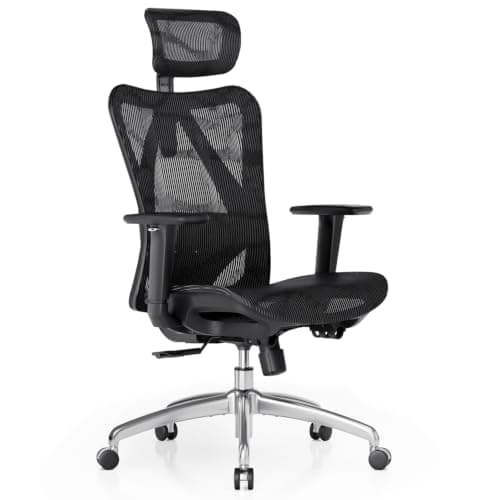
SIHOO M57 Ergonomic Mesh Chair

The dual-adjustable lumbar is the reason this sits so high. It moves up and down to find your curve and in and out to set how firmly it presses - the two-axis adjustment that premium chairs often skip.

Best lumbar adjustment for the money
8.4
$199.99Amazon
03
Nouhaus Nouhaus Ergo3D Ergonomic Office Chair
Nouhaus Ergo3D Ergonomic Office Chair

The recline is the point. A 135-degree lean that locks at three angles lets you move load off your lumbar spine several times a day, which is the single most useful thing a chair can do for a back that aches by mid-afternoon.

Best recline for unloading the spine
8.5
$299.99Amazon
04
Ticova Ticova Ergonomic Office Chair with Adjustable Lumbar Support
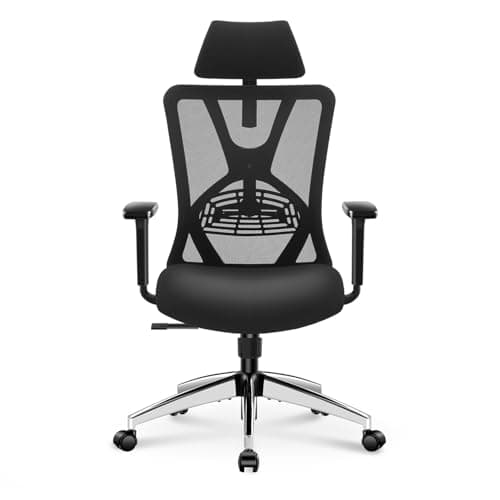
Ticova Ergonomic Office Chair with Adjustable Lumbar Support

The cheapest chair here that still gets the important thing right. Two-axis lumbar adjustment at this price is rare, and it matters far more for a sore back than the padding a similarly priced chair would spend the money on.

Best budget
8.1
$139.99Amazon
05
Duramont Duramont Ergonomic Office Chair with Lumbar Support
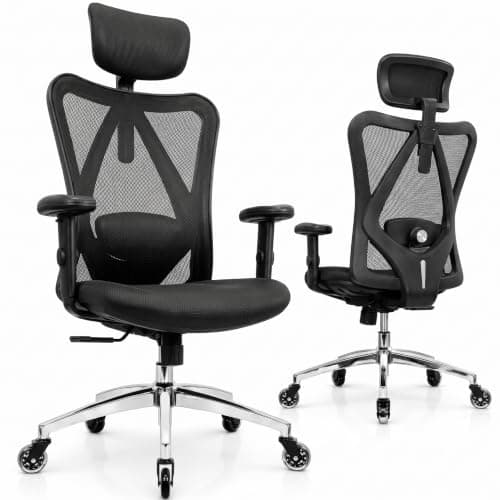
Duramont Ergonomic Office Chair with Lumbar Support

A thick-cushioned seat under a breathable mesh back, with adjustable lumbar and rollerblade wheels. The pick when the pain is aggravated by a hard seat rather than by the backrest.

Best cushioned seat
8.1
$198.99Amazon

#ad · Live prices from the Amazon Product API, as of Sep 6, 2026. Where we have no verified live price we show none — we would rather leave a gap than print a number that has rotted.

In detail

The picks, in full

01
Steelcase Steelcase Series 2 Ergonomic Office Chair

Best overall

Steelcase Series 2 Ergonomic Office Chair

Back type
Air LiveBack mesh, flexes in two dimensions
Lumbar
Height-adjustable lumbar support
Armrests
4-way adjustable (up/down, pivot, forward/back, side to side)
Recline
Weight-activated tension with 3 additional settings
Capacity / warranty
400 lb; 12-year mechanism warranty
9.0/10

The back that moves with you rather than bracing against you. LiveBack flexes in two dimensions as you shift, the lumbar sets by height, and the weight-activated recline means the support does not depend on you dialing a tension knob correctly.

Lumbar Fit
8.6
Support
9.2
Adjustability
8.6
Build
9.5

Pros

  • A back that flexes as you move keeps the lumbar contact constant instead of only when you sit perfectly
  • Weight-activated recline removes the single most commonly mis-set adjustment on any chair
  • 4-way arms let you take real shoulder load off, which reduces the compensating slouch
  • A 12-year mechanism warranty means the support is still there in year six, which cheap foam is not

Cons

  • Lumbar sets by height only, not depth, so the amount of support is fixed
  • Seat is firm out of the box for some sitters
  • No headrest in the standard configuration

Skip this if…

you need to dial how far the lumbar protrudes as well as where it sits - the Ticova and SIHOO do that and this does not

$633.08View on Amazon

Price as of Sep 6, 2026. Prices change — Amazon's is the one that counts.

#ad · we may earn a commission from this link to Steelcase Series 2 Ergonomic Office Chair

02
SIHOO SIHOO M57 Ergonomic Mesh Chair

Best lumbar adjustment for the money

SIHOO M57 Ergonomic Mesh Chair

Back
Breathable S-shaped mesh
Lumbar
Dual-adjustable (height and depth)
Armrests
3D adjustable armrests
Headrest
Adjustable headrest
Capacity
Up to 330 lb
8.4/10

The dual-adjustable lumbar is the reason this sits so high. It moves up and down to find your curve and in and out to set how firmly it presses - the two-axis adjustment that premium chairs often skip.

Lumbar Fit
9.2
Support
8.2
Adjustability
8.4
Build
7.6

Pros

  • Height and depth lumbar adjustment lets you place the support on your actual curve at your actual firmness
  • The S-shaped mesh back follows spinal curvature rather than sitting flat behind it
  • Adjustable headrest supports the neck during recline, which takes load off the upper back
  • 330 lb capacity is generous for the price

Cons

  • Frame and materials are mid-tier and feel it next to the Steelcase
  • Recline range is modest, so there is less scope to unload the spine by leaning back
  • No seat-depth slide

Skip this if…

you want a deep lockable recline to shift load off your lower back through the day

$199.99View on Amazon

$239.8817% off

Price as of Sep 6, 2026. Prices change — Amazon's is the one that counts.

#ad · we may earn a commission from this link to SIHOO M57 Ergonomic Mesh Chair

03
Nouhaus Nouhaus Ergo3D Ergonomic Office Chair

Best recline for unloading the spine

Nouhaus Ergo3D Ergonomic Office Chair

Back
Full HD ElastoMesh
Lumbar
Adjustable lumbar support
Armrests
4D adjustable armrests
Recline
135 degrees, 3-position lock
Capacity
Up to 275 lb; rolling blade wheels
8.5/10

The recline is the point. A 135-degree lean that locks at three angles lets you move load off your lumbar spine several times a day, which is the single most useful thing a chair can do for a back that aches by mid-afternoon.

Lumbar Fit
8.2
Support
8.6
Adjustability
9
Build
8

Pros

  • A locking 135-degree recline is genuinely useful: reclining transfers spinal load to the backrest
  • 4D armrests support the forearms in the reclined positions as well as upright
  • Full mesh back stays cool, which matters when you are in it all day
  • Adjustable lumbar rather than a fixed molded curve

Cons

  • 275 lb capacity is the lowest here
  • Lumbar adjusts in one axis, not two
  • Arm play draws the odd complaint at this price

Skip this if…

your desk layout gives you no room to lean back - the recline is most of what you are paying for

$299.99View on Amazon

Price as of Sep 6, 2026. Prices change — Amazon's is the one that counts.

#ad · we may earn a commission from this link to Nouhaus Ergo3D Ergonomic Office Chair

04
Ticova Ticova Ergonomic Office Chair with Adjustable Lumbar Support

Best budget

Ticova Ergonomic Office Chair with Adjustable Lumbar Support

Lumbar
Adjustable lumbar support, height and depth
Back
High-back breathable mesh
Headrest
Adjustable headrest
Armrests
Adjustable armrests
Seat
Height-adjustable gas lift with tilt lock
8.1/10

The cheapest chair here that still gets the important thing right. Two-axis lumbar adjustment at this price is rare, and it matters far more for a sore back than the padding a similarly priced chair would spend the money on.

Lumbar Fit
8.8
Support
8
Adjustability
8
Build
7.4

Pros

  • Lumbar moves in two directions, which is the adjustment that changes how a back feels
  • Mesh back stays cool across a long day where a foam-backed budget chair does not
  • Adjustable headrest for neck support during recline
  • The lowest-risk way to find out whether lumbar adjustment is what your back needed

Cons

  • Seat foam compresses noticeably within a couple of years, and a collapsed seat undoes the fit
  • No seat-depth adjustment, so very tall or short users cannot correct the fit
  • Short warranty next to any premium chair

Skip this if…

you are well outside average height - without seat-depth adjustment the fit cannot be corrected

$139.99View on Amazon

Price as of Sep 6, 2026. Prices change — Amazon's is the one that counts.

#ad · we may earn a commission from this link to Ticova Ergonomic Office Chair with Adjustable Lumbar Support

05
Duramont Duramont Ergonomic Office Chair with Lumbar Support

Best cushioned seat

Duramont Ergonomic Office Chair with Lumbar Support

Back
Breathable mesh
Lumbar
Adjustable lumbar support
Seat
Thick seat cushion
Wheels
Rollerblade-style casters
Adjustment
Seat height, backrest recline, headrest, armrests
8.1/10

A thick-cushioned seat under a breathable mesh back, with adjustable lumbar and rollerblade wheels. The pick when the pain is aggravated by a hard seat rather than by the backrest.

Lumbar Fit
8
Support
8.4
Adjustability
8
Build
8

Pros

  • A genuinely thick seat cushion, which matters for tailbone and sit-bone pain that a mesh seat aggravates
  • Mesh back keeps the cooling benefit while the seat stays cushioned
  • Rollerblade casters roll on hard floors without a mat and reduce the shove needed to reposition
  • Adjustable lumbar rather than a fixed curve

Cons

  • Costs meaningfully more than the Ticova for a similar adjustment set
  • A soft seat compresses over time and the fit drifts with it
  • Lumbar adjusts in one axis

Skip this if…

you run warm and want a mesh seat as well as a mesh back

$198.99View on Amazon

Price as of Sep 6, 2026. Prices change — Amazon's is the one that counts.

#ad · we may earn a commission from this link to Duramont Ergonomic Office Chair with Lumbar Support

How to choose a chair when your back hurts

Work down a short list of requirements rather than a long list of features. Lumbar support that adjusts by height at minimum, and by depth if you can get it. A seat-depth slide if you are notably tall or short. Armrests that adjust in height, so your shoulders are not holding your arms up all day. A recline that locks. And a seat firm enough that it does not collapse into a hammock in a year, because a collapsed seat tips your pelvis back and undoes everything else.

Then set it in the right order once it arrives, because a well-chosen chair set wrong is a badly set chair: seat height first, from your elbows and the desk; then seat depth; then lumbar height against your actual curve; then armrests to meet your elbows; then recline tension last. That sequence is walked through step by step in how to adjust an office chair.

A note on the used market, because it is genuinely relevant here: a second-hand premium chair often beats a new budget one at the same money, because the frames and mechanisms on the top-tier brands outlast their upholstery by years. The trade is that you inherit whatever condition the gas lift and the foam are in, and you cannot return it. If the budget is tight and the back is the reason, that trade is usually worth considering — see the budget chairs roundup for what the money buys new.
How we picked

We do not run a testing lab

We compiled the published manufacturer specifications, did the ergonomics, VESA and desk-depth math ourselves, and read aggregated owner reviews, then scored each product against a published rubric. The scores are judgments from documented research — they are not measurements we took, because we do not have a lab and we are not going to pretend we do. Every spec traces back to a listing or manual named in Sources.

Questions

Frequently asked

What kind of office chair is best for lower back pain?
One with lumbar support you can adjust in height, and ideally in depth as well, so the support lands on your actual lower back curve rather than an assumed one. After that: a seat depth that leaves two to three fingers behind your knees, height-adjustable armrests, and a recline that locks so you can shift load off your spine during the day. Padding thickness matters far less than any of those.
Is a mesh or a cushioned seat better for back pain?
It depends where the pain is. A firm mesh or foam seat that holds your pelvis level is better for lower-back pain, because a soft seat lets the pelvis roll backward and flattens the lumbar curve. A thicker cushion helps if the problem is tailbone or sit-bone pressure rather than the lumbar spine itself.
Will an expensive chair fix my back pain?
No. A chair can stop an ordinary sitting ache getting worse and can support a better posture, but it is not a treatment, and price mostly buys durability and adjustment range rather than relief. Persistent pain, pain radiating into a leg, or numbness should go to a clinician. A cheaper chair adjusted correctly beats an expensive one adjusted badly.
How should I set the lumbar support?
Sit all the way back with your hips against the backrest, then move the lumbar support up or down until it meets the inward curve of your lower back — roughly at belt height for most people. If the chair has depth adjustment, set it so you feel firm contact without being pushed forward off the backrest. Recheck after a week; the setting that feels right on day one is often slightly high.
Do I need a footrest as well?
If setting the chair to the correct height for your desk leaves your feet dangling or your toes reaching, yes. Unsupported feet pull you forward off the backrest and undo the lumbar support entirely. A footrest is far cheaper than a different chair — see the under-desk footrests roundup.

Keep reading

Receipts

Sources

We do not run a testing lab, and we do not pretend to. Specifications come from the manufacturer or retailer listing; the footprint and clearance math is ours and reproducible. Where we could not verify a number, we say so on the page rather than quietly leaving it out. Read our full method.