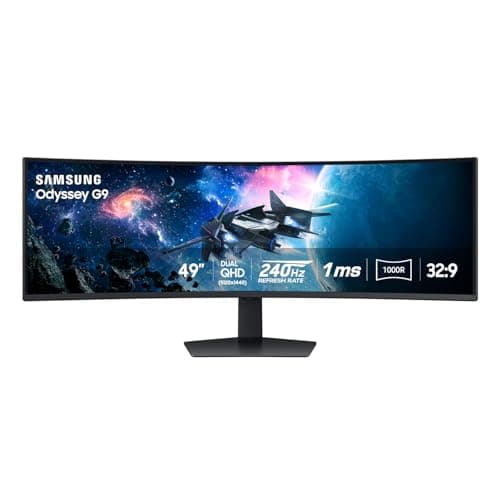
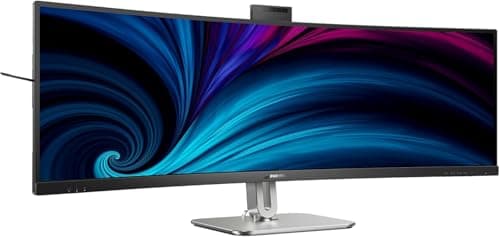
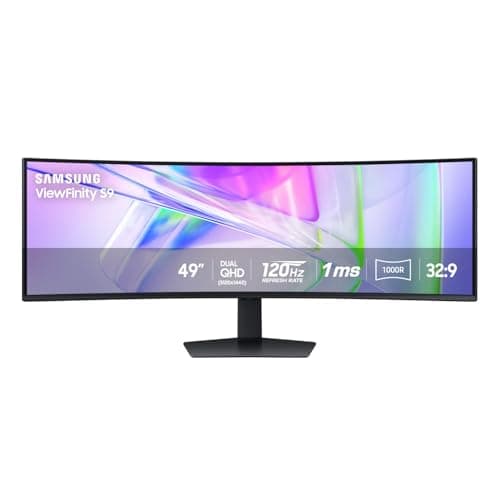
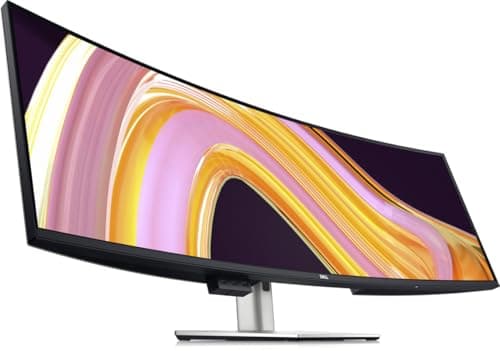
A super ultrawide is what happens when the industry stops asking whether one screen can replace two and just builds it. A 49-inch 32:9 panel at 5120 x 1440 is, in pixel terms, precisely two 27-inch 1440p monitors welded together with the bezel removed. That is not an analogy — it is the same resolution, the same height, the same total area, delivered as one continuous surface. Everything good and everything difficult about these screens follows from that single fact.
What is good is obvious the first time you use one. Three real windows sit side by side with no seam, no bezel splitting a spreadsheet, and no second set of cables. A timeline or a wide table extends further than any 16:9 panel allows. You stop managing which screen a window is on, because there is only one.
What is difficult is less obvious and worth knowing before you spend. The desk requirement is severe: a 49-inch panel is roughly 47 inches wide before you add anything else, which rules out most standard desks and makes an L-shaped or extra-wide desk a companion purchase rather than an afterthought. The mass is real, too — these panels weigh far more than the arms most people already own are rated for. And software still occasionally treats a 32:9 display as a single enormous screen when you wanted two halves, which means learning your operating system’s window snapping properly or adding a tool that does it better.
A curve is not optional at this width; it is structural. Every panel here is curved, because a flat 49-inch screen would place its edges so much further from your eyes than its center that it would be genuinely uncomfortable. If you want the reasoning, our curved monitor roundup explains the geometry. Picks below are scored from published specifications and the desk-width and mounting math, per how we pick.
How to choose a super ultrawide
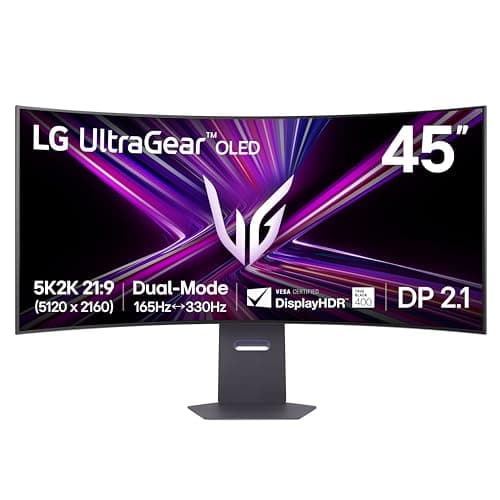
Measure the desk first, and be ruthless about it. A 49-inch 32:9 panel is roughly 47 inches wide. A standard 48-inch desk therefore holds one and nothing else — not a lamp, not a laptop, not a speaker. The realistic minimum is a 60-inch desk, and an L-shape is better still because it gives you a return for everything the monitor displaced. If the desk cannot take it, the 45-inch 21:9 panel is the smaller footprint that still delivers most of the benefit.
Be clear about what the width is buying, because the labels obscure it. The 49-inch panels here are DQHD — 5120×1440, which is two 27-inch 1440p screens fused together, so they add columns and no rows at all. The 45-inch 21:9 panel here is 5120×2160 WUHD — the same width in pixels with 720 more rows underneath. That distinction, and the pixel density each one lands at, is set out in WUHD vs UWQHD explained.
Then work out the mounting, because this is where people get caught. These panels weigh far more than a 27-inch monitor, and most desk arms — including good ones — are rated well below what a 49-inch screen demands. Check the panel weight with the stand off against the arm’s maximum, and prefer a heavy-duty single arm designed for wide screens over a general-purpose one. Several of these monitors ship with genuinely good stands, and unlike most monitors, keeping the stand is often the right call. Our VESA guide walks through the weight and pattern checks.
Next, decide whether you need picture-by-picture. It is the feature that separates a very wide monitor from a genuine two-machine desk: it splits the panel into two independent halves fed by two different computers, each getting what amounts to a full 27-inch 1440p screen. If you run a work laptop alongside a personal desktop, this replaces a KVM switch for the display half of the problem, and it is worth prioritizing over refresh rate or panel technology.
Finally, plan for the window management. A 32:9 screen presents itself to the operating system as one display, so a maximized window becomes absurdly wide unless you snap it. Both major operating systems now have usable snapping, and third-party tools do it better. Budget an hour to set up your zones properly; it is the difference between the panel feeling like a revelation and feeling like a chore.