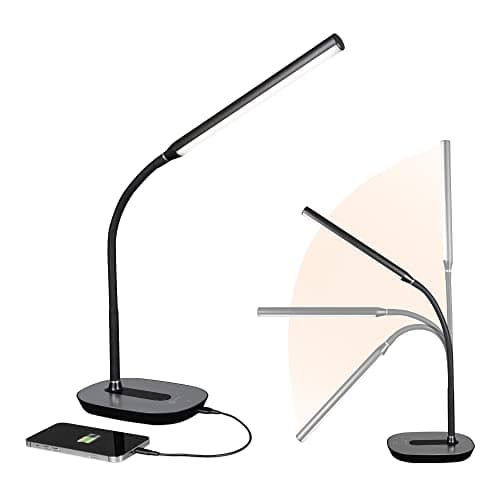
Desk lighting for a computer desk is a different problem from desk lighting for a writing desk, and most lamp advice quietly assumes the second. Your monitor is already a light source, and a bright one. What actually causes eye fatigue is not a dim desk but the contrastbetween a bright screen and a dark room behind and around it, which forces your pupils to keep adjusting. The job of a desk lamp on a computer desk is to lift the ambient level around the screen and light the physical objects — paper, keyboard, hands — that the monitor does not.
That reframing changes what you should look for. Raw brightness matters less than control: the ability to dim, and ideally to shift the color temperature warm in the evening and cool during the day. It also means placement matters as much as the lamp. Light aimed at the desk is useful; light that hits the screen washes out contrast, and light in your peripheral vision is a distraction. Position a lamp to the side, angled down at the desk surface, never facing the monitor or you.
There is a genuine alternative worth mentioning, and it is often the better buy: a monitor light bar clips to the top of the screen, lights the desk in front of it, and by design puts no light on the panel at all. It also uses no desk space. If your desk is purely a computer desk and you rarely handle paper, the bar is the more elegant answer. A lamp wins when you need directed light on physical work, when you want a lamp that also lights the room, or when the monitor is mounted somewhere a bar cannot clip.
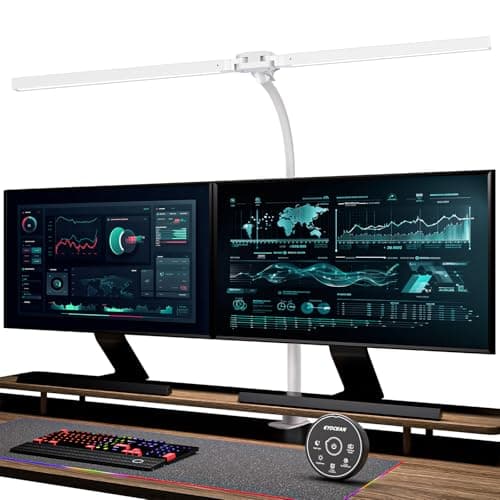
One practical note before the picks: desk space is a real cost. A lamp with a base occupies desk permanently, and on a desk already holding a keyboard, a mouse, and a wide monitor that is not nothing. Clamp lamps remove that cost entirely by attaching to the rear edge, which is why they punch above their weight in this category. Rankings follow how we pick: published specifications and the lighting geometry, not a lab.
How to choose a desk lamp for a computer desk
Start with placement, because it constrains the format. A lamp should sit to the side of the monitor and angle down at the desk. Light that reaches the screen washes out contrast and makes the display look flat; light in your direct field of view is a distraction. If you are right-handed, put the lamp on the left so your hand does not cast a shadow over whatever you are writing on, and vice versa.
Then prioritize control over raw output. Dimming is essential, because the right level for a bright afternoon is far too much at nine in the evening. Adjustable color temperature is the next most useful feature: cooler light during the day suits alertness and warmer light in the evening is easier to be around. Most people find a lamp with both is more useful than a brighter lamp with neither.
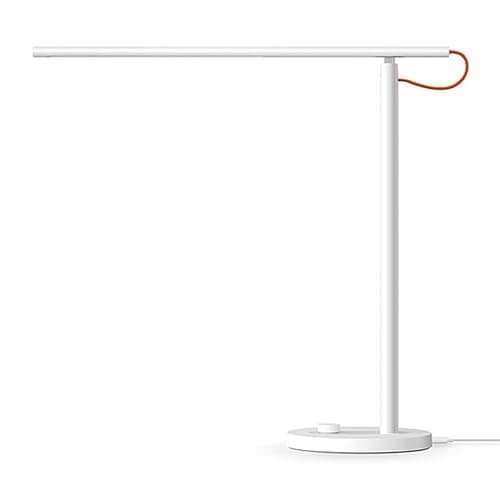
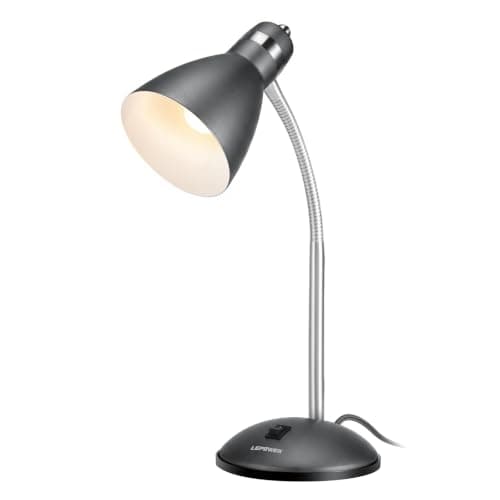
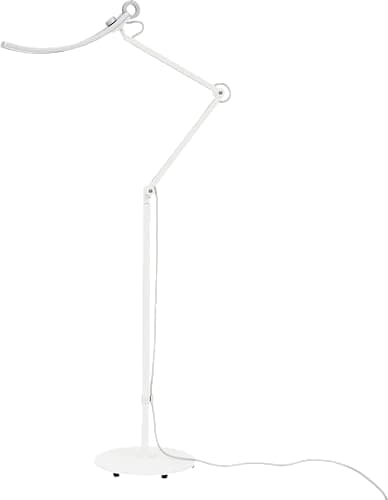
Count the desk space honestly. A lamp with a base occupies its footprint permanently, and on a desk already holding a wide monitor, a keyboard, and a mouse, that can be the deciding factor. Clamp lamps attach to the rear edge and cost nothing in surface area; floor lamps cost nothing in surface area but need room beside the desk. If your desk is crowded, look at those two formats before anything with a base.
Finally, decide honestly whether a lamp is what you need at all. If your desk work is almost entirely on screen and you rarely handle paper, a monitor light bar lights the desk without touching the panel and takes no space. A lamp is the right buy when you handle physical materials, when you want light with some character in the room, or when the monitor is on an arm where a bar cannot clip. And whichever you choose, remember that screen position and height affect eye comfort at least as much as lighting does.