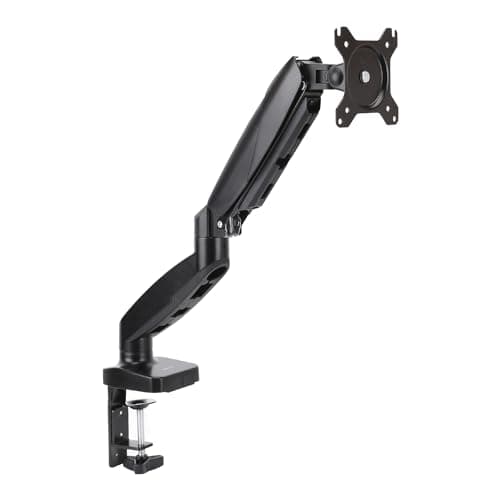
A monitor arm is the cheapest upgrade that changes how a desk feels: it lifts the screen to eye level, swings it out of the way, and hands back the desk depth the bundled stand was hogging. Our pick for most setups is the Amazon Basics Gas Spring Single Arm— smooth full motion for screens up to 32 inches, both VESA patterns, and a price that undercuts the name brands without feeling cheap in use.
Before you match an arm to a monitor, check three numbers. The first is the VESA pattern on the back of your screen — almost always 100×100mm on a 27-inch-or-larger panel, or 75×75mm on smaller displays; every arm here supports both. The second is your desk edge: a clamp mount grips roughly 0.4 to 3.4 inches of thickness, so a chunky solid-wood top can exceed a clamp’s jaw — measure it, and use the grommet option through a hole if it does. The third is weight, and it is the one people ignore until the screen droops. Match the panel’s weight to the arm’s rating with headroom to spare.
The lift mechanism is where price and feel diverge. A gas springuses a sealed piston and covers most needs for the least money — the value, budget, and simple picks here all use one. A Constant Force mechanism, the Ergotron approach, uses a spring system tuned so the screen glides with one finger and stays precisely where you leave it, which is why the Ergotron LX earns the premium slot: an aluminum build, a 25 lb rating, and a reputation for lasting. If your panel is a big, heavy ultrawide, the VIVO 13-to-38-inch arm is built for that reach and mass where a lighter arm would sag. The HUANUO and WALI arms round out the budget end, both dependable gas-spring options when the top pick is unavailable.
Whichever arm you pick, set it to the height our monitor height guiderecommends — top of the screen at or just below eye level — and it will do more for comfort than a panel upgrade. Pair it with the right screen from our home-office monitor guide or a wide panel, and the whole desk setup tightens up at once.
The short answer
Quick picks
#ad · Live prices from the Amazon Product API, as of Sep 24, 2026. Where we have no verified live price we show none — we would rather leave a gap than print a number that has rotted.
In detail
The picks, in full
Best overall value
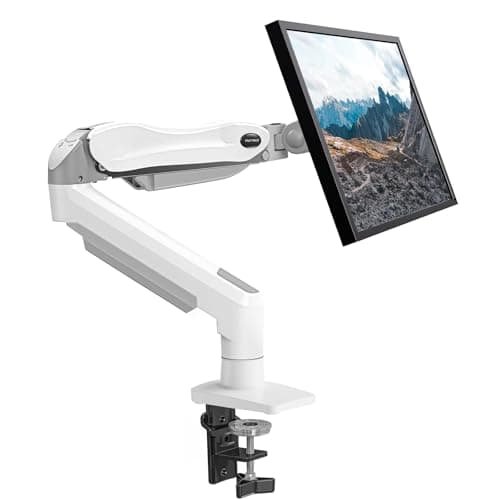
Amazon Basics Gas Spring Single Monitor Arm
- Mount
- Desk clamp or grommet
- VESA
- 75 x 75 & 100 x 100mm
- Screen size
- Up to 32"
- Weight
- Up to about 17.6 lb (8 kg)
- Motion
- Gas spring, full tilt/swivel/rotate
A full-motion gas-spring arm that covers the fundamentals - smooth height, tilt, and swivel for screens up to 32 inches, at a price that undercuts the name brands.
- Build Quality
- 8
- Adjustment Range
- 8.2
- Weight Capacity
- 8
- Value
- 9.4
Pros
- +Gas spring holds any height smoothly, with no knobs to loosen and retighten
- +Fits both 75 x 75 and 100 x 100mm VESA and clamps or grommets to the desk
- +Handles most 24 to 32-inch monitors up to about 17.6 lb
- +Cable channels keep the run tidy along the arm
Cons
- −Build hardware is a step below premium aluminum arms
- −Weight ceiling rules out the heaviest 34-inch-and-larger panels
Skip this if…
…you are mounting a heavy 34-inch-plus ultrawide, or you want the longevity of a first-tier aluminum arm.
Best premium
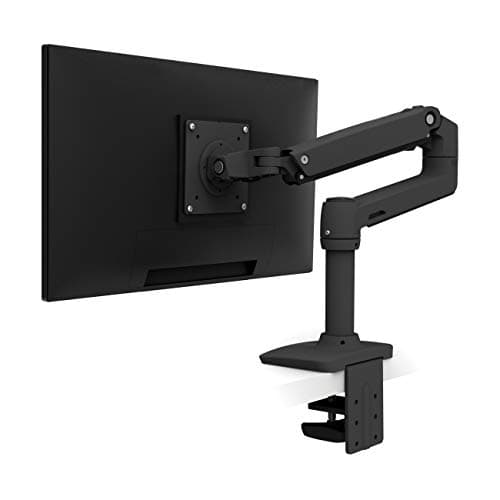
Ergotron LX Single Monitor Arm
- Mount
- Desk clamp or grommet
- VESA
- 75 x 75 & 100 x 100mm
- Screen size
- Up to 34"
- Weight
- 7 to 25 lb (3.2 to 11.3 kg)
- Motion
- Constant Force, about 13" lift
The reference full-motion arm - Constant Force lift, an aluminum build, and a 25 lb rating for screens up to 34 inches, with movement that stays exactly where you leave it.
- Build Quality
- 9.6
- Adjustment Range
- 9.2
- Weight Capacity
- 8.8
- Value
- 5.6
Pros
- +Constant Force lift glides the screen with one finger and holds position precisely
- +Aluminum construction and a 25 lb rating suit large, heavy panels up to 34 inches
- +Long reach and lift range place the screen exactly where your neck wants it
- +Reputation for lasting far longer than budget gas-spring arms
Cons
- −Costs several times more than a value gas-spring arm
- −Constant Force tension needs a firm setup adjustment for heavier screens
Skip this if…
…you have a light 24-inch monitor and a modest budget - the premium is wasted on a small screen.
Best for ultrawide
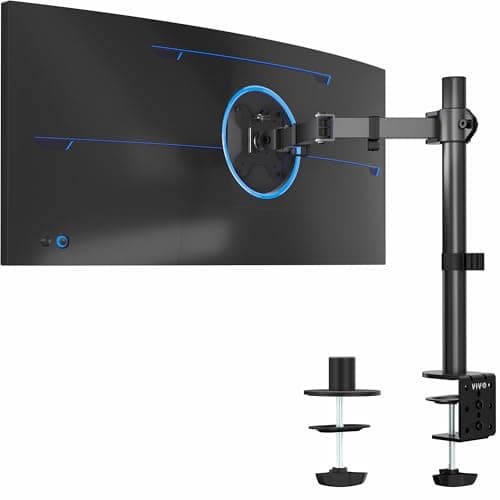
VIVO Single Ultrawide Monitor Arm (13-38")
- Mount
- C-clamp or grommet
- VESA
- 75 x 75 & 100 x 100mm
- Screen size
- 13 to 38" (ultrawide)
- Weight
- Rated for large ultrawides
- Motion
- Gas spring, full articulation
A single arm sized for the big panels - rated for 13 to 38-inch ultrawides where lighter arms sag or hit their weight ceiling.
- Build Quality
- 7.8
- Adjustment Range
- 8
- Weight Capacity
- 8.8
- Value
- 7
Pros
- +Rated for large 13 to 38-inch ultrawides that overwhelm lighter arms
- +Gas spring plus a sturdy pole keeps a wide panel steady without droop
- +Both VESA patterns and clamp or grommet mounting are covered
Cons
- −Overbuilt and less graceful for a small, light 24-inch screen
- −A wide panel still needs enough desk depth behind the mount
Skip this if…
…your screen is a light 24 to 27-inch panel - a standard single arm is cheaper and tidier.
Best budget
HUANUO Single Monitor Mount (13-32", Gas Spring)
- Mount
- Desk clamp or grommet
- VESA
- 75 x 75 & 100 x 100mm
- Screen size
- 13 to 32"
- Weight
- 4.4 to 17.6 lb (2 to 8 kg)
- Motion
- Gas spring, tilt and swivel
A budget gas-spring arm that does the job for 13 to 32-inch screens - smooth full motion and both VESA patterns for very little money.
- Build Quality
- 7.2
- Adjustment Range
- 7.6
- Weight Capacity
- 7.2
- Value
- 8.8
Pros
- +Gas spring gives smooth, tool-free height changes at a low price
- +Fits 75 x 75 and 100 x 100mm VESA with clamp or grommet mounting
- +Handles common 24 to 32-inch monitors up to about 17.6 lb
Cons
- −Materials and finish are basic next to premium arms
- −Not rated for the heaviest large-format panels
Skip this if…
…you want long-term durability for a heavy screen, or a genuinely premium fit and finish.
Best simple pick
WALI Single Monitor Gas Spring Desk Mount
- Mount
- Desk clamp or grommet
- VESA
- 75 x 75 & 100 x 100mm
- Screen size
- Up to 32"
- Weight
- Up to about 17.6 lb (8 kg)
- Motion
- Gas spring, full tilt/swivel
A straightforward gas-spring arm and a solid alternative to the value pick - full motion for screens up to 32 inches with both VESA patterns covered.
- Build Quality
- 7.2
- Adjustment Range
- 7.4
- Weight Capacity
- 7.2
- Value
- 8.6
Pros
- +Smooth gas-spring motion for height, tilt, and swivel with no knobs to fight
- +Supports 75 x 75 and 100 x 100mm VESA and both desk-mount styles
- +A dependable fallback when the top value pick is out of stock
Cons
- −Nothing it does clearly beats the value pick above it
- −Weight ceiling keeps it away from the largest panels
Skip this if…
…the top value arm is available - there is little reason to choose this over it, and heavy panels want more.
How to choose a monitor arm
Three specs decide compatibility, and none of them is the arm’s looks. Start with the VESA pattern: look for the four threaded holes on the back of your monitor and confirm they are 75×75mm or 100×100mm apart. Every arm on this page fits both, but some monitors need an included adapter bracket, so keep that in the box. Next, measure your desk edge — clamp mounts hold roughly 0.4 to 3.4 inches of thickness, and a thick or trestle-style top can defeat the jaw, in which case the grommet mount through a drilled hole is the fix.
Weight is the spec that makes or breaks the experience. A gas-spring arm is tuned for a weight range, and a screen lighter than the minimum will float up while one heavier than the maximum will slowly sag. Check your monitor’s weight without its stand — that is the number the arm carries — and leave headroom. Large ultrawides and 32-inch-plus panels are where budget arms run out of rating, so size up to a heavy-duty single arm for those.
- Standard 24 to 32-inch screen: a value gas-spring single arm.
- Heavy or large ultrawide: a high-rated single arm built for the reach and mass.
- Want set-and-forget precision: a Constant Force aluminum arm.
- Thick desk edge: confirm the clamp range, or plan to use the grommet mount.
Finally, route the cable while the arm is off the screen. Most arms include channels or clips along the pole and boom; threading the cable before you mount the panel keeps the finished look clean and stops the movement from tugging on the connectors.
Essentials
The small parts that finish the job
Nothing here changes a pick above, and none of it is a considered purchase. These are the cheap pieces that decide whether the expensive one works properly, and the ones people discover they are missing on the day the big box arrives.
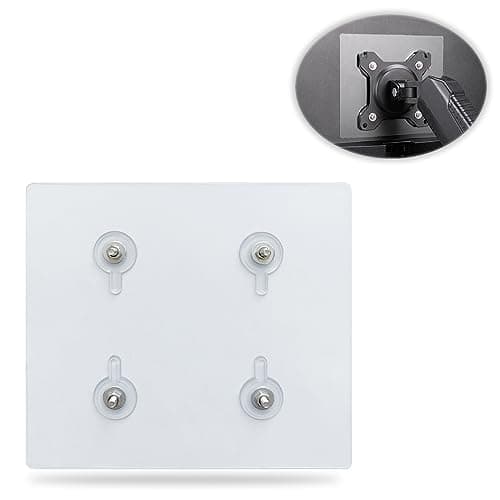
Universal VESA Mount Adapter for Non-VESA Monitors (13 to 27 in)
The part that decides whether an arm is even an option. A panel with no bolt pattern on the back cannot mount to anything, and a bracket kit gives it one instead of sending you back to the stand in the box.
Check first: confirm the adapter's VESA pattern and its panel-size range against both your monitor and your arm, and make sure the arm's weight rating still covers the adapter plus the screen.
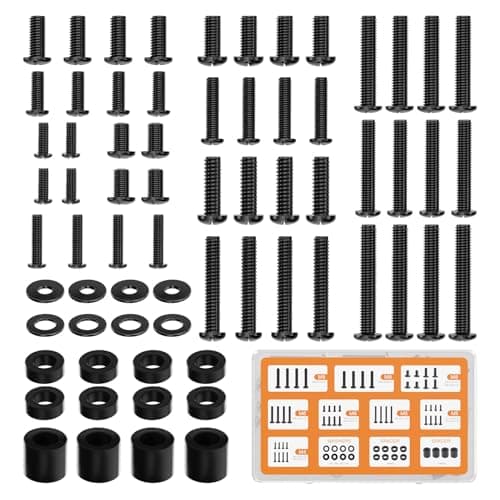
WALI Universal Mounting Hardware Set (M4, M5, M6, M8)
Arms ship with one length of screw. Thick panels, recessed VESA patterns and curved backs regularly need a longer thread or a spacer, and a mixed M4 to M8 kit turns a half-finished install into a ten-minute job.
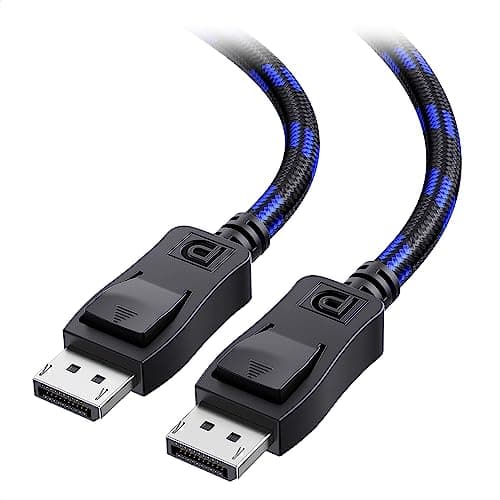
Cable Matters VESA-Certified DisplayPort 1.4 Cable, 6 ft
A monitor ships with one cable and it is rarely DisplayPort, so the second screen usually arrives with nothing to plug into. A certified DP 1.4 run is also the first thing worth swapping when a display flickers, drops out, or refuses to hold its refresh rate.
#ad · Live prices from the Amazon Product API, as of Sep 24, 2026. Where we have no verified live price we show none. We may earn a commission, at no extra cost to you.
How we picked
We do not run a testing lab
We compiled the published manufacturer specifications, did the ergonomics, VESA and desk-depth math ourselves, and read aggregated owner reviews, then scored each product against a published rubric. The scores are judgments from documented research — they are not measurements we took, because we do not have a lab and we are not going to pretend we do. Every spec traces back to a listing or manual named in Sources.
Questions
Frequently asked
What VESA size do I need for a monitor arm?+
Most 27-inch-and-larger monitors use 100×100mm; smaller screens often use 75×75mm. Check the four threaded holes on the back of your monitor. Every arm here supports both patterns, and some monitors include an adapter bracket to reach them.
Gas spring or Constant Force - what is the difference?+
A gas spring uses a sealed piston to hold the screen at height and covers most needs for less money. Constant Force, Ergotron’s mechanism, uses a tuned spring system so the screen glides with one finger and stays exactly where you leave it — smoother and longer-lasting, at a higher price.
How thick a desk edge can a monitor arm clamp?+
A typical clamp grips roughly 0.4 to 3.4 inches of desk thickness. Measure your desk edge before you buy. If the top is thicker than the clamp range, or has no free edge, use the grommet mount through a hole in the desk instead.
Will a single arm hold a 34-inch ultrawide?+
Only if its weight and size rating cover your panel. Many budget arms top out around 32 inches and 17.6 lb, which a heavy 34-inch ultrawide can exceed. Choose an arm rated for large ultrawides — or a Constant Force arm rated to 34 inches and 25 lb — and match your monitor’s stand-free weight to it.
Do monitor arms work with any monitor?+
Almost, provided the monitor has a VESA mount and falls within the arm’s weight range. A few thin or curved panels lack VESA holes or need a proprietary adapter, so confirm the back of your screen has the four-hole pattern before ordering.
Receipts
Sources
We do not run a testing lab, and we do not pretend to. Specifications come from the manufacturer or retailer listing; the footprint and clearance math is ours and reproducible. Where we could not verify a number, we say so on the page rather than quietly leaving it out. Read our full method.