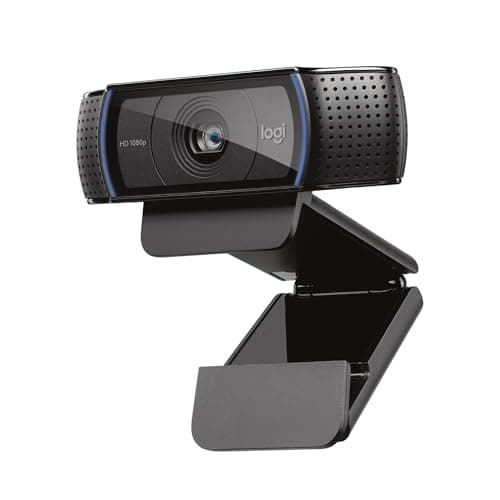
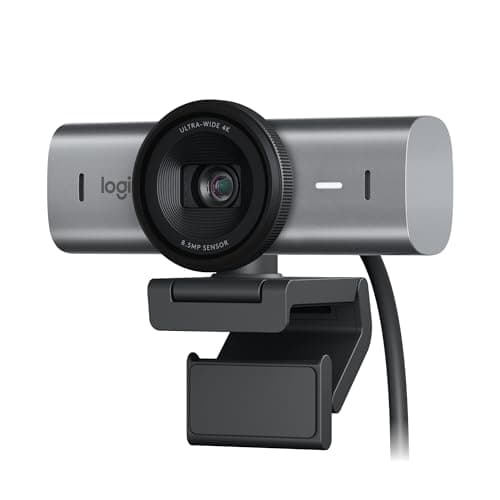
The number on the box is the least useful spec in this category. Every major video call platform compresses hard and most cap at 1080p or below, so a 4K webcam and a 1080p webcam arrive at the other end at similar resolutions. What differs is everything the compression cannot hide: whether the sensor gathers enough light in an ordinary room, whether the camera copes with a window behind you, whether it hunts for focus mid-sentence, and how much of your untidy office it drags into frame.
Sensor size is the spec that actually predicts image quality
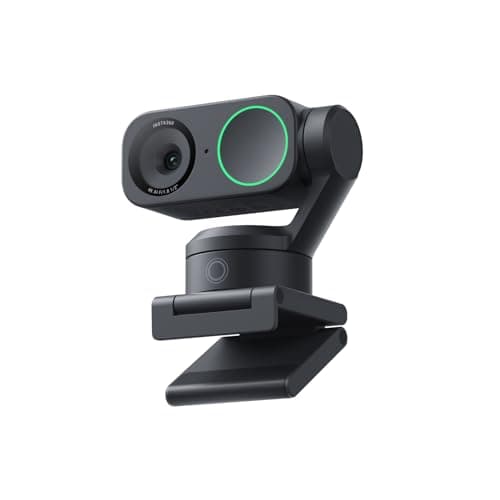
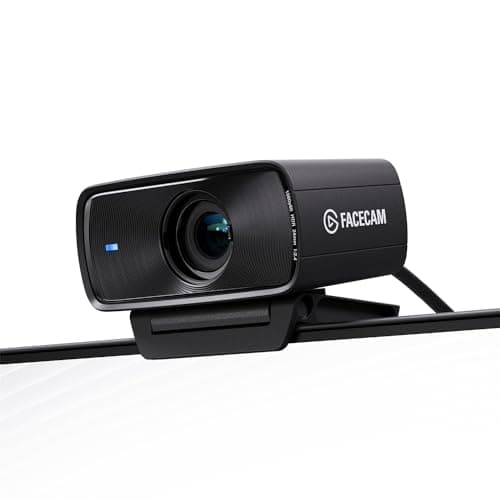
A webcam sensor is small — a typical one is a fraction of the size of the sensor in your phone. The larger the sensor, the more light each pixel collects, and the less the camera has to amplify the signal, which is what produces the grainy, smeary look of a bad call in a dim room. That is why the Insta360’s 1/2-inch sensor and the Elgato’s Sony STARVIS design score above cameras with higher headline resolutions.
The practical corollary: a 4K camera with a small sensor in a dim room looks worse than a 1080p camera with a good sensor in the same room. Resolution is only useful once there is enough light to resolve detail in the first place.
The lighting fix costs less than the camera
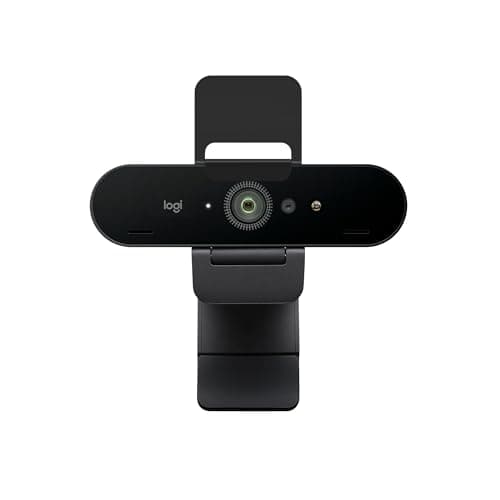
Before you spend anything on a camera, look at where your light is coming from. If the brightest thing in the room is behind you — a window, usually — every camera will expose for it and turn you into a silhouette. Moving your desk so the window is in front of you or to one side fixes it for free and does more than any upgrade on this page. Where that is not possible, HDR (the Brio, the Insta360) is what lets the camera hold both you and the window.
The other half is having any front light at all. A monitor light bar throws light down onto your desk rather than at your face, so it helps less than people expect for video; a desk lamp bounced off a wall in front of you does more. A cheap camera in good light beats an expensive one in bad light, consistently.
Field of view: narrower is almost always better
Webcam field of view is usually quoted between 65 and 95 degrees. Wide angles were designed for conference rooms with several people at a table. At a desk, a 90-degree view captures you, your bookshelf, your laundry, and the door — and it also introduces the mild barrel distortion that makes faces look wider near the edges.
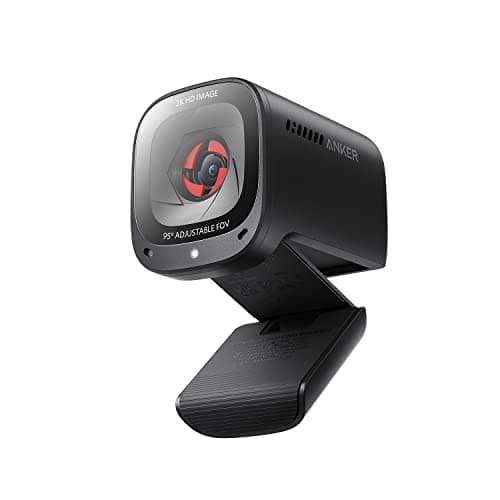
For a single person at a desk, 65 to 78 degrees is the range you want. The reason multiple cameras here score well on framing is that they let you choose: both Brios and the Anker offer three settings, so you can crop tight without moving the camera or rearranging the room. If your camera is fixed at 90 degrees, moving it closer is the workaround.
Placement matters as much as the camera
Put the camera at eye level. A webcam clipped to the top of a monitor that sits too low looks up your nose; a laptop camera on the desk does the same, worse. If your screen is at the right height — top of the panel at or just below your eyeline, per the monitor height guide— then the top of the monitor is roughly the right place for the camera too.
One conflict worth planning for: a monitor light bar and a webcam both want the top edge of the screen. Some light bars accommodate a camera and some do not, so check before you buy the second one. On a monitor arm you have more freedom, because the panel height is adjustable independently of everything else.
What about the microphone?
Every camera here has mics, and they are all acceptable in a quiet room and mediocre in a noisy one, because the microphone is 20 to 30 inches from your mouth. If audio quality on calls matters to you more than video — and for most meetings it should, since people tolerate a poor picture far better than poor sound — a headset or a dedicated microphone will beat any webcam mic on this page. Treat the built-in mics as a convenience, not a solution.
How this list is ranked
Low-light image quality carries the most weight, then framing control, then audio, then value. Specifications come from the manufacturers’ published documentation, and the reasoning about sensors, compression, and field of view is our own analysis rather than measurements from a lab we do not have — see how we pick.
How to choose a webcam for work
Start with your room, not the product list. If you have a window behind you and cannot move, buy HDR. If your room is genuinely dim, buy sensor area. If your room is well lit and you sit still, buy the cheapest competent camera here and spend the difference elsewhere — the C920x has been the right answer for a lot of people for a decade for exactly this reason.
Then check three practical things. Field of view: 65 to 78 degrees for one person. Focus: fixed focus never hunts but requires you to sit inside its range, while autofocus is more forgiving and occasionally distracting. And mounting: check the clip works with your monitor’s bezel thickness, and whether it fouls a light bar you already own.
Finally, treat privacy as a hardware question. A physical shutter or sliding cover is worth more than a software indicator light, and the cameras here that include one saved you buying a separate clip. If your camera does not have one, a cheap slide-on cover is a sensible addition.
Last thing, and it is the one that changes your picture most: a camera can only use the light it is given, and almost nobody fixes the audio first. The order we would actually buy in — audio, then light, then the camera — is set out in the best video call setup.