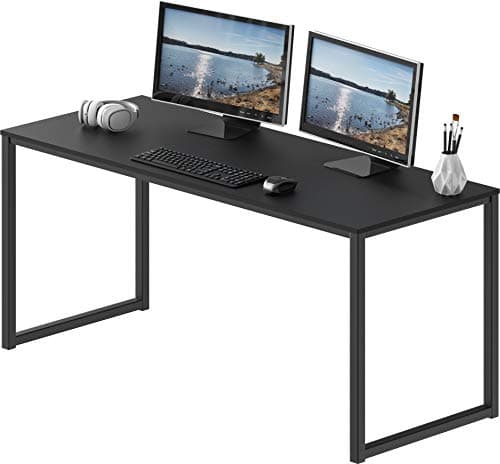
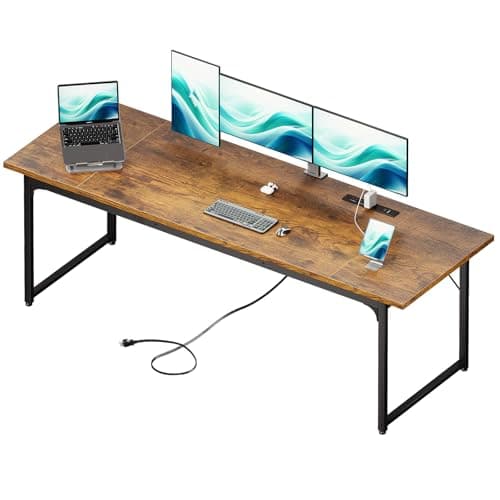
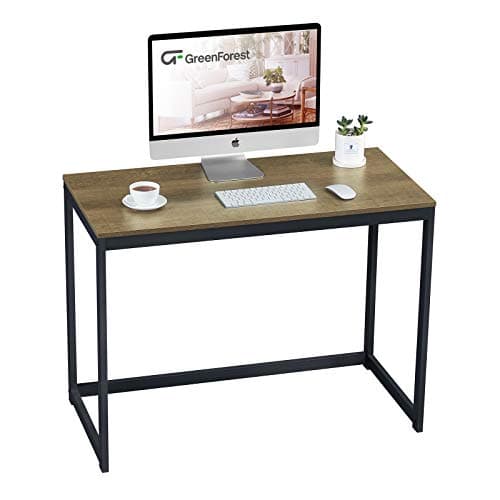
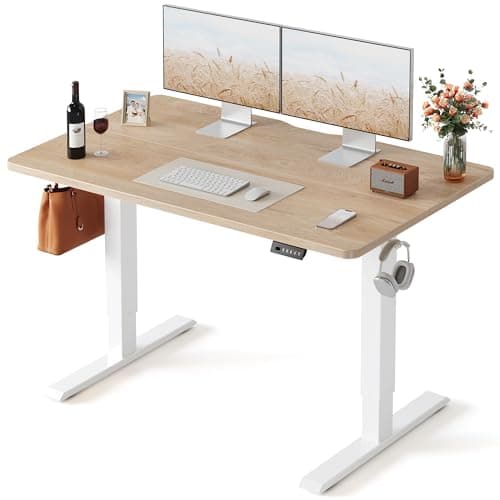
The short version: 48 inches is the width most people should buy, and it is the width most desks are sold at. Go to 55 inches if you run two monitors, 60 inches or more if you run two monitors on stock stands rather than arms, and down to 40 inchesonly if the room forces it — which it often does, and a 40-inch desk is workable if you get the screen off the surface.
Height and depth both have ergonomic answers that depend on your body: desk height comes off your elbow, and desk depth comes off your viewing distance and your knees. Width is different. No ergonomics authority publishes a recommendation, because nothing about your arms changes when the desk gets longer. Width is an inventory problem: add up what goes on the desktop, add working room, and buy the next size up.
Step 1: measure your screens, not their diagonals
A monitor’s advertised size is the diagonal, which tells you almost nothing about how much desk it eats. For a 16:9 panel, the horizontal width is the diagonal multiplied by about 0.872— so a 27-inch screen is roughly 23.5 inches of glass, a 24-inch is roughly 20.9, and a 32-inch is roughly 27.9. That is arithmetic from the aspect ratio, not a published spec; bezels and the stand foot add to it, and the product listing is where the real outside dimension lives.
Then the important part: a stock monitor stand has a foot, and the foot is wider and deeper than the panel needs. Two 27-inch monitors on their own stands typically want 55 to 60 inches of desk before the feet stop fighting, which is why our dual-monitor desk roundup measures desks against real footprints rather than screen sizes. Two 27-inch monitors on a dual arm want about 48, because the arm puts the mass behind the rear edge.
For ultrawides the calculation changes with the aspect ratio: a 21:9 panel is its diagonal multiplied by about 0.92, and a 32:9 by about 0.96. A 49-inch super ultrawide is therefore about 47 inches wide on its own — nearly the whole of a 48-inch desk. The ultrawide size ladder works through every rung with the desk width each one needs.
Step 2: reserve the keyboard and mouse zone
The middle of the desk belongs to your hands, and it is wider than people estimate. A full-size keyboard with a number pad plus mousing room is roughly two feet of surface; the published size of a full-width wooden wrist rest — 17.3 inches — is a fair proxy for the board alone, and the mouse needs eight to ten inches beside it.
This is the one place where a smaller keyboard genuinely buys desk space rather than just looking tidier. A tenkeyless or 65% board reclaims three to six inches of width, which on a 40-inch desk is the difference between a cramped mouse and a comfortable one. Dropping the board below the desktop on an under-desk tray frees the whole zone.
Step 3: add the things that need their own strip of desk
Everything below takes width, and every one of them is forgotten until the desk arrives:
- A laptop beside the monitor.About a laptop’s width, 12 to 14 inches, and more if it sits on a stand with a footprint of its own — see laptop stand vs monitor riser for which one you need and how much surface each takes back.
- A monitor arm clamp. Needs a clear strip of rear edge and a few inches of swing room behind the desk. The arm installation guide has the four fit measurements.
- Speakers or a light. Desktop speakers want to flank the screen at ear height, which is width at the outer edges, not the middle.
- A notebook or a document. If you write on paper while you work, that is another nine to twelve inches that cannot be under the keyboard.
The width ladder, with what each rung fits
| Width | Comfortably fits | Where it falls down |
|---|
| About 40 in | One 24 to 27-inch screen on an arm or riser, compact keyboard | No room for a second screen or a laptop beside it |
| 48 in | One large screen plus a laptop, or two 24-inch screens on a dual arm | Two 27-inch panels on stock stands will crowd |
| 55 in | Two 27-inch screens on arms, full-size keyboard, speakers | A 49-inch ultrawide leaves little usable surface |
| 60-72 in | Two 27-inch screens on stock stands, or a 34-inch ultrawide plus a laptop | Needs a wall; awkward in a shared or multi-use room |
| 79 in and up | Two large screens with genuine elbow room, or a triple setup | Two-person assembly, and the top can bow if the frame is wrong |
If it is a standing desk, the frame decides the width
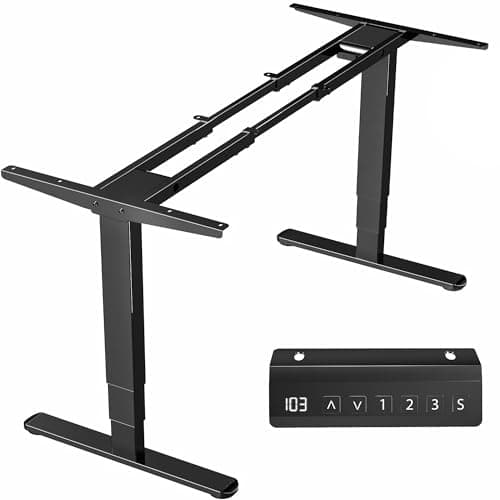
A sit-stand frame has a published tabletop range, and that range — not your preference — is the constraint. The VIVO electric frame below states it plainly: tops from 40 to 85 inches long and 23 to 43 inches deep, with a 3/4-inch minimum thickness. Buy a top outside that and the feet either overhang or the span sags.
A wide top on a two-leg frame also flexes more at standing height, which is the wobble most people blame on the motor. The wobble diagnosis order covers the fixes, and frame versus complete desk explains when buying the top separately is the cheaper route to an unusual width.
Measure the room, not just the wall
Three measurements that catch people out after the desk is built:
Chair pull-back. You need roughly 30 to 36 inches behind the desk edge to get the chair out and sit down. A desk that fits the wall perfectly can still make the room unusable.
Door and drawer swing. A 79-inch desk across a wall with a door at one end is a 79-inch desk you cannot walk past.
Carry-in path. Large tops do not bend around a stair turn. Check the longest dimension against your narrowest doorway before ordering, because a two-piece L-shape or a frame-plus-top build may be the only thing that gets into the room at all. L-shaped desks solve a corner and split the width across two shorter runs, which also solves the stairs.
When you cannot have the width
Most small-desk problems are solvable by moving things off the surface rather than buying a longer top: the screen onto an arm or a riser, the keyboard onto a tray, the machine onto an under-desk mount. The small space desk setup guide runs through the four moves in order, and the small desk roundupranks tops from 31 to 42 inches on whether an arm can clamp to them — which is the spec that decides whether a narrow desk works.