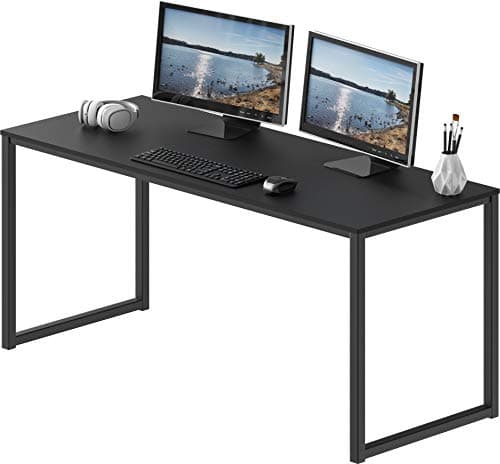
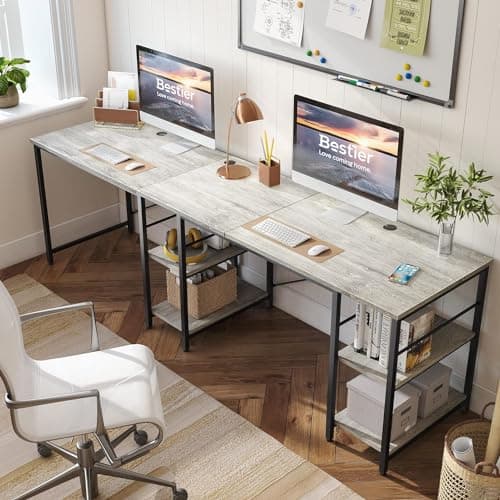
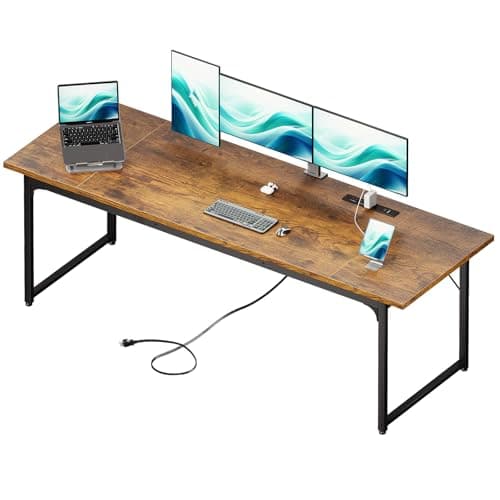
Two 27-inch monitors occupy about 48 inches of width side by side before you have a keyboard, a mouse, or a mug. That is the whole problem with dual-monitor desks: the panel width is predictable and the desk width people buy is not. Add clearance at each end and room to work between the screens and yourself, and 55 inches is the practical floor for two 24 to 27-inch panels, 60 to 72 inches is comfortable, and anything under 48 inches means one screen is hanging off the edge or sitting behind the other.
Start with the arithmetic, not the product page
A 24-inch 16:9 monitor is about 21 inches wide. A 27-inch is about 24 inches wide. So two 24s need 42 inches of pure panel and two 27s need 48. Then add the part people forget: on their bundled stands, monitors do not sit edge to edge, because the bases are wider than the panels and they collide before the screens do. That is typically another three to six inches. Which is why the honest floor for two 27-inch screens on stock stands is around 55 inches of desk, and why a dual monitor armchanges the calculation more than any desk on this page — it removes the bases entirely and lets the panels sit bezel-to-bezel.
The corollary is worth stating plainly: if your room can only take a 48-inch desk, buy the arm rather than a bigger desk. It is cheaper, and it buys back both the width the bases were using and the eight to ten inches of depth in front of them. If you have not fixed on a size yet, the desk width guide works the whole ladder out from what sits on the desktop, 40 inches to 79.
Depth is the spec that ruins dual setups
Width gets all the attention, and depth is what actually makes a two-screen desk workable. A monitor on its own stand claims eight to ten inches of depth before your keyboard lands, and two screens angled inward claim more at the corners than a single flat one does. On a 24-inch deep desk that leaves your keyboard at the front edge and the screens closer to your face than the ergonomic target. Aim for 28 to 30 inches of depth if the monitors will be on their own stands. If they are on arms, 24 inches is fine, because the arms push the panels back over the rear edge. The measurements behind that are in the monitor height and distance guide.
The detail nobody checks: can you clamp an arm to it?
Almost every good dual-monitor setup ends up on an arm, and almost every arm needs one of two things from the desk: a clear rear edge within the clamp’s thickness range, or a grommet hole. Three things break that, and all three are common. A modesty panel or back rail across the rear edge leaves nowhere for the clamp. A desk whose frame runs along the back edge does the same. And a top thinner or thicker than the clamp’s stated range simply will not tighten properly. Check for a clear stretch of rear edge and measure your desktop thickness before you buy either the desk or the arm — monitor arm vs stand covers the rest of that decision.
The other structural point is load. Two monitors plus a dual arm concentrates 30 to 50 pounds on one spot at the back of the desk. A thin particleboard top will visibly bow under that, which reads as a wobbly arm and is actually a flexing desk. A steel frame with the legs near the load, or a grommet mount through a solid top, is what stops it.
How this list is ranked
Usable width and depth carry the most weight, arm mountability next, and value last. Everything is judged from published manufacturer dimensions and the monitor-footprint math above rather than from a lab we do not have — see how we pick. If you want storage built into the desk as well, the desks with drawers roundup covers that axis, and for corner layouts specifically the L-shaped desks list goes deeper than the single corner pick here.
A third screen changes this arithmetic rather than extending it — three 27-inch panels are about 70 inches of glass. The three-monitor desk roundup runs those numbers.
How to size a desk for two monitors
Do it in four steps. First, measure the actual width of your two panels — the spec page gives you the number, and it is smaller than the diagonal implies. Second, decide stands or arms, because that decides whether you add the base allowance. Third, add at least six inches of clearance overall so the screens are not jammed against the ends. Fourth, check depth: 28 to 30 inches on stands, 24 is fine on arms. That fourth step is the one people skip, and how deep a desk should beworks it out properly — what the stands cost you in inches, what the keyboard zone needs, and how much depth an arm hands back.
Then sanity-check the room, not just the wall. A 79-inch desk needs somewhere for the chair to push back and a door that still opens. This is the point at which a lot of people discover an L-shaped desk fits a room a straight 79-inch top cannot, because the corner uses space that was already dead.
One last thing to plan while the desk is still a drawing: two monitors means at least two video cables, two power cables, and often a dock feeding them. That bundle is heavier and less forgiving than a single-screen run, and it wants a tray from the start rather than a retrofit — see the under-desk cable management roundup, or a dual-monitor USB-C dock if a laptop is driving both screens.