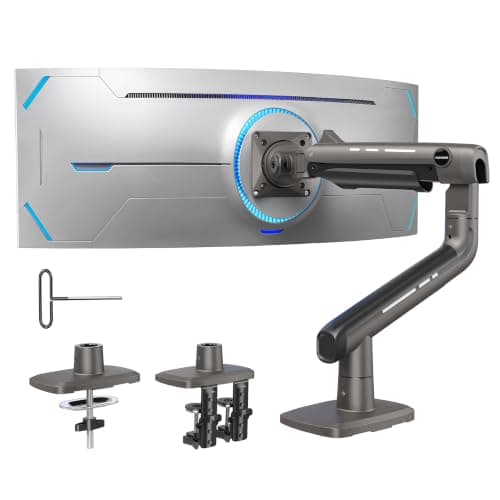
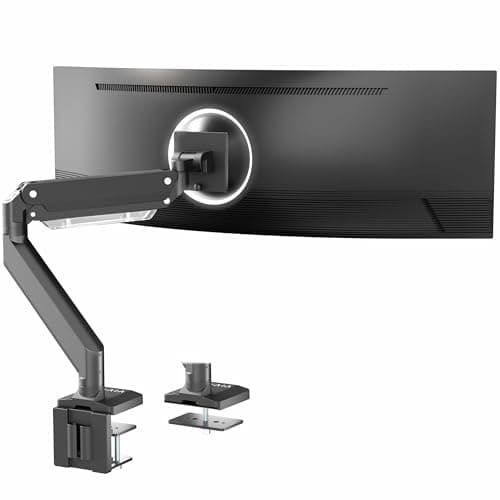
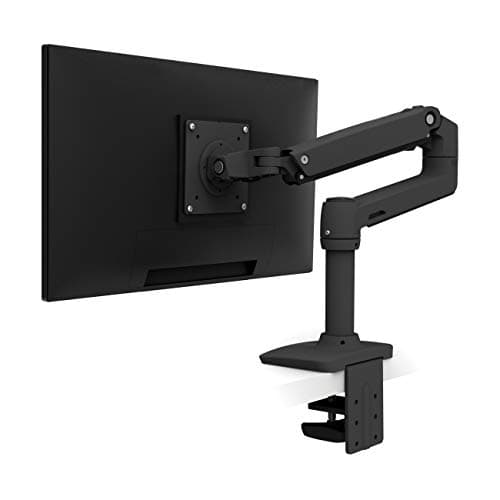
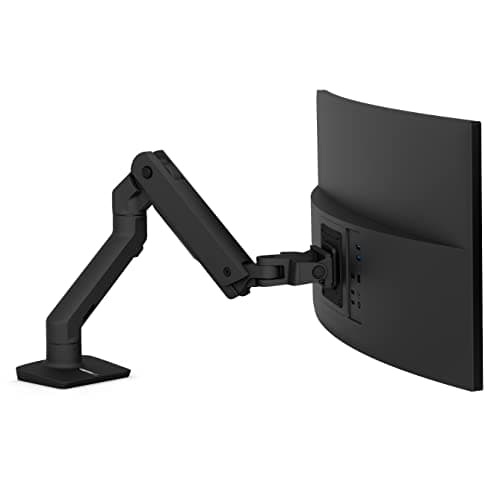
The reason a normal monitor arm fails under an ultrawide is not really weight, it is leverage. A 27-inch panel puts its mass close to the mounting plate. A 49-inch panel puts the same kind of mass out at the ends of a two-foot lever on each side, and every small movement at the plate becomes a large wobble at the edges. That is why arms rated for “32 inches and 17.6 lb” can hold an ultrawide in the sense that it does not fall off, and still be the wrong purchase: the panel droops, the tilt creeps, and the whole thing shivers when you type.
The one number to check before anything else
Find your monitor’s weight without its stand. It is on the manufacturer spec page, usually listed as “weight without stand” or “VESA weight,” and it is almost always several pounds lighter than the shipping weight people quote by mistake. Then buy an arm whose rating clears that number with margin rather than meeting it exactly. An arm held at the very top of its range is the one whose spring gives up first.
As a rough map of the category: a 34-inch ultrawide typically lands in the 15 to 22 lb range without its stand, a 38 to 40-inch panel in the 20 to 28 lb range, and a 49-inch panel in the 25 to 40 lb range. That maps onto three tiers of arm — 25 lb, 33 lb, and 42 to 44 lb — which is exactly how this list is ordered.
Why the clamp matters more here than anywhere else
A wide panel does not just push down on the desk edge, it twists it. Every time you swing the screen or nudge one corner, the clamp takes a rotational load a 27-inch monitor never applies. Two things fix it: a wider clamp footprint or two clamping points, and a thicker desktop. The HUANUO’s dual C-clamp is the clearest example of the first, and it is the reason it sits above better-known arms on this list for the heaviest panels.
The desk matters too. A thin particleboard top will flex under a heavy arm regardless of the arm’s quality, and the wobble you blame on the mount is actually the desk. If your desk is thin or hollow-core, a grommet mount through the top is usually steadier than an edge clamp, and a genuinely solid desk from the wide desks roundup is the real fix.
VESA: check the pattern, not just the presence
Most ultrawides use 100×100mm, but large-format panels sometimes use 200×200mm or 200×100mm, and a handful of Samsung and LG super-ultrawides use proprietary brackets that need the manufacturer’s own adapter. Only the Ergotron HX on this page natively covers up to 200×200mm. Confirm the pattern on your specific model before ordering — our VESA sizes guide covers how to read it off the back of the panel and what the adapter options are.
How this list is ranked
Weight capacity carries the most weight in the score here, because it is the spec that decides whether the arm works at all at this size. Build quality and adjustment range follow, and value is judged against what you are actually getting rather than the raw price. As everywhere on this site, the scores are judgments from published manufacturer specifications and aggregated owner reports, not measurements from a lab we do not have — see how we pick. If your panel is 32 inches or smaller, this is the wrong page and the general monitor arms roundup will serve you better and cheaper.
How to choose an arm for an ultrawide
Work through four checks in order and the shortlist writes itself. First, the panel weight without its stand, matched against the arm rating with margin to spare. Second, the VESA pattern — 100×100mm is safe on every arm here, anything larger narrows the field to the Ergotron HX. Third, the desk: measure the desktop thickness against the clamp range, and check there is a clear stretch of rear edge with no rail, back panel, or cable tray in the way. Fourth, the mount type — grommet through a solid top beats an edge clamp on a thin one.
One thing worth deciding up front is how much lift you actually need, because a bigger panel changes the answer. On a 27-inch screen the target is the top of the display at or just below eye level. On a 34-inch or 49-inch panel, the same rule applies to the top edge, which means the center of the screen sits lower than you might expect and you generally need less lift than on a small monitor, not more. Take the measurement in the monitor height guide at your own desk before you assume you need maximum travel.
Finally, plan the cable run at the same time. A wide panel on an arm swings through a much larger arc than a 27-inch one, and a DisplayPort cable cut to the length of the old stand position will pull tight at the far end of that swing. Leave slack, and route it with an under-desk kit once the arm is set rather than before.