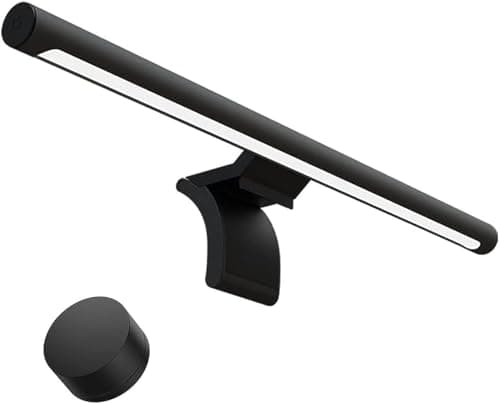
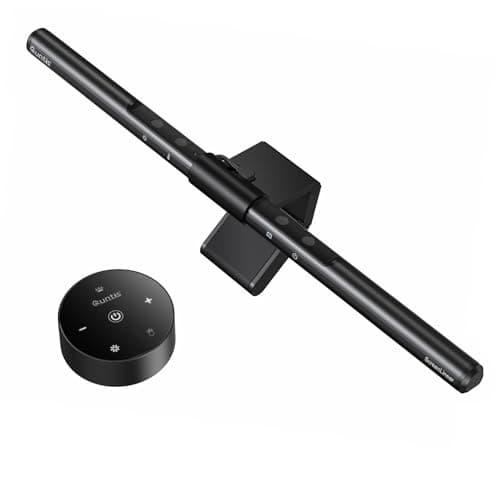
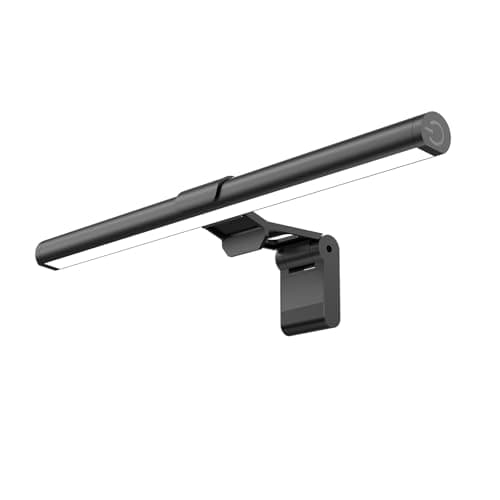
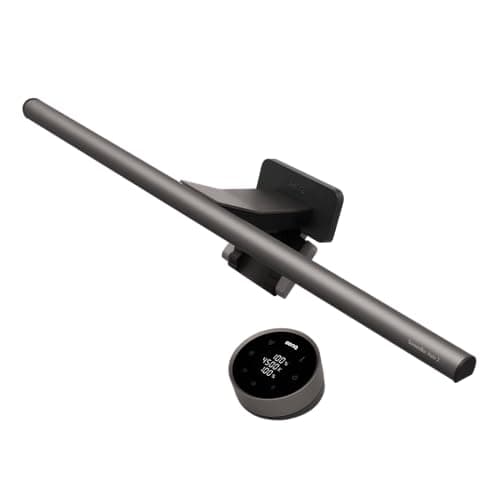
A monitor light bar solves a problem most people have and few name: working at a bright screen in a dim room. When the display is the only real light source, your eyes spend the evening ping-ponging between a glowing screen and the dark desk and papers around it, and that constant re-adjustment is a quiet, reliable source of end-of-day eye fatigue. The obvious fix — a desk lamp — usually trades one problem for another, because a lamp bright enough to light the desk also throws a reflection straight back off the screen. A light bar is the fix that does not.
The trick is where it sits and how it aims. A light bar rests on the top edge of the monitor, so it occupies zero desk space — nothing to knock, no base eating your keyboard room. And the good ones use an asymmetric optic: the lens is shaped to throw light forward and down onto the desk while cutting off the light that would travel back toward the screen. Done well, you get a bright, even pool of light across your keyboard and notes and not a single reflection on the panel. That one design choice is the whole reason to buy a bar instead of a lamp, and it is the first thing worth checking in any pick.
Beyond the optic, three specs separate a good bar from a token one. Adjustable color temperature lets you run a cool, alert white for daytime focus and a warm, low tone for the evening — the better bars sweep the full range from roughly 2700K to 6500K. A high CRI, or color rendering index, means the light shows the true color of whatever it falls on; a number in the 90s is what you want if you sketch, paint, or care how anything looks under the light. And auto-dimming, driven by a small ambient sensor, reads the room and trims the brightness so the desk stays evenly lit as daylight fades, without you reaching for a dial. We explain how we weigh those against build and price on how we pick.
Two practical notes before you choose. Check the monitor: most bars sit on a flat or gently curved panel with a weighted, no-clamp cradle, but a very thin OLED edge or a heavily curved screen can be a poor perch, so confirm the fit. And think about the rest of the light in the room — a bar is task light for the desk, not room light, and it works best alongside a little ambient light rather than in a pitch-black room. For where lighting sits in the whole build, the desk setup guide puts it after the screen and the arm; if your screen is still too low to perch a bar on comfortably, a monitor arm fixes the height first.
How to choose a monitor light bar
The asymmetric optic is the feature that defines the category, so start there. A proper light bar shapes its lens to throw light forward and down onto the desk while blocking the light that would bounce back off the screen. If a bar does not do this, it is just a small lamp balanced on your monitor, and it will put a reflection on the panel. Confirm the bar is designed to keep light off the screen before anything else.
Next, look at color temperature and CRI. An adjustable color temperature lets you run a cool white for daytime focus and a warm tone for the evening; the better bars cover roughly 2700K to 6500K. CRI, the color rendering index, describes how truthfully the light shows color, and a figure in the 90s matters if you draw, paint, or judge color under the light.
Auto-dimming is the convenience feature worth paying for if you can. A small ambient sensor reads the room and trims brightness as daylight fades, so the desk stays evenly lit without you touching a control. Where a bar skips it, you adjust by hand, which is fine but less effortless.
Finally, check power, controls, and fit. Nearly all bars run on USB from the monitor or a hub, so there is no extra plug. Controls range from a wireless dial to a remote to touch pads on the bar itself; a dial is the nicest to live with. And confirm the weighted cradle suits your screen, since a very thin or deeply curved panel is a poor perch.