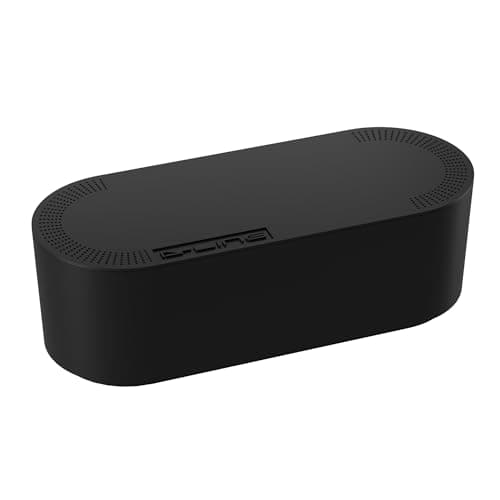
Cable management is the last ten percent of a desk build, and it is the part that decides whether a pile of good gear reads as one deliberate setup or a nest of black spaghetti. The good news is that the whole job comes down to four moves you do once: consolidate power to a single feed, hide the strip and the power bricks, route the runs through a tray or raceway, and bundle what is left with reusable ties. Do it properly and you never think about it again.
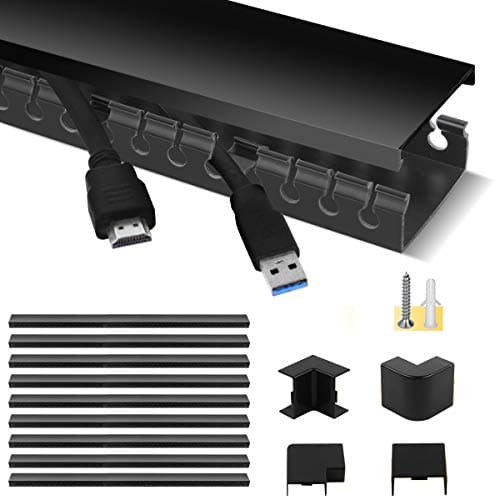
Start with power, because a tangle of separate cords each reaching its own outlet is what makes the floor look chaotic. Put one surge-protected strip in a single spot and run just that one cord to the wall, then plug every adapter into it so no brick dangles in mid-air. The single most satisfying piece here is a lidded cable box: it swallows the strip and the coil of excess cable and turns the ugliest part of the setup into a closed shape you never see. Our winner, the D-Line box, exists to do exactly that one job, which is why it leads the list even though it is the simplest thing on it.
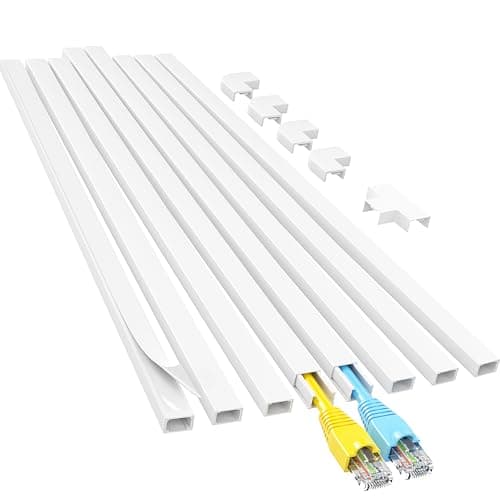
With power consolidated, the next question is how the remaining runs get from the desktop to the floor without hanging in the open. A tray mounted under the desk holds the mass of slack out of sight from any normal sitting angle; a raceway covers the vertical run down a leg or along a wall; and an on-wall cord concealer hides a single visible cable — a monitor or TV feed — against paintable channel you can match to the wall. Which combination you need depends on whether the outlet sits behind the desk or across the room, so read each piece’s mounting notes before you buy rather than assuming one part does everything.
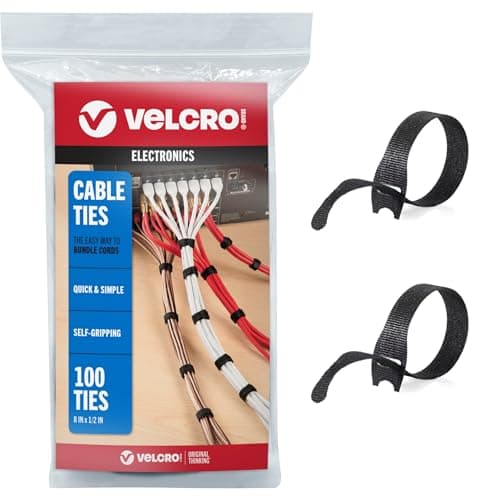
Whatever is left, bundle it — but with reusable hook-and-loop straps, not zip ties, so swapping one cable later does not mean cutting the whole harness apart. And if you run a sit-stand desk, leave deliberate slack: every cable from the desktop to the wall gets longer as the desk rises, and a bundle managed tight while the desk is low will pull taut at the top of its travel. The full step-by-step lives in our guide to managing cables under a desk; if a single dock could erase half your cables before you manage anything, start with the best USB-C docks for dual monitors; and how we pick explains how these picks are ranked.
How to choose under-desk cable management
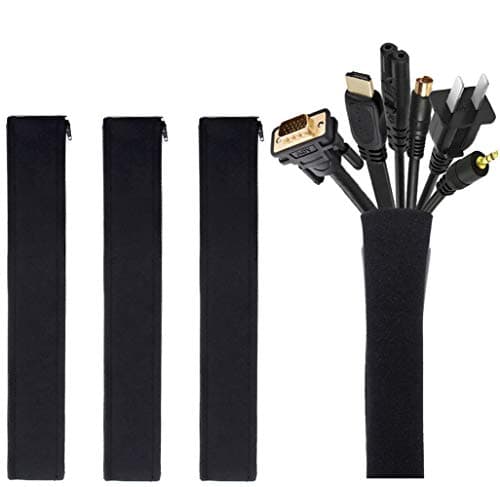
There is no single product that does the whole job, so the first step is to match the piece to the problem in front of you. A box hides the pool of cable and the power strip at the outlet. A raceway or cord concealer hides the visible run along a wall or down a desk leg. Reusable ties and a sleeve gather the loose bundle so it looks intentional rather than accidental. Most desks want two or three of these, not one.
The next thing to check is how each piece mounts. A box is freestanding and needs no tools, which makes it the easy win. A raceway or concealer usually relies on adhesive backing, and adhesive is only as reliable as the surface under it — smooth painted drywall holds, heavy texture and brick do not, and those runs may want screws instead. Confirm the mounting method fits your wall before you commit to a peel-and-stick channel.
Do the job in order: power first, then routing, then bundling. Put one surge-protected strip on a tray or in a box so a single cord leaves the desk, route each device down to it, then strap the runs with hook-and-loop rather than zip ties so a future swap takes seconds. If your desk raises and lowers, leave a deliberate loop of slack in every run and route it so the loop can open and close freely, because a cable managed tight while the desk is low will strain at full height. Finally, favor fire-retardant plastic anywhere power is concentrated — it is the right material for a box full of adapters, and it costs nothing extra to choose it.