Desk shopping is done in width. You picture the desk against the wall, you measure the wall, you buy the widest thing that fits. Depth is the number on the second line of the listing, and it is the one that decides whether a big monitor can sit far enough away to be comfortable, whether your keyboard has room in front of it, and whether your knees hit something every time you push the chair in. Most of the desks people regret are the right width and the wrong depth.
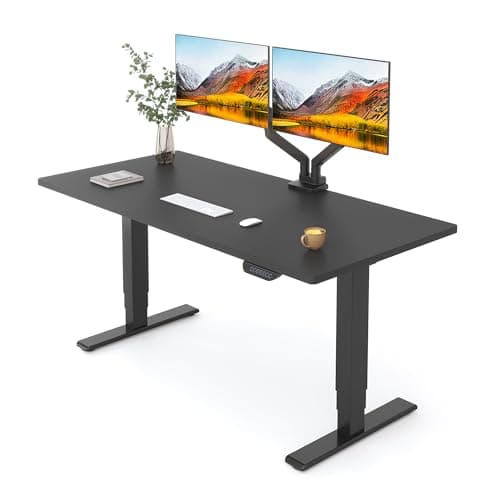
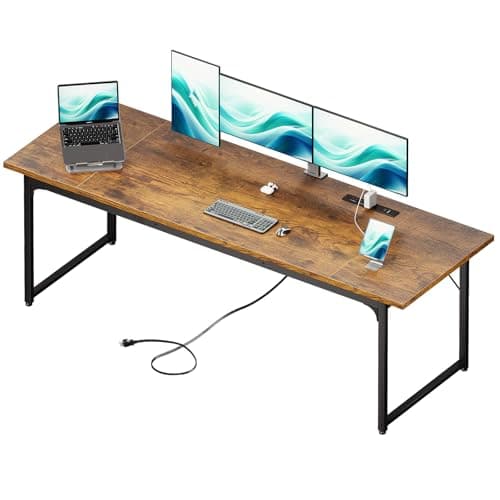
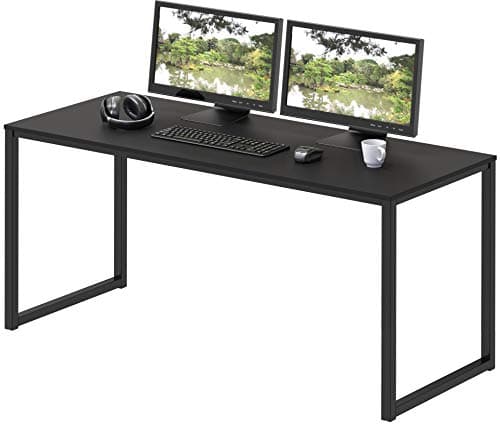
The short answer first, because it is the question people actually search. Across the desks we track on this site, depth runs from about 19.7 inches on a small-space desk to 30 inches on a large fixed slab, and 24 inches is far and away the most common figure— it is what the budget fixed desks, most 48-inch sit-stand tops and nearly every flat-pack office desk ship at. Twenty-eight and 30-inch tops exist, but they are the exception and they cost more. So if you are asking what the average computer desk depth is, 24 inches is the honest answer, and the rest of this page is about whether 24 is enough for you.
Usable depth is not the number on the box
The depth you buy and the depth you get are different numbers, because three things take a bite out of it before you sit down.
The monitor stand is the big one, and it is measurable. Dell publishes both figures for its 34-inch UltraSharp U3423WE: 9.3 inches deep with the stand attached, and 2.3 inches for the panel on its own. That is a seven-inch strip of desk that exists only to hold the screen up. Take a 24-inch desk, subtract the stand, and the space in front of the screen is down to about 17 inches before you have put anything on it.
The wall gap is the quiet one. A desk pushed flat against a wall still needs two to three inches behind it for a plug, a cable drop and, in most rooms, a baseboard that holds the desk off the wall anyway. Nobody lists this, and everybody loses it. The same inventory exercise decides the other desktop dimension: how wide a desk should be adds up screen footprint, keyboard zone and clamp room instead of depth.
The keyboard zone is the one you can size from published specs. The manufacturers who build under-desk keyboard trayshave already solved this problem: VIVO’s tray platform is 11 inches deep, StarTech’s is 10. They chose those numbers because that is what a keyboard, a mouse and the front of your forearms occupy. So reserve 10 to 11 inches of the desk for the input zone and treat it as non-negotiable.
Put the three together on a 24-inch desk: about 3 inches lost to the wall gap, 7 to the monitor stand, 10 to 11 to the keyboard zone. That leaves roughly 3 or 4 inches of clear desktop, and it explains why a standard desk feels crowded the moment a coffee cup and a notebook arrive. The desk is not small. It is fully allocated.
Match the depth to the screen, not to the room
The reason depth matters more now than it did ten years ago is that screens got wider. A panel has to sit far enough back that you can take the whole thing in with your eyes rather than your neck, and the wider the panel, the further back that is. The site’s ultrawide size guide works the geometry out in full; the depth consequences are these:
- A single 24 to 27-inch screen: 24 inches of desk is genuinely fine, and comfortable if the screen is on an arm rather than a stand.
- Two 27-inch screens, or a 34-inch ultrawide: aim for 28 inches. You can do it at 24 with an arm, and you will be sitting closer than is ideal.
- A 45 or 49-inch panel:30 inches, and not because the panel is deep — because a 47-inch-wide screen needs roughly 30 inches of viewing distance before the far thirds stop requiring a head turn.
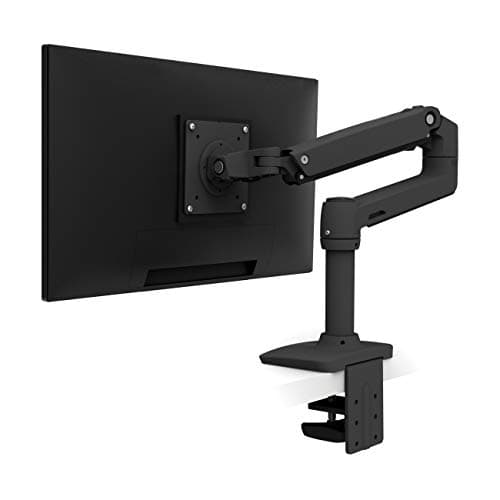
Notice what that list implies: for most people, depth is bought to create distance, not to hold anything. That is why the cheapest solution is so often a monitor armrather than a bigger desk — an arm pushes the panel back over the rear edge and deletes the stand’s footprint at the same time. Dual setups have their own version of this arithmetic, in what size monitors for a dual setup.
Your knees are a depth spec too
Everything above is about the top of the desk. Underneath it, depth decides whether you can get your legs in. The clear space you need runs from the front edge backward at knee and shin height, and it is reduced by every single thing mounted under there: a drawer pedestal, a cable tray fitted too far forward, a keyboard tray and its track, or a tower hung on an under-desk PC mount. A desk with 30 inches of top and a pedestal at each end can have less usable legroom than a 24-inch desk with a clear underside.
The test takes ten seconds: sit at the desk as you normally would, then cross one ankle over the opposite knee. If you cannot do it without hitting something, the underside is too crowded regardless of what the top measures. Fix that before you buy depth you already own.
Standard depths, and what each one is actually for
These are the rungs you will meet, with what each one comfortably carries:
- 19 to 20 inches. Small-space and writing desks. A laptop or one screen on an arm. There is no room for a stand-mounted monitor and a keyboard both.
- 22 inches. Common on desks with a drawer unit built in. Workable for a single screen; tight the moment the screen is on its own stand.
- 24 inches. The default. One or two screens on arms, one screen on a stand. This is the rung most people own and the rung most people outgrow.
- 28 inches. The sit-stand sweet spot. Dual 27s or a 34-inch ultrawide with room in front to write.
- 30 inches and up. Big fixed slabs. What a 45 or 49-inch panel wants, and what a triple-monitor rig needs to avoid the outer screens being unreadable.
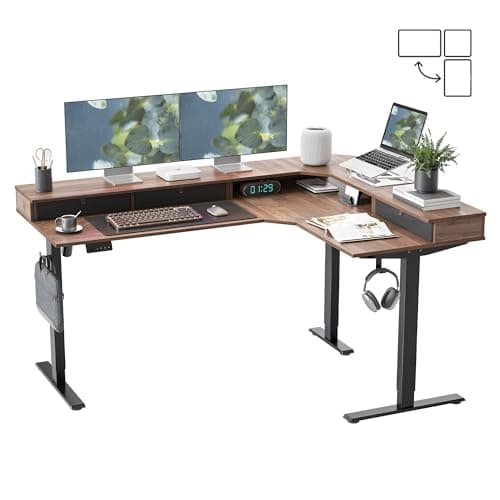
- L-shaped corners. A special case: the diagonal at the corner gives you far more effective depth than either leg of the L, which is why a corner desk can seat a huge screen in a room that has no wall long enough for a deep rectangle.
How to buy depth you do not have
Replacing the desk is the expensive answer and usually the last one worth trying. In rough order of value:
- Put the monitor on an arm.Cheapest depth on this page: it returns the stand’s footprint (about seven inches on the Dell measured above) and lets you push the panel back over the rear edge.
- Pull the desk off the wall. If cables allow, four inches forward is four inches of viewing distance, and it costs nothing.
- Move the keyboard below the top.A keyboard tray takes the 10 to 11-inch input zone off the desktop entirely, at the cost of knee clearance — a trade worth making only if the underside is currently empty.
- Turn the layout into a corner. An L-shape buys diagonal depth without a deeper wall.
- Then, and only then, buy a deeper top. On a sit-stand desk you can often replace the top alone and keep the frame, which is much cheaper than a new desk.
Depth or width: which to spend on
If you have to choose, buy depth. Width problems are visible and easy to work around — things sit closer together, or one item moves to a shelf. Depth problems are invisible and structural: you cannot make a screen further away than the desk allows, and sitting too close to a large panel is the single most common complaint from people who bought the right monitor for the wrong desk. Width is comfort. Depth is whether the setup works at all. Both decisions sit inside the sequence in the complete desk setup guide, and the height half of the question — which matters just as much and is easier to fix — is in how high your desk should be. If the depth you have is already fixed and small, the order of moves that recovers the most of it is in our small space desk setup guide.
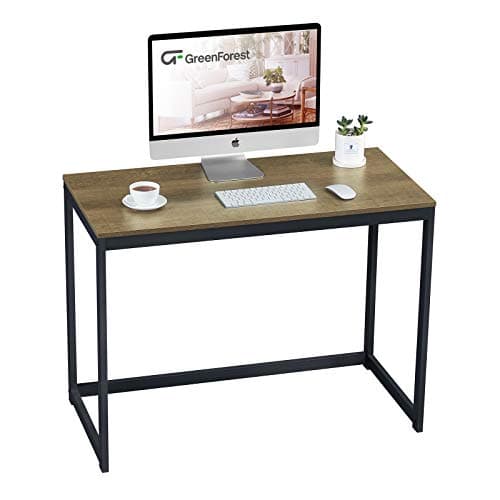
The picks below are the pieces that solve a depth problem, starting with the one that costs least and ending with the desks themselves. Every dimension quoted is the manufacturer or listing figure for that product, not an estimate.