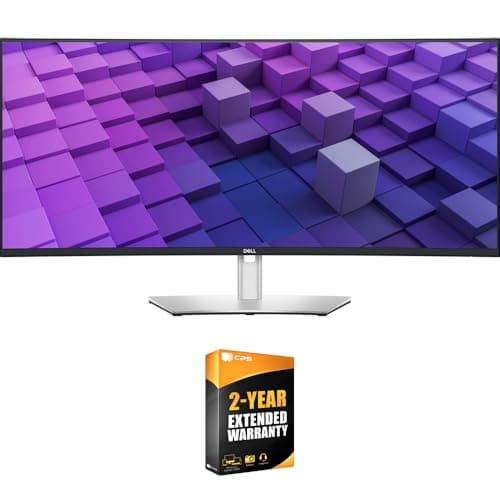
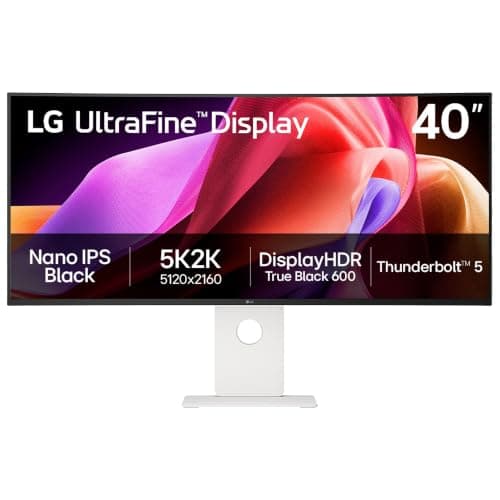
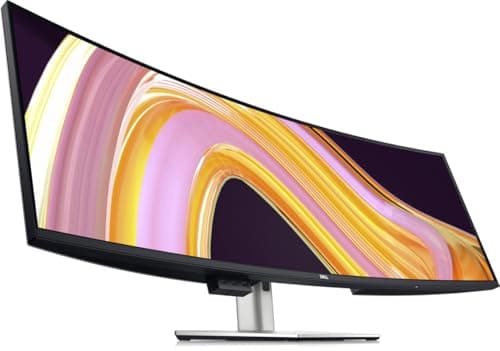
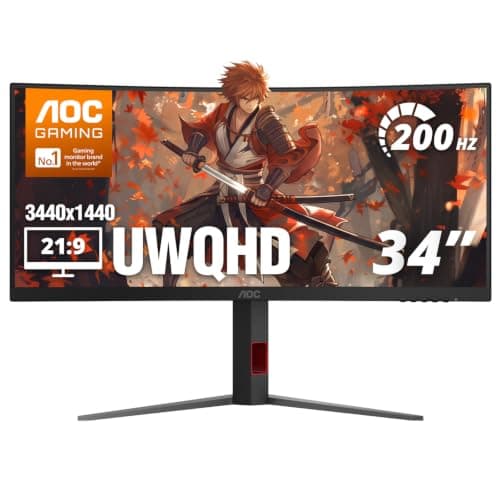
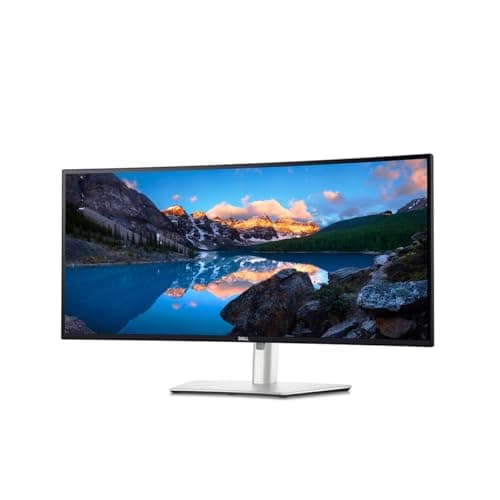
For work the ultrawide to buy is the Dell UltraSharp U3425WE: 34 inches of 3440 x 1440 on an IPS Black panel, with Thunderbolt 4 at 90W, a 2.5 Gigabit ethernet port and a built-in KVM hub behind it — one cable to the laptop, one keyboard across two machines, and a wired network from the screen. The budget pick is the AOC CU34G4H, which gets you the same 3440 x 1440 geometry for a fraction of that, with no hub at all. And if the reason you want an ultrawide is that you are replacing two 27-inch monitors, the Dell UltraSharp U4924DW is the literal answer: 5120 x 1440 is two 27-inch QHD panels side by side, with no bezel down the middle.
The reason this needs its own page is that almost every ultrawide list is written for gaming, where the ranking is refresh rate and response time. At a desk you do work on, those two specifications are close to irrelevant and four others decide whether the monitor is any good: how much power it sends back to the laptop, whether it has an ethernet port, whether it can switch a keyboard between two computers, and whether the aspect ratio matches the windows you actually keep open.
The four work specifications, panel by panel
| Monitor | Geometry | Host charging | Ethernet | KVM |
|---|
| Dell UltraSharp U3425WE 34″ | 3440 x 1440, 1900R curve | Thunderbolt 4, 90W | 2.5GbE | Yes |
| Dell UltraSharp U3824DW 38″ | 3840 x 1600, 2300R curve, about 111 PPI | USB-C, 90W | 2.5GbE | Yes, auto |
| LG 40U990A-W 40″ | 5120 x 2160 (5K2K), curved | Thunderbolt 5, 96W | RJ45 | Not published |
| Dell UltraSharp U4924DW 49″ | 5120 x 1440 (32:9), curved | USB-C with power delivery | RJ45 | Not published |
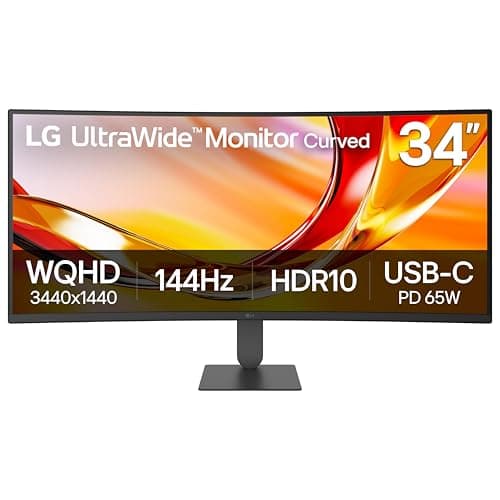
| LG 34U640B-B 34″ | 3440 x 1440, 1800R curve | USB-C, 65W | No | No |
| AOC CU34G4H 34″ | 3440 x 1440, 200Hz | No | No | No |
Two cells say “not published” rather than “no”, because a KVM is a firmware feature that makers do not always list and we are not going to assert its absence from silence. Where a maker publishes one — the two 34 and 38 inch UltraSharps here — we have said so.
21:9 or 32:9, decided by your windows
The honest way to choose the aspect ratio is to look at what you keep open, not at the diagonal. A 21:9 panel at 3440 x 1440 is about one and a half 27-inch QHD screens: a comfortable code window plus a browser, or a timeline plus a preview. A 32:9 panel at 5120 x 1440 is exactly two of them, which is why it is the right answer for anyone replacing a dual-monitor setup and the wrong one for anyone who only ever used the second screen for Slack. Ultrawide versus dual monitors makes that case properly and 34 versus 49 inch is the direct size comparison.
The one geometry worth calling out separately is the 5K2K panel. At 5120 x 2160 the LG 40U990A-W is the only ultrawide here with 4K-class vertical resolution, which means it is the only one where the height is not a compromise — most ultrawides are 1440 or 1600 pixels tall, and the difference shows up immediately in a long document. If you have been searching for a 4K ultrawide specifically, that is the panel the phrase describes.
Desk width before anything else
A 34-inch ultrawide is about 32 inches wide; a 38-inch is about 35 inches of glass before the bezel; a 49-inch wants most of a 55-inch desk and a stand slide to position it. Measure the desk first, then the clearance behind it for the stand base or the clamp of an arm. Ultrawide monitor sizes has the physical dimensions worked out, and the desk width guide is the other direction of the same measurement. Every panel here takes a 100 x 100mm VESA mount, but a wide and heavy one needs an arm rated for it — arms for ultrawide screens is the page, not the general arm roundup.
Why the hub matters more than the panel at a work desk
On a desk you work at, the monitor is the thing every cable ends up behind. A panel with a Thunderbolt or USB-C hub turns the whole setup into one cable to the laptop: video, data, the keyboard and mouse, the network and the charge. That is not a convenience feature, it is the difference between docking in one second and docking in four cables. The wattage is the number to check against your own laptop: 65W suits a thin ultrabook, 90 to 96W suits most 14 to 16 inch machines, and a workstation laptop under load can want more than any monitor here provides. USB-C monitor versus docking station is the arithmetic if you would rather keep the hub separate, and the Thunderbolt dock roundup is the shortlist for that route.
Curved or flat, for text
Every ultrawide here is curved, and at this width that is the right default rather than a styling choice: on a 34-inch or wider panel the far edges of a flat screen sit noticeably further from your eyes than the centre, which shows up as softer text at the extremes. The radius figure is the curve: 1800R is tighter than 1900R, which is tighter than 2300R. Tighter suits a closer seating position. Curved versus flat monitors covers when flat is still the better answer, which is mostly design work where straight lines have to be verified by eye.
The two-computer case, which is where ultrawides earn their keep
An ultrawide with a built-in KVM is the tidiest two-machine desk there is: the monitor switches its own input and takes the keyboard and mouse with it, so one button moves everything. Two of the picks above publish that. If yours does not, a standalone switch behind the monitor does the same job — the KVM roundup ranks those, and two computers, one desk works through all four routes including a dock per machine. One caveat worth knowing before you commit: a Bluetooth-only mouse cannot follow a KVM, which is why our wireless mice page ranks on the radio rather than the shape.
What to skip at a work desk
- High refresh rate. The AOC here publishes 200Hz and the LG 34U640B-B 144Hz. Neither does anything for a spreadsheet. If the same screen does double duty in the evening it is a free bonus; it is not a reason to pay more.
- HDR claims under DisplayHDR 600. On a work panel they change very little in the applications you spend the day in.
- Built-in speakers as a plan. They are fine for a meeting and poor for anything else — desk speakers and a proper headset both beat them for less than the price difference between two of these monitors.